
In software testing, few things are more frustrating than slow, flaky automation. Teams often spend hours chasing false positives or struggling to keep multiple tools in sync—one for UI, another for APIs, and a third for components. That’s the problem the Playwright testing framework set out to solve.
In this guide, we’ll explore how Playwright was developed, why it’s so powerful, its pros and cons, common use cases, and where it stands among other testing frameworks.
What is the Playwright testing framework?
The Playwright testing framework is an open-source solution created by Microsoft to help teams automate browser testing across Chromium, Firefox, and WebKit. Unlike older tools that were designed only for UI checks, the Playwright automation framework unifies multiple types of testing—end-to-end, API testing, and component testing—into one ecosystem.
For product teams, this means you don’t need separate tools for each layer of quality assurance. You can run Playwright tests to validate user journeys in the browser, confirm backend responses, and even perform Playwright component testing in isolation. The result is broader coverage, faster feedback, and fewer blind spots in your QA process.
The Playwright framework was built for modern web applications that rely heavily on JavaScript and need to work consistently across browsers and platforms. Its auto-waiting, parallelization, and debugging tools make it more reliable and efficient than legacy options. And because it’s open source, it has the backing of an active community plus the stability of Microsoft’s support.
Playwright test automation also integrates seamlessly into DevOps pipelines, making continuous testing with Playwright a practical reality. By embedding tests into CI/CD workflows, teams can catch regressions earlier, deliver with confidence, and reduce the risk of costly production incidents.
In short, the Playwright testing framework is a comprehensive, modern platform designed to help teams move faster without sacrificing quality.
What was the motivation behind the development of Playwright testing?
The Playwright testing framework wasn’t created in a vacuum. It was developed by a team at Microsoft who had previously worked on Google’s Puppeteer project. While Puppeteer made browser automation more accessible, it also highlighted the limitations that product teams faced when trying to scale testing for modern applications.
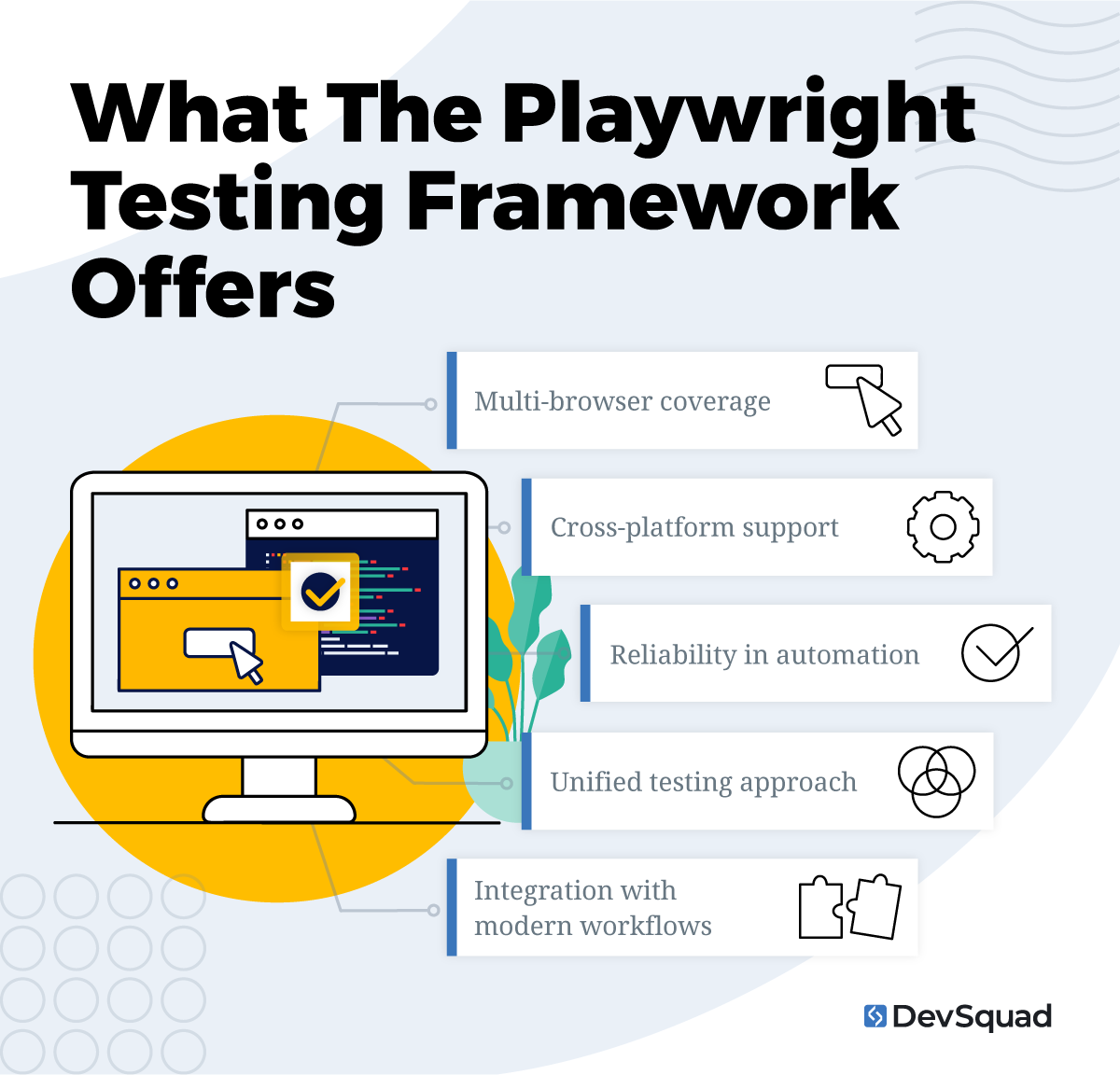
The motivation behind Playwright was to build an automation framework that solved these common challenges:
Multi-browser coverage: Puppeteer worked well for Chromium but didn’t extend easily to Firefox or WebKit. Teams needed a framework that could run tests consistently across all major browsers.
Cross-platform support: Modern SaaS products run on Windows, macOS, and Linux. Playwright was designed to deliver the same reliability across environments.
Reliability in automation: Legacy frameworks often suffered from flaky tests because they didn’t handle waiting or timing issues gracefully. Playwright introduced auto-waiting and robust selectors to make automation more dependable.
Unified testing approach: QA teams were forced to use separate tools for different layers of testing—UI, API, and components. Playwright’s motivation was to consolidate these into a single framework.
Integration with modern workflows: Companies needed tools that could fit directly into CI/CD systems. Playwright was built with continuous testing in mind, making it a natural fit for DevOps pipelines.
Playwright was motivated by the need to eliminate tool sprawl, reduce flaky results, and provide a single framework capable of supporting the complexity of today’s digital products.
How was Playwright testing developed?
The Playwright testing framework was developed at Microsoft in 2019 by the same engineers who had previously built Google’s Puppeteer. Their first-hand experience maintaining Puppeteer gave them a clear view of both its strengths and its shortcomings. With Playwright, they set out to design a more flexible, cross-browser, and future-proof automation framework.
From the start, the goal was not just to automate Chromium browsers, but to cover the full ecosystem:
Chromium (Chrome and Edge)
WebKit (Safari)
Firefox
By supporting these engines equally, Playwright removed the gap that had forced teams to run separate tools for different browsers.
Another early design choice was to unify testing layers. Where other frameworks required one tool for UI testing, another for API validation, and yet another for component testing, Playwright was built to let teams run Playwright tests for all three within the same project. This consolidation reflected the growing demand for faster development cycles and seamless integration with DevOps workflows.
Technically, Playwright was built with TypeScript and JavaScript at its core, but quickly expanded support for Python, Java, Node.js and .NET, making it versatile for diverse engineering teams. Under the hood, it leveraged modern automation techniques like auto-waiting, robust locators, and parallel execution to address the test flakiness that plagued legacy frameworks.
Over time, the framework grew beyond its initial scope. Component testing and Playwright API testing were introduced, making Playwright more than a browser automation tool. Today, it’s recognized as a full framework for end-to-end, component, and API validation—with a growing open-source community and strong corporate backing to ensure stability and innovation.
The pros and cons of the Playwright testing framework
Like any tool, the Playwright testing framework comes with advantages and tradeoffs. Understanding both sides will help you decide if it’s the right fit for your product and testing strategy.
Pros of the Playwright testing framework
Here are the reasons Playwright is so awesome:
Unified testing approach: Supports UI, API, and component testing in one Playwright automation framework, reducing tool sprawl.
Cross-browser coverage: Works across Chromium, Firefox, and WebKit, ensuring consistency for users no matter which browser they choose.
Cross-platform support: Reliable across Windows, macOS, and Linux, making it flexible for distributed teams.
Open source: Free to use, with a rapidly growing community contributing improvements.
Strong Microsoft backing: Ensures long-term stability and active development.
Modern language support: Compatible with JavaScript/TypeScript, Node.js, Python, Java, and .NET, so teams can use the languages they already know.
Speed and reliability: Features like auto-waiting, parallel execution, and robust locators reduce flaky results.
CI/CD integration: Built for DevOps pipelines, enabling continuous testing with Playwright in modern workflows.
Scalable test automation: Can handle everything from small regression checks to enterprise-scale suites.
Cons of the Playwright testing framework
Nothing’s perfect, so here are some of the ways that that’s true for Playwright:
Learning curve: Teams transitioning from Selenium or Cypress may need time to adjust to Playwright’s conventions.
Resource intensity at scale: Running very large suites may require infrastructure optimization (e.g., cloud runners, container orchestration).
Younger ecosystem: Compared to Selenium, there are fewer long-established plugins and less legacy documentation.
Limited non-web support: Playwright doesn’t natively cover mobile apps; other frameworks like Appium are required for that.
Ongoing maintenance: Like any playwright framework, tests must evolve alongside the product, which requires continuous investment.
In the end, we find the pros outweigh the cons, particularly for SaaS and digital products that prioritize speed and reliability. Playwright reduces complexity by consolidating multiple testing needs under one framework, giving teams a faster and more confident path to market.
5 common use cases of Playwright testing
The Playwright testing framework is both versatile and built to solve real problems faced by modern software teams. Here are five of the most common and impactful ways teams use Playwright.
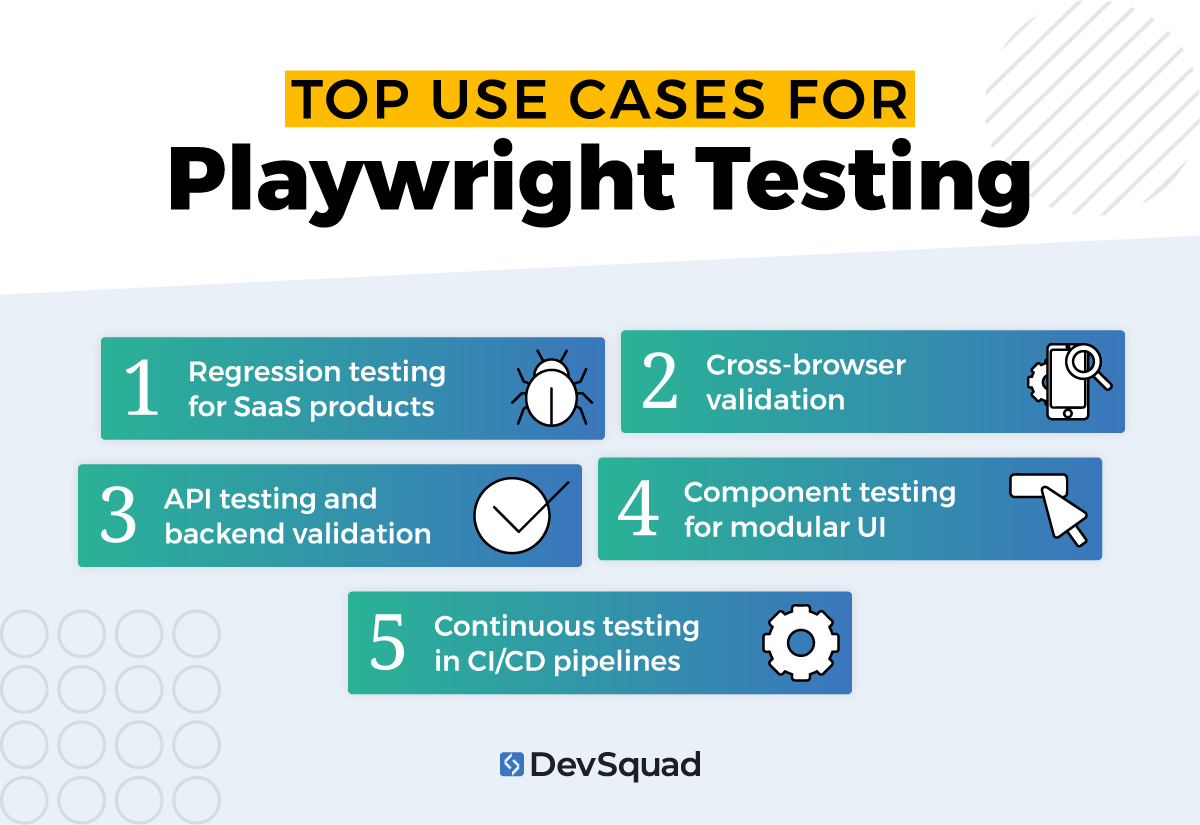
1. Regression testing for SaaS products
Regression issues are one of the biggest risks for fast-moving SaaS teams. With Playwright test automation, you can automate regression testing and run suites that confirm core workflows (sign-up, login, billing, dashboards) still function after each release. By automating these checks, teams reduce the risk of shipping bugs that impact customer trust or revenue.
2. Cross-browser validation
Customers don’t stick to one browser, and neither should your testing strategy. The Playwright framework supports Chromium, Firefox, and WebKit, enabling you to validate functionality across Chrome, Edge, Safari, and Firefox with a single test suite. This ensures a consistent experience, no matter how users access your app.
3. API testing and backend validation
With built-in support for Playwright API testing, you can verify that backend services deliver accurate responses. This is especially valuable for products with heavy data exchange or integrations. Running API tests alongside UI tests verifies that the entire system works together as expected.
4. Component testing for modular UI
Modern frameworks like React, Vue, Angular, and Svelte rely on modular UI components. Playwright component testing allows teams to validate these building blocks in isolation before they’re rolled into end-to-end workflows. This approach reduces defects early and speeds up development.
5. Continuous testing in CI/CD pipelines
Playwright was built with DevOps in mind. By embedding tests into pipelines, teams can implement continuous testing with Playwright—automatically running tests on every pull request, build, or deployment. This provides instant feedback and prevents broken code from reaching production.
The top Playwright framework alternatives
1. Cypress
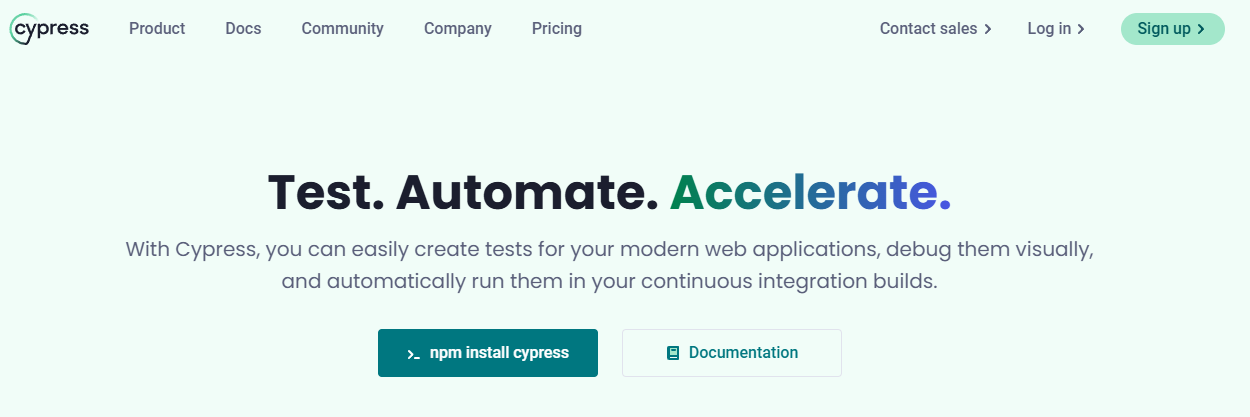
Cypress is a modern, JavaScript-based testing tool designed with front-end developers in mind. Unlike the Playwright automation framework, which was built to unify UI, API, and component testing, Cypress focuses primarily on browser-based UI testing.
Its architecture runs tests directly inside the browser alongside your application, giving testers real-time visibility into execution. Features like automatic waiting, live reloads, and “time travel” debugging—where you can hover over commands to see the exact state of the app at that moment—make troubleshooting faster and more intuitive.
Cypress also comes with everything you need out of the box: a test runner, assertion library, and built-in mocking and stubbing. This makes setup simple, especially for teams working on single-page applications (SPAs) built with React, Vue, or Angular.
When you might consider this alternative: Cypress is a strong choice if your team values rich, in-browser visibility during test execution and primarily works in Chromium-based environments. It’s best suited for SPAs where quick feedback is more important than broad browser coverage. However, it’s less ideal if you need full cross-browser testing or support for complex multi-tab and cross-origin workflows—areas where the Playwright framework excels.
2. Selenium
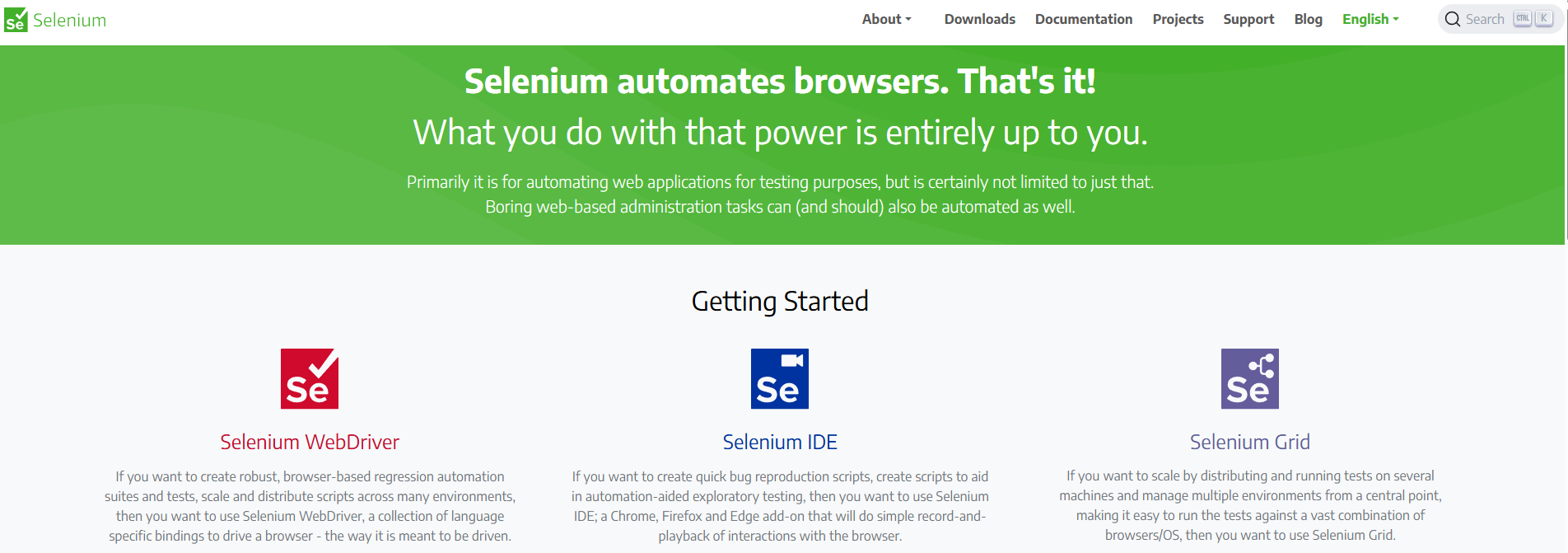
Selenium is one of the most established software testing frameworks in the industry, with a long history and a vast global user community. Unlike the newer Playwright automation framework, Selenium has been around for decades and is deeply integrated into many enterprise QA stacks.
It supports multiple programming languages (Java, C#, Python, JavaScript, Ruby) and all major browsers, making it highly flexible across diverse tech environments. Selenium WebDriver enables direct communication with browsers, so teams can run tests locally, in the cloud, or across distributed grids.
Its maturity means there is abundant documentation, community support, and integrations with CI/CD systems. But as a lower-level framework, it often requires more time to stabilize tests, configure environments, and reduce flakiness compared to modern solutions.
When you might consider this alternative: Selenium is best suited for organizations with existing investments in Selenium infrastructure or custom test frameworks, or for those that need a highly adaptable tool to support legacy systems and diverse environments.
3. TestComplete (by SmartBear)
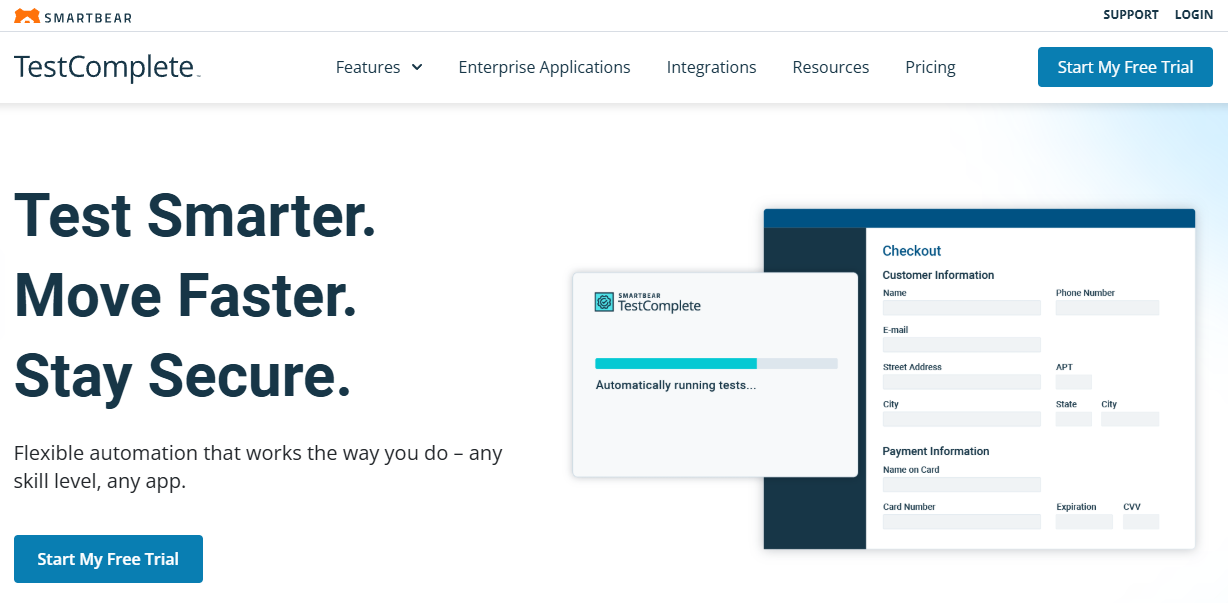
TestComplete is a commercial automation platform designed for enterprises that need wide application coverage and advanced AI-enhanced features. Unlike the open-source Playwright framework, TestComplete offers both scripted testing (in Python, JavaScript, VBScript, and more) and a scriptless record-and-playback mode, making it accessible to both developers and non-technical testers.
Recent advancements with SmartBear’s HaloAI streamline test creation and maintenance. Features like AI-powered test data generation, self-healing tests, and visual testing help reduce manual work while improving reliability. TestComplete also supports complex scenarios such as OCR validation for dynamic content like PDFs and scanned documents.
Enterprises with strict compliance requirements will find its offline use, local data storage, and security-conscious options especially appealing. The tradeoff is cost—TestComplete is a licensed product, and pricing may be higher than open-source frameworks like Playwright.
When you might consider this alternative: TestComplete is a strong fit for enterprises with complex UI requirements, strict security or compliance needs, and QA teams that want to accelerate automation with AI-driven capabilities.
Getting the most out of the Playwright testing framework
The Playwright testing framework is powerful, but the value you get depends on how it’s set up and maintained. Without a clear strategy, even the best framework can lead to flaky tests, wasted time, and missed opportunities for faster releases. With the right foundation, however, Playwright becomes a cornerstone for test automation, enabling teams to deliver with confidence.
That’s where DevSquad comes in. Our TestOps experts design tailored testing strategies, set up the right infrastructure, and integrate Playwright seamlessly into your CI/CD pipeline. We don’t just build tests, we build maintainable systems that grow with your product. And when it’s time, we support a full handoff so your team can own testing in-house with confidence.
If you want to maximize your investment in Playwright, partner with a team that knows how to turn an automation framework into a long-term advantage.
Ready to get started with the Playwright testing framework? Learn more about our automated testing services.

Dayana Mayfield is a SaaS copywriter and content marketer specializing in SaaS marketing, positioning, and go-to-market strategy. She has consulted for over 195 SaaS companies, focusing on both traffic and conversions. She has been featured in Entrepreneur, Forbes, and Business Insider. Outside of work, Dayana writes SciFi novels and spends her evenings surviving auditions, rehearsals, and tech week as a proud theater mom.