
Every time you release new code, you’re taking a risk.
Even a small update—one line of code, a minor UI tweak, or a dependency upgrade—can trigger a ripple effect that breaks something users depend on. And in this day and age, your users aren't going to stick around waiting for you to fix it.
That’s why regression testing exists: to confirm that existing functionality still works after changes.
But here’s the problem, as your product grows, manual regression testing becomes a bottleneck. The suite gets bigger, releases slow down, and quality risks increase. Automating regression testing solves the speed problem, but it introduces new challenges. You must:
Choose the right test cases
Keep them stable
Integrate with CI/CD
Avoid the trap of bloated, high-maintenance suites.
In this guide, we’ll walk through everything you need to know to perform regression testing effectively with automation, including:
The difference between regression testing and retesting
When and why to automate regression testing
How to choose the right test cases to automate
5 leading tools for automated regression testing and their best-fit scenarios
Regression testing techniques for CI/CD integration
How to maintain and improve your regression suite over time
The metrics that matter for measuring success
Common pitfalls and how to avoid them
By the end, you’ll have a clear roadmap for building an automated regression strategy that speeds up releases, reduces defects, and protects your most important workflows, whether you’re starting from scratch or refining an existing process.
What is automated regression testing?
Automated regression testing is a software testing automation service that runs pre-written test scripts to verify that existing functionality still works after code changes. It’s called “regression” because it checks for regressions—bugs that reappear or new defects introduced when adding features, fixing other issues, or updating dependencies.
Instead of having a manual QA tester repeat the same test steps over and over, automated regression testing uses scripts and tools to execute those checks quickly, reliably, and at scale. This is especially valuable in fast-moving product teams where developers ship code daily or even multiple times a day.
In practice, regression testing ensures that:
Bug fixes don’t break unrelated features.
New code integrates smoothly with existing modules.
Core user journeys (like sign-up, login, checkout, and API integrations) remain stable.
By automating regression testing, teams eliminate a major QA bottleneck. Automated tests can run in parallel across browsers, devices, and environments—sometimes in minutes—freeing your QA engineers to focus on high-value testing such as exploratory sessions, UX validation, and edge-case scenarios.
At DevSquad, our QA automation testing services go beyond writing test scripts. We embed a dedicated TestOps Squad into your workflow, using Playwright and AI-assisted tooling to create lean, high-impact regression suites that integrate directly into your CI/CD pipeline. The result: faster releases, fewer bugs in production, and a QA process that scales without adding headcount.
Regression testing vs retesting
Although they sound similar, regression testing and retesting serve different purposes in a well-rounded QA strategy.
Retesting focuses on confirming that a specific defect has been fixed. When a bug is reported, developers write a fix, and QA runs the exact same test case (or set of cases) to verify that the issue no longer occurs. Retesting is about validating the success of a targeted change.
Regression testing, on the other hand, checks whether that fix—or any other code change—has unintentionally affected other parts of the application. Even a small update can cause ripple effects across dependent components, integrations, or shared code libraries. This makes regression testing a safeguard against unexpected breakages.
Here’s a quick example:
Your team fixes a checkout bug that prevented discounts from applying.
Retesting confirms the discount now works as intended.
Regression testing runs a broader suite of automated test cases to verify that other payment methods, order confirmations, and inventory updates still work after the fix.
In modern software QA automation services, both are important—but regression testing benefits the most from automation. While retesting often involves targeted, short-term checks, regression testing in software development can include hundreds of test cases. Automating those repetitive checks saves time, improves consistency, and helps teams maintain release velocity without sacrificing quality.
When and why you should automate regression testing
Manual regression testing works for small projects or early-stage products, but as an application grows, the workload quickly becomes unsustainable. Each feature, update, or bug fix adds new scenarios to verify, and eventually, QA cycles slow down releases. Automation addresses this bottleneck by running tests quickly, consistently, and at scale.
When to automate regression testing
You should consider running automated regression testing when:
Frequent deployments: Your team ships code daily or weekly, and manual regression would delay releases.
Critical workflows: Core features—such as authentication, checkout, or API integrations—must work flawlessly in every release.
Large test suites: The number of regression test cases has grown to the point that manual execution consumes excessive QA time.
CI/CD integration needs: You want faster, automated feedback on code changes before they reach production.
Why automation beats manual regression testing
Speed: Automated scripts run in minutes, significantly faster than manual execution.
Consistency: Tests follow the exact same steps every time, reducing human error.
Scalability: You can execute hundreds or thousands of cases without increasing QA headcount.
Early detection: Failures are flagged as soon as code is committed, enabling rapid fixes and reducing post-release issues.
Balancing automation with manual testing
While QA automation testing improves efficiency, manual testing remains essential. Manual QA is best suited for validating new features, running exploratory sessions, and catching usability or edge-case issues that require human insight. Automation should focus on the repeatable, high-value regression scenarios that protect product stability across every release.
How to choose the right regression test cases to automate
Automating every test case isn’t realistic—or cost-effective. Instead, the goal is to identify where automation delivers the highest value. These regression testing techniques will help you determine what to automate first.
Focus on high-impact workflows
Start with the scenarios that are business-critical and run in nearly every release. In many applications, this includes user authentication, checkout processes, data entry forms, or core API integrations. By automating these workflows, you protect the features most visible to customers and most essential to your business.
Target areas with high defect risk
Look for features that tend to break when new code is introduced. Complex modules, components with heavy dependencies, and areas that have required multiple bug fixes in the past are good candidates. Using automation here reduces the risk of recurring regressions.
Automate stable, repeatable scenarios
When you perform regression testing, consistency matters. Automated tests are most reliable when the inputs, steps, and expected outputs are the same every time. Flaky tests caused by constantly shifting data or UI elements can waste more time than they save, so start with the stable parts of your application.
Consider cross-platform coverage needs
If your application must work across multiple browsers, operating systems, or devices, automation can verify compatibility far faster than manual testing. This is especially important for software QA automation services in SaaS platforms or mobile apps where user environments vary widely.
Balance coverage with maintenance effort
Automation requires upkeep—tests must be updated as the application changes. Avoid automating areas with rapidly evolving designs unless the business impact justifies the maintenance. Focus on test cases where the return on investment remains strong over time.
By applying these criteria, you can build a lean, high-value regression suite that delivers maximum protection without unnecessary overhead.
5 tools for automated regression testing
Choosing the right tool for automated regression testing can make or break your QA automation efforts. The market is full of capable platforms, each with its own strengths, limitations, and ideal use cases. But it’s important to remember that a tool is only part of the equation—without a solid strategy, even the most advanced framework can deliver disappointing results.
Avoid the “tool trap,” where teams assume that buying or adopting a new testing tool will automatically solve their quality challenges. Instead, select a platform that fits your team’s skills, application architecture, and release cadence, and pair it with a clear software QA automation services strategy that prioritizes the right test coverage.
Below are five widely respected tools that can support reliable, scalable regression testing, along with guidance on which scenarios they fit best.
1. Playwright
Playwright is an open-source automation framework from Microsoft designed for testing modern, JavaScript-heavy web applications. It supports all major browsers—Chromium, WebKit, and Firefox—and runs on Windows, Linux, and macOS. Tests can be executed locally or in CI, headless or with a full browser interface, making it highly adaptable for different team workflows.
One of Playwright’s standout features is its resilience against flaky tests. Built-in “auto-wait” logic ensures elements are ready before interactions occur, and web-first assertions automatically retry until conditions are met. Combined with robust tracing tools—execution logs, videos, and screenshots—it helps teams quickly diagnose and fix issues.
For teams that need advanced test coverage, Playwright api testing offers:
Native mobile emulation for Chrome on Android and Safari on iOS.
Multi-context testing to simulate multiple users, sessions, or browser tabs in a single test.
Deep DOM access, including shadow DOM and iframes.
Its tooling is developer-friendly, with features like Codegen to record actions into scripts, the Playwright Inspector for debugging, and a powerful Trace Viewer for analyzing failures.
Best fit: Cross-browser SaaS applications that require fast, stable, and scalable CI/CD test feedback.
2. Selenium
Selenium is one of the most established software testing automation services in the industry, with a long history and a vast user community. It supports multiple programming languages (Java, C#, Python, JavaScript, Ruby) and all major browsers, making it highly flexible for different tech stacks.
Its core strength lies in its maturity and ecosystem. Selenium WebDriver enables direct communication with browsers, allowing teams to run tests across local environments, cloud-based services, or distributed grids. This flexibility makes it a go-to choice for organizations with complex, large-scale automation needs.
Selenium’s open-source nature and long track record mean there’s an abundance of documentation, community support, and integrations with popular CI/CD systems. However, because it’s a lower-level framework compared to newer tools, teams may need to invest more time in setup, maintenance, and stabilizing flaky tests.
Best fit: Teams that already have a deep Selenium infrastructure, rely on custom test frameworks, or need a highly adaptable tool for diverse environments.
3. Cypress
Built for front-end developers, Cypress is a modern, JavaScript-based testing framework that runs directly in the browser alongside your application. This architecture gives testers real-time visibility into each step of execution, making debugging far easier than with many traditional automation tools.
Unlike Selenium, Cypress includes everything you need out of the box—its own test runner, assertion library, and built-in mocking and stubbing. It’s particularly effective for single-page applications (SPAs) built with React, Vue, or Angular, where frequent DOM updates can create timing challenges.
Key advantages include automatic waiting, live reloads, and “time travel” debugging, where hovering over commands in the test runner reveals the app’s exact state at that point in execution. It also integrates smoothly with CI/CD pipelines and supports parallel execution through its cloud dashboard.
Its main drawback is browser coverage—Cypress is strongest in Chromium-based browsers, with only partial support for WebKit and Firefox—and it’s less suited for complex multi-tab or cross-origin scenarios.
Best fit: Modern React/Vue applications and teams that want rich, in-browser visibility during test execution without heavy setup.
4. TestComplete (by SmartBear)
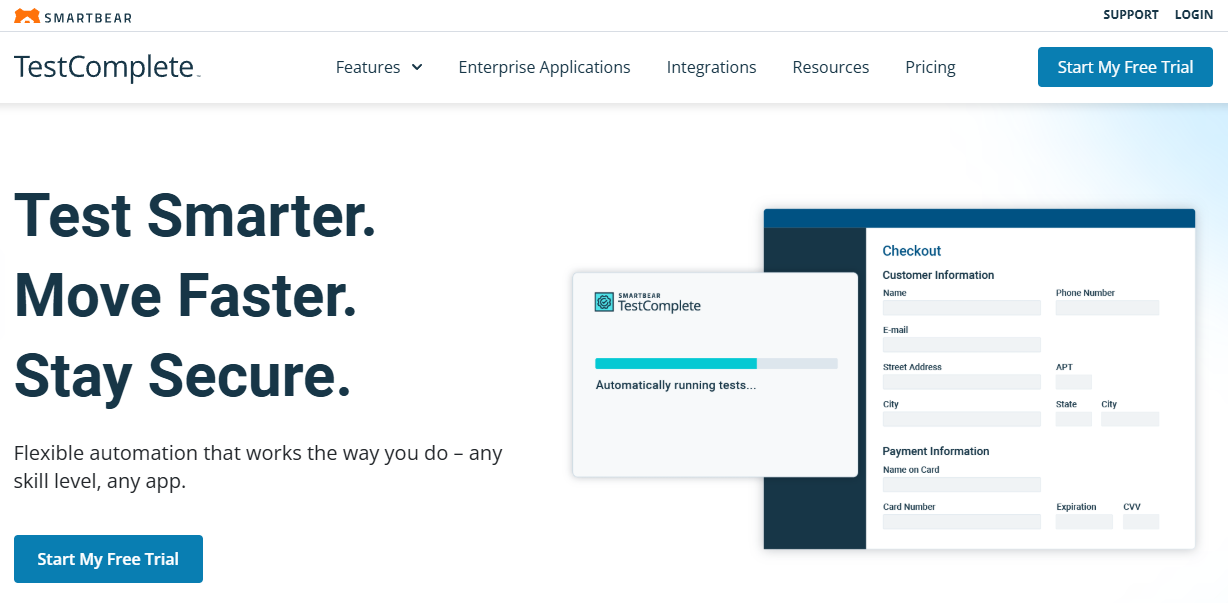
TestComplete is a commercial automation platform built for teams that need broad application coverage and powerful AI-enhanced capabilities. It supports both scripted testing—using languages like Python, JavaScript, or VBScript—and a scriptless, record-and-playback approach, making it accessible to developers and non-technical testers alike.
Recent advancements with SmartBear HaloAI streamline some of the most time-consuming aspects of testing. Features like AI-powered test data generation help teams instantly create realistic, reusable data for faster, data-driven testing. Self-healing tests automatically adapt to UI changes, reducing maintenance overhead, while AI-powered visual testing filters out false positives so QA can focus only on meaningful changes.
The platform handles complex scenarios with built-in OCR for validating dynamic content like PDFs and scanned documents. It also offers security-conscious options, including offline use, local data storage, and compliance support for organizations with strict data protection requirements.
The trade-off is that TestComplete is a paid product, and its licensing costs may be higher than open-source alternatives. However, for enterprises that need broad application coverage and want to empower QA teams with less programming experience, it offers a powerful, end-to-end solution.
Best fit: Enterprise applications with complex UI requirements, security constraints, and teams that want to accelerate automation with AI-driven features.
5. Katalon

Katalon Studio is an AI-powered test automation platform built to accelerate testing and scale quality efforts across web, mobile, API, and desktop applications. It offers multiple ways to create tests—no-code recording for fast setup, low-code editing for easy customization, and full-code scripting for complex automation needs. This flexibility allows both technical and non-technical team members to contribute to test automation.
Its TrueTest feature can transform real user behavior and AI agent activity into automated tests, while TestOps centralizes test planning, execution, and reporting in a single platform. Built-in integrations with Jira, Jenkins, GitHub, Slack, and more make it easy to fit into existing workflows.
Katalon also prioritizes speed and maintainability. Users can capture page objects with a click, reuse custom keywords, and run large test suites in parallel via its cloud execution service, TestCloud. The platform’s consistent framework has helped customers increase regression test coverage by up to 60% and cut regression timelines in half.
Trusted by companies like IBM, Samsung, Oracle, and Fidelity, Katalon provides enterprise-grade security (ISO 27001, SOC 2) and an active global community of 120,000+ testers.
Best fit: QA-heavy teams that need end-to-end test orchestration, flexible authoring options, and AI-enhanced automation to handle complex, multi-platform testing at scale.
Integrating automated regression testing in CI/CD pipelines
Continuous integration and continuous delivery (CI/CD) have become the default approach for modern software teams, enabling smaller, more frequent releases. To maintain quality at this pace, regression testing in CI/CD pipelines ensures that new code doesn’t break existing functionality. By embedding automated regression suites directly into your pipeline, you get fast, reliable feedback before changes reach production.
Why integration matters for CI/CD success
The value of running automated regression testing in a CI/CD pipeline is simple: catch defects early and often. Every code change has the potential to introduce regressions and even small tweaks to shared components can cause unexpected issues. Automating regression tests within the pipeline prevents these defects from making it to production, reducing costly hotfixes and protecting the user experience.
Integration also aligns perfectly with continuous delivery goals, where the aim is to deploy confidently at any time. Automated regression testing helps maintain this confidence without slowing down the release cadence.
When and where to run regression tests in the pipeline
Timing your regression tests is also important.
Pull request stage: Run a targeted set of regression tests on each PR to catch issues before merging into the main branch.
Post-merge / pre-deploy: Trigger a broader set of regression tests to validate the integrity of the codebase before it goes live.
Nightly or scheduled runs: Execute the full regression suite on a regular schedule to ensure stability without delaying deployments.
This staged approach ensures fast feedback during development while still providing comprehensive coverage on a predictable schedule.
Best practices for running automated regression testing in CI/CD
As you begin the integration process, keep in mind the following best practices:
Use parallel execution: Distribute tests across multiple nodes or containers to keep feedback times short.
Separate your suites: Maintain distinct smoke, regression, and exploratory suites so you can choose the right level of coverage for each stage.
Automate selectively: Focus on high-value regression cases, not every possible test scenario, to avoid slowing the pipeline.
Keep tests environment-independent: Avoid hardcoded data or environment-specific configurations that cause false failures.
Version control with the code: Store tests alongside the application code for better traceability and easier maintenance.
Common pitfalls to avoid
There are three main pitfalls that arise with integrating automated regression testing to your pipeline. They are:
Test bloat: Adding every new test to the regression suite without pruning slows the pipeline and reduces efficiency.
Slow feedback loops: If regression runs take too long, developers may stop paying attention to results.Neglected maintenance: Flaky or outdated tests erode trust in automation, leading teams to ignore failures.
CI/CD tools and integration
Most modern CI/CD platforms—such as GitHub Actions, GitLab CI, Jenkins, Azure DevOps, and CircleCI—make it easy to integrate regression testing. Popular frameworks like Playwright, Cypress, and Selenium offer native or community-supported integrations, allowing you to run tests automatically on every code change.
When implemented correctly, perform regression testing as part of CI/CD becomes a safety net that keeps quality high while enabling the speed and flexibility of continuous delivery demands.
Maintaining and improving your automated regression suite
An automated regression suite isn’t a “set it and forget it” asset. You have to give it the same attention and discipline as your product code. And remember to establish automated regression testing best practices from the get go.
Keeping it healthy means that performing regression testing continues to deliver reliable results without becoming a burden on the team.
Treat tests as part of the product code
Automated tests should follow the same processes as application code:
Use version control
Apply branching strategies
Require peer reviews for changes.
This approach helps maintain quality and prevents unintentional breaks in your automation.
Monitor and fix flaky tests quickly
A flaky test is one that sometimes passes and sometimes fails without code changes. This erodes trust in your regression suite. Define a clear policy for identifying and fixing flakiness, whether that’s caused by environment issues, timing dependencies, or unstable locators.
Regularly review and prune your suite
Over time, tests for deprecated features or outdated workflows can pile up. Conduct periodic reviews to remove obsolete cases, consolidate duplicate coverage, and keep execution times manageable. This is a key regression testing technique for long-term sustainability.
Update tests alongside feature changes
When features evolve, the related regression tests should be updated in the same sprint. Waiting until later creates large maintenance backlogs and increases the risk of false failures. Build this into your definition of done so automation stays current.
Expand coverage strategically
Add regression cases for new, high-impact workflows—particularly those tied to revenue, compliance, or user retention. Use metrics like defect escape rate and coverage gaps to decide where automation will have the most impact.
Start small and scale over time
It’s better to launch with a lean, high-value regression suite and grow it steadily than to automate everything at once. Begin with your most critical workflows, refine your process, and then expand coverage as your automation maturity increases. This approach keeps early maintenance manageable and makes sure every added test delivers value.
Metrics that matter: how to measure regression testing success
Measuring the effectiveness of automated regression testing isn’t just about counting how many tests you have—it’s about tracking the right performance indicators that show whether your suite is protecting quality, speeding delivery, and staying maintainable over time.
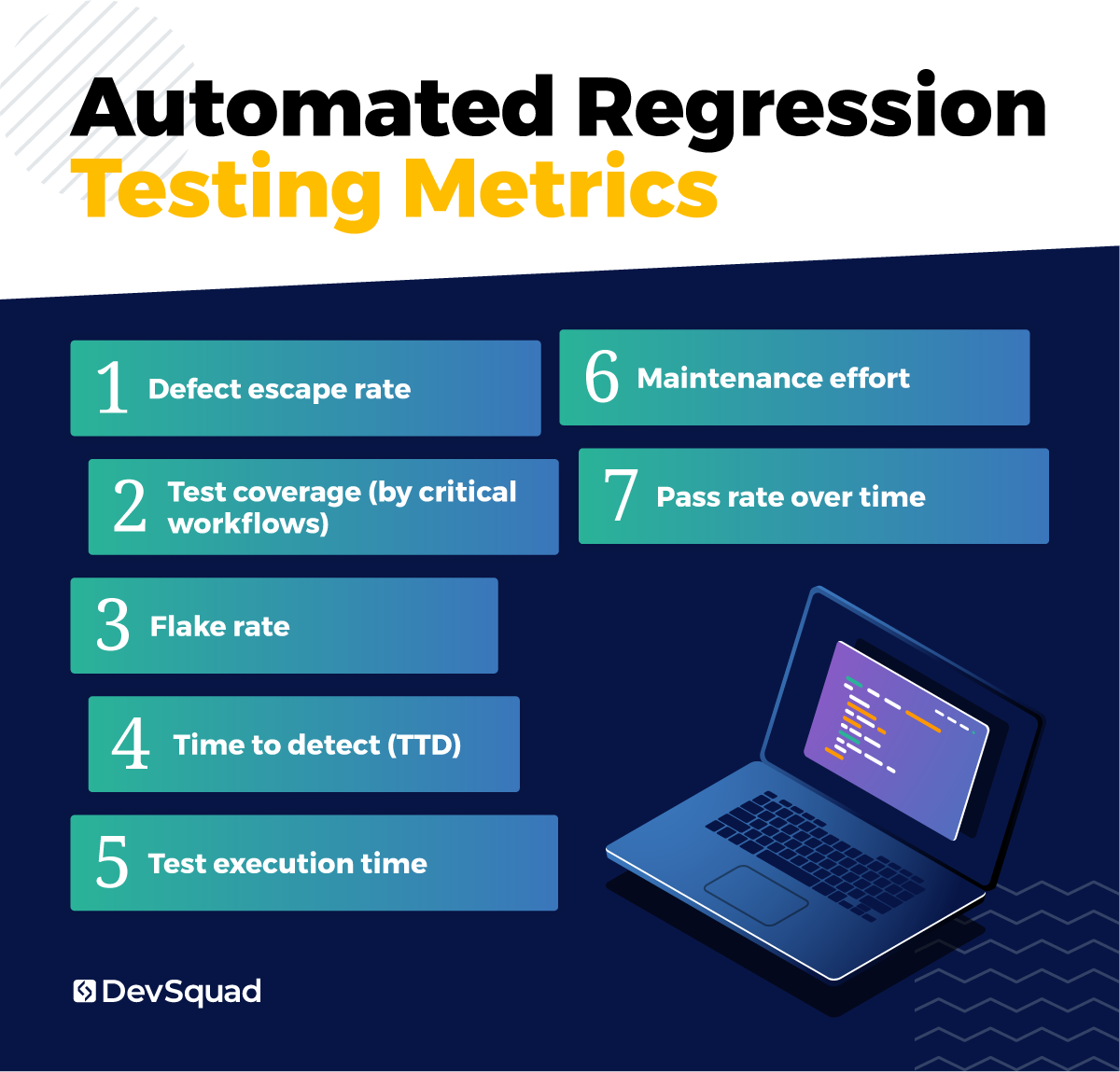
1. Defect escape rate
The defect escape rate is the percentage of defects found in production compared to the total number of defects found during testing.
Defect Escape Rate = (Defects found in production / Total defects found) × 100
Lower percentages mean your regression testing is catching more issues before they reach users. Tracking this over time shows whether your suite is getting better or worse at preventing customer-facing bugs.
2. Test coverage (by critical workflows)
Test coverage is the examination of where tests are being performed. Here you are looking for higher coverage around the most important user journeys—such as authentication, checkout, and other core business transactions—rather than only measuring raw code coverage. By mapping coverage against feature usage data or revenue-critical workflows, you can see if your suite is protecting what matters most
3. Flake rate
The flake rate is the percentage of test runs that fail without any related code changes.
Flake Rate = (Flaky test failures / Total test executions) × 100
High flake rates waste team time, erode trust in test results, and make it harder to spot real defects. Tracking this metric helps identify unstable tests that need fixing or re-architecting.
4. Time to detect (TTD)
Time to detect is the average time between a code commit and the discovery of a defect. The faster a defect is found, the easier and cheaper it is to fix. Tracking TTD across releases can highlight whether your CI/CD and regression suite are providing the quick feedback modern delivery demands.
5. Test execution time
Test execution time is the total runtime for the regression suite from start to finish. While this number becomes critical when optimizing pipelines, tracking it early helps establish benchmarks. By recording execution time now, you can spot when test runs start to slow down, indicating possible bottlenecks, environment issues, or unnecessary test growth.
6. Maintenance effort
Maintenance effort is the total time spent updating, fixing, or refactoring regression tests over a set period. High maintenance costs can signal that you are automating unstable areas of the application or that test architecture needs improvement. Keeping this number visible helps teams make smarter decisions about what to automate.
7. Pass rate over time
Pass rate over time is the percentage of tests that pass successfully in each run, tracked over weeks or months.
Pass Rate = (Passing tests / Total tests run) × 100
Consistent pass rates indicate stability in both the product and the automation suite. Sudden drops point to systemic quality problems or test design flaws, and the trend line over time tells you whether your regression testing is becoming more or less reliable.
By tracking these metrics consistently, you can pinpoint weak spots in your regression testing techniques, make targeted improvements, and keep the regression suite lean, stable, and effective.
Why getting automated regression testing right matters
Automated regression testing is one of the most challenging yet critical parts of a modern software delivery process. Get it wrong, and you end up with slow pipelines, flaky tests, and gaps in coverage that let costly bugs slip into production. Get it right, and you have a reliable safety net that keeps your releases fast, stable, and customer-ready.
That’s where DevSquad’s TestOps Squads come in. We don’t just hand you a set of scripts—we design a lean, high-value regression suite, integrate it directly into your CI/CD pipeline, and align it with your product’s most important workflows. Then, you choose the path forward:
Keep our TestOps Squad embedded to maintain and grow your automation.
Or have us train your internal QA and development teams to take full ownership.
Either way, we make sure your automation works for the long haul—stable, scalable, and focused on what matters most to your product and business.
Ready to build your automated regression tests? Learn more about our automated testing services.

Dayana Mayfield is a SaaS copywriter and content marketer specializing in SaaS marketing, positioning, and go-to-market strategy. She has consulted for over 195 SaaS companies, focusing on both traffic and conversions. She has been featured in Entrepreneur, Forbes, and Business Insider. Outside of work, Dayana writes SciFi novels and spends her evenings surviving auditions, rehearsals, and tech week as a proud theater mom.