
You inherited a legacy app, and every tool list you find is about mainframes.
Here's the short version for web applications. Map the code with SonarQube. Protect it with Diffblue Cover and Playwright. Change it with Rector, Laravel Shift, or OpenRewrite. Move it with AWS Transform or Azure Migrate.
The rest of this guide explains why those picks land in that sequence. Your developers left years ago. The documentation lives in one person's head, and every release feels like defusing something. You don't need a COBOL migration platform. You need to know what to run first on a PHP, Laravel, Java, or .NET codebase, and what to run after that.
This list skips the mainframe specialists. It focuses on tools a mid-market engineering team can run next week. Each section below covers one stage of the job, in the order you'd actually work through it. If you want the bigger picture first, start with our guide to software modernization.
I've seen more modernization projects stall on tool shopping than on the code itself. The tool almost never decides the outcome. The order you run them in does.
How we picked these tools (and the order that matters)
You can find a hundred legacy modernization tools. We kept the ones that pass four tests:
They work on web application stacks. Think PHP, Laravel, Java, and .NET.
They do one stage of the job well. Specialists stay sharper than all-in-one platforms.
A mid-market team can afford to start. Each one has a free tier or a clear pricing path.
They produce changes a human can review. No black boxes on code your business runs on.
DevSquad wrote this list. We build and modernize software for clients, so we use these tools on real code. We don't rank ourselves here, because DevSquad is a development team you hire.
Each entry below covers key features, strengths, and weaknesses, and links to G2 and Capterra reviews where they exist. Several open-source tools on this list have no review listings, and we say so rather than link something misleading.
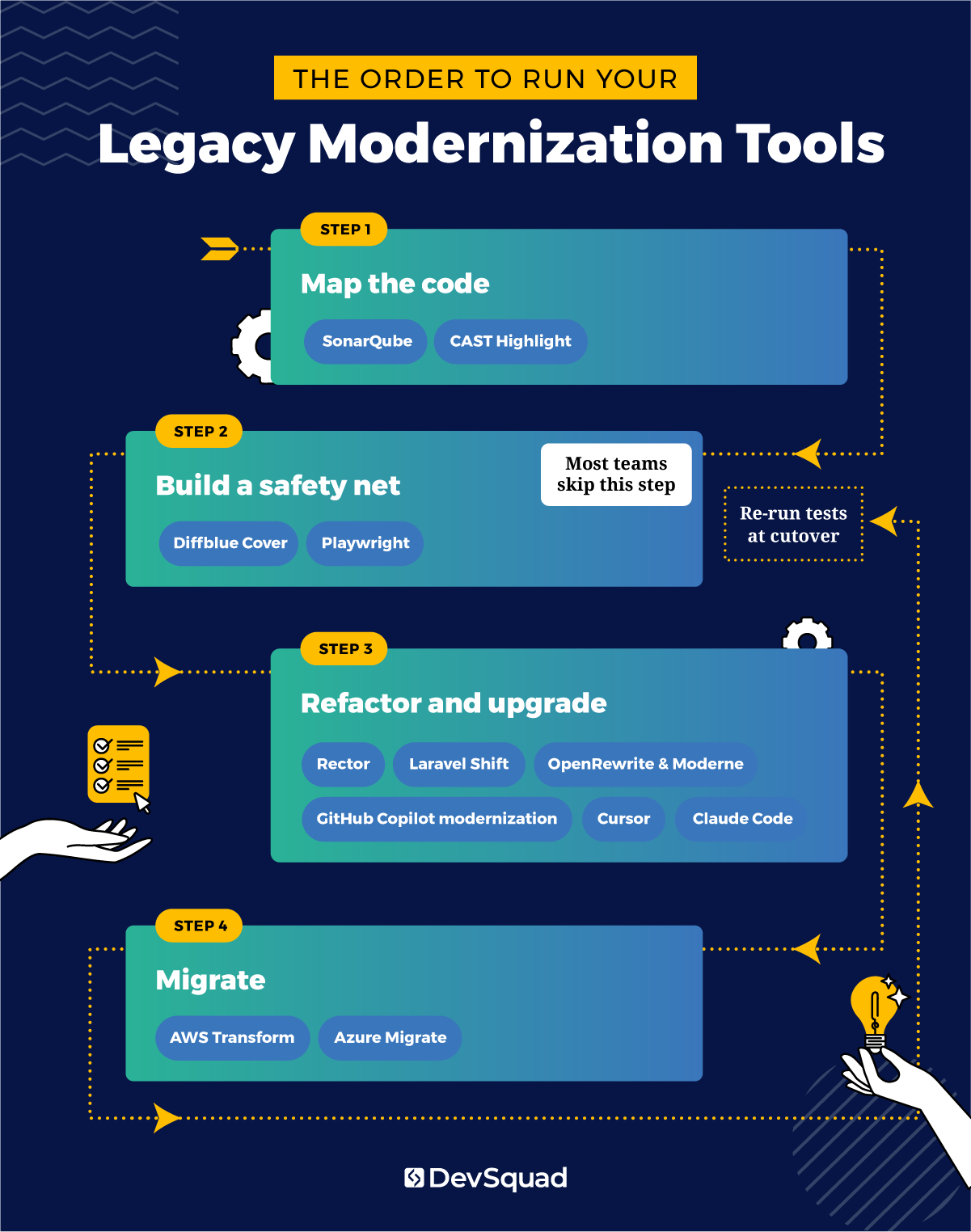
The four stages run in a fixed order. First, map the code so you know where the risk sits. Second, build tests that describe what the system does today. Third, refactor and upgrade, knowing those tests will catch what breaks. Fourth, migrate data and infrastructure once the code is ready to move.
Tool | Stage | Best for | Starting price |
|---|---|---|---|
SonarQube | 1. Map | Finding debt and risk in a single codebase | Free Community Build; Developer Edition from $720/year |
CAST Highlight | 1. Map | Ranking many applications by modernization priority | Complete Edition from $44,000/year |
Diffblue Cover | 2. Protect | Generating unit tests for untested Java | Free Community Edition; Developer $330/year; Teams $30,000/year |
Playwright | 2. Protect | End-to-end regression tests on web apps | Free, open source |
Rector | 3. Change | PHP version and framework upgrades | Free, open source |
Laravel Shift | 3. Change | Automated Laravel version upgrades | Pay per Shift; plans from $99/year per repository |
OpenRewrite and Moderne | 3. Change | Java upgrades across many repositories | OpenRewrite free; Moderne custom pricing |
GitHub Copilot modernization | 3. Change | Java, .NET, and C++ upgrades with Azure migration | Copilot Business $19/user/month |
Cursor | 3. Change | AI-assisted editing for VS Code users | Pro $20/month; Teams $40/user/month |
Claude Code | 3. Change | Agentic, multi-file refactors from the terminal | Claude Pro $20/month; Max from $100/month |
AWS Transform | 4. Move | Large migrations into AWS | Core agents free; custom transformations $0.035/agent minute |
Azure Migrate | 4. Move | Assessing and moving workloads into Azure | Free tools; server migration $25/month per machine after 180 days |
Vendors change pricing often, so confirm before you buy.
Use the table to shortlist tools, and the graphic to see where each one sits in the sequence. If your team can only run one tool this quarter, start with Stage 2: a test baseline makes every later stage safer.
Stage 1: Map the code before you change it
Which part of your codebase is actually dangerous? If you can't answer that, you'll spend your first month fixing whatever looks ugliest.
A static analysis scan replaces that gut feeling with a ranked list. It also puts a number on what your legacy system is costing you, because unmapped debt is a running bill. Two tools cover this stage: one for a single app, one for a portfolio.
1. SonarQube
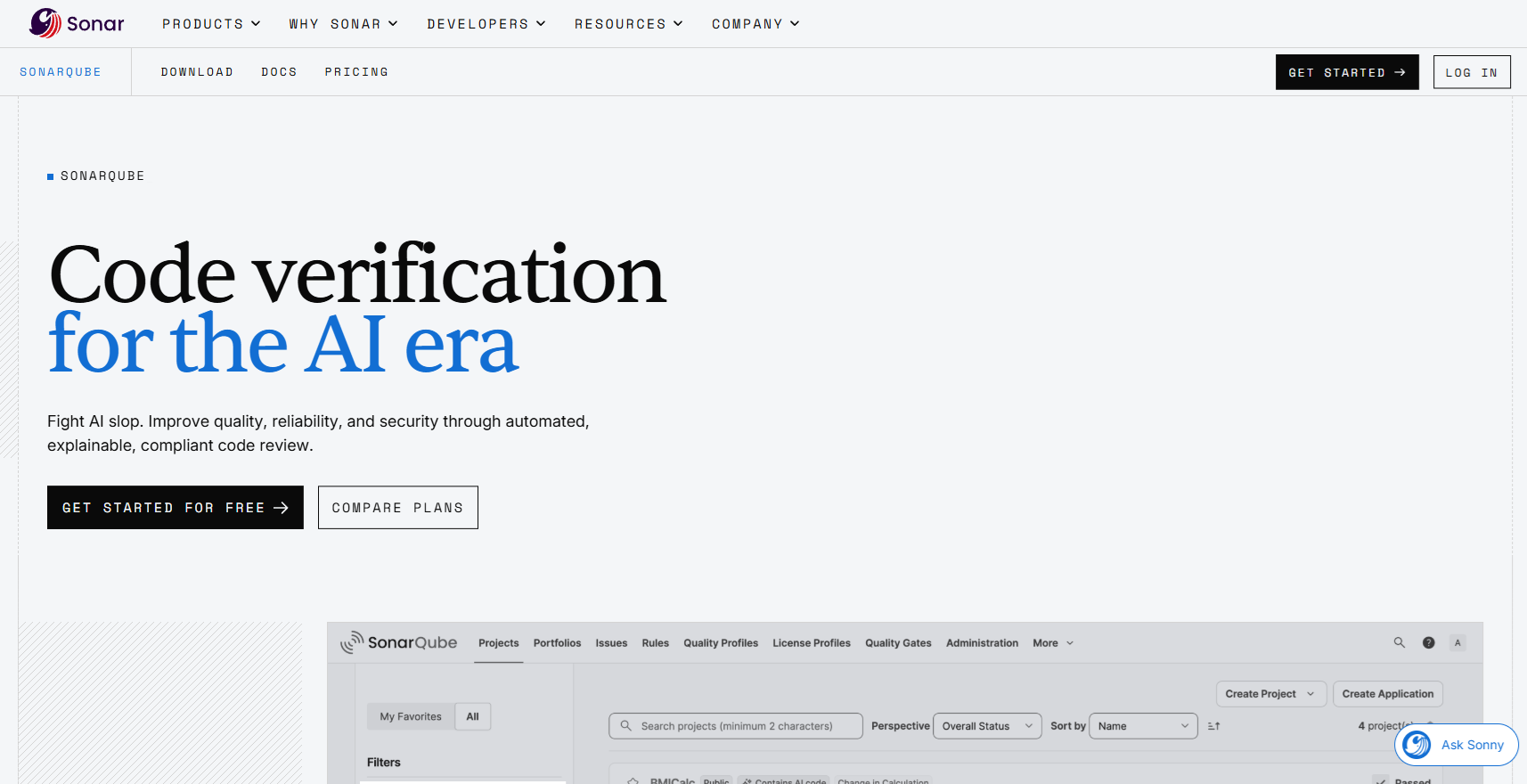
Start here if you're modernizing one application. SonarQube runs static analysis across a long list of languages, including the older and mixed stacks you find in legacy code. It flags bugs, security vulnerabilities, and maintainability issues, then estimates how much technical debt you're carrying.
Your day-one feature is the quality gate. Set one so new code can't add debt while you pay down the old.
What are the key features?
Static code analysis. Scans for bugs, vulnerabilities, and maintainability risks across many languages.
Technical debt tracking. Estimates how long the debt would take to fix, so you can prioritize.
Quality gates. Blocks code that falls below your thresholds before it reaches production.
CI/CD integration. Plugs into pipelines like Jenkins, GitHub Actions, and Azure DevOps, so issues surface on every pull request.
What are the strengths?
The Community Build is free and covers basic static analysis.
Fits incremental modernization: you can stop new debt while reducing the old.
Reviewers credit it with enforcing minimum code coverage on pull requests.
What are the weaknesses?
It doesn't change or migrate any code. Its value depends on your team acting on the findings.
Like any static analysis tool, it produces false positives that need tuning.
Reviewers report a difficult setup, and the on-premise version takes work to run.
Paid tiers are priced by lines of code, which adds up on a large legacy codebase.
How much does it cost?
Community Build: free and open source.
SonarQube Server Developer Edition: starts at $720 a year. All Server editions are priced per instance, per year, based on lines of code.
SonarQube Cloud: free tier available. The paid Team plan starts at about $32 a month for up to 100,000 lines of code.
Reviews: SonarQube on G2 · SonarQube on Capterra
A distribution company brought DevSquad a PHP application two major versions behind, with almost no tests. The first scan produced a list so long the client wanted to fix it top to bottom. The squad sorted findings by the modules that changed most often and fixed only those first. The upgrade started within weeks instead of waiting on a cleanup with no end.
2. CAST Highlight
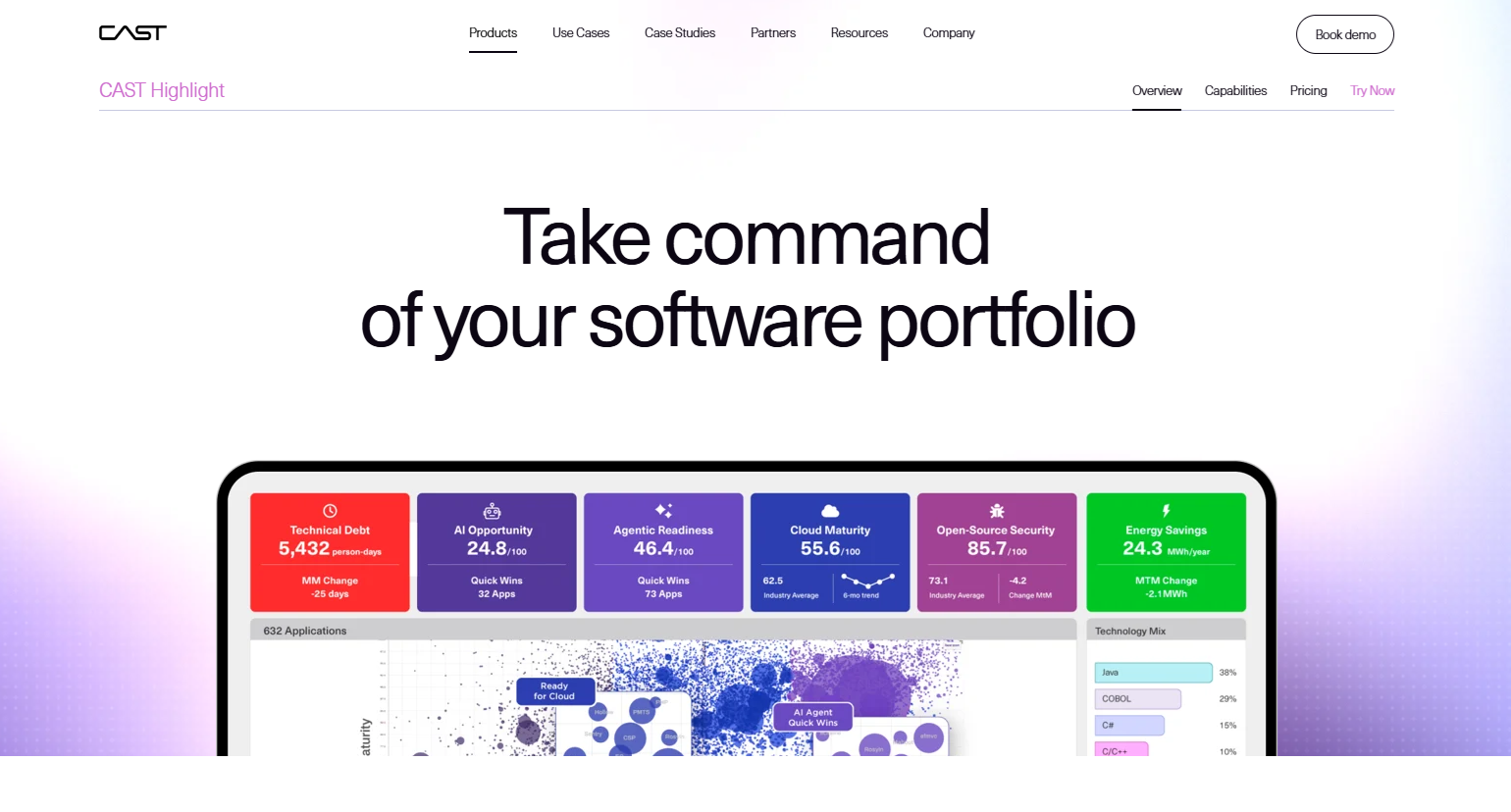
CAST Highlight solves a different problem. You have a portfolio of applications, and you need to know which one to modernize first.
CAST Highlight is a SaaS tool that scans the source code of many applications at once. It scores each one for technical debt, cloud readiness, and open-source risk. Think of it as a planning tool. It tells you where to point your engineers, and SonarQube then tells them what to fix.
What are the key features?
Portfolio scoring. Rates software health, cloud readiness, and resiliency across every application you scan.
Cloud blockers and boosters. Flags the code patterns that will block a cloud move, and the ones that help it.
Open-source risk. Software composition analysis shows vulnerable or outdated open-source components.
Business context surveys. Built-in questionnaires let application owners add what the code can't tell you.
Local scanning. Scores come from a local scan of your source code.
What are the strengths?
Fast. Reviewers praise how quickly it assesses a whole portfolio.
Dashboards make it easy to rank applications by modernization priority.
Useful for cloud migration planning, with concrete blockers to fix.
What are the weaknesses?
It stays at the advisory level. Reviewers note you need CAST Imaging for a deep dive into any one app.
The interface can overwhelm newcomers with metrics.
Some languages and frameworks aren't supported.
At $44,000 a year to start, it prices out most single-app teams.
How much does it cost?
Priced by the size of your application portfolio (the number of apps), with unlimited users.
The Complete Edition starts at $44,000 a year, based on vendor-supplied pricing on G2. A free trial is available.
CAST Imaging, for a deep dive into one application, is priced separately from $10,200 per application per year.
Reviews: CAST Highlight on G2 · CAST Highlight on Capterra
Running one application? Skip it and use SonarQube.
One detail connects it to the AI tools later in this list. CAST's Imaging product now feeds architectural context to AI coding agents, so they see how the system fits together before they touch it.
Stage 2: Build a safety net before you refactor
Here's the step you're most tempted to skip. Skip it, and every later stage runs blind. Tests that describe what your old system does today, bugs included, are the only proof that a refactor didn't break something.
I won't let my team refactor a line of legacy code until tests describe what it does today, bugs included. Without that baseline, you're not modernizing. You're guessing.
Your legacy code probably has few tests, or none. That gap is why test generation tools exist now. For the wider testing landscape, see our roundup of automated testing tools.
3. Diffblue Cover
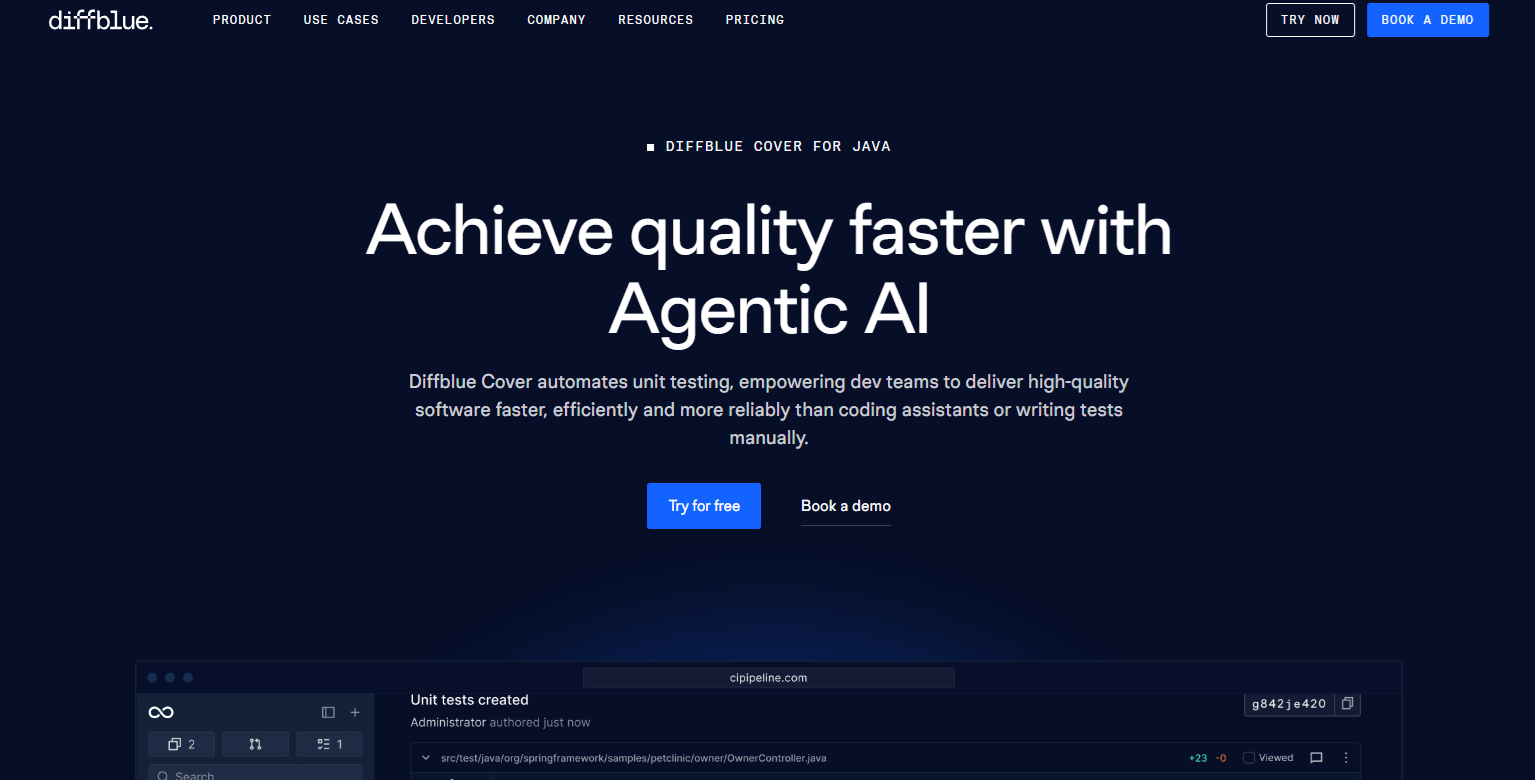
Diffblue Cover is the fastest way to give an untested Java codebase a unit test suite. It writes tests that capture how your code behaves right now. After each change, it updates them and flags regressions in your CI pipeline.
That baseline is what makes Stage 3 safe. When a refactor changes behavior, a test fails, and you find out before your users do.
What are the key features?
Autonomous test generation. Writes JUnit or TestNG tests in bulk, covering the branches in each method.
Test maintenance. Updates existing tests automatically after each code change, so coverage doesn't slip.
IntelliJ plugin and CLI. Generate tests from the IDE on any plan. The CLI and CI pipeline integration come with the Teams and Enterprise plans.
Cover Optimize (Enterprise). Runs only the tests relevant to a change, cutting test time locally and in CI.
Cover Reports (Teams and Enterprise). Dashboards for coverage levels, coverage risk, and testability.
What are the strengths?
Built for brownfield code. A reviewer used it to generate a test baseline on a legacy project with a single command.
Uses reinforcement learning rather than a large language model. Diffblue says its tests always compile and run.
Runs on-premise, so your code never leaves your network. That matters for regulated teams.
What are the weaknesses?
Java only. On a PHP or .NET app, you'll need another route to the same baseline.
Unit tests only. You still need integration and end-to-end tests on top.
Reviewers note generated test names use counters, which makes them harder to read.
It doesn't always catch every edge case.
How much does it cost?
Community Edition: free, limited to 25 methods a month in IntelliJ.
Developer Edition: $330 a year for an individual developer, IDE plugin only.
Teams Edition: $30,000 a year for up to 250,000 lines of code, adding the CLI, CI pipeline, and reports.
Enterprise: custom pricing, adding Cover Optimize.
Reviews: Diffblue Cover on G2 · No Capterra listing found.
4. Playwright
Built and maintained by Microsoft, Playwright protects what unit tests can't reach. Unit tests guard individual functions, while Playwright's end-to-end tests guard the workflows your users actually touch: logging in, checking out, sending an alert.
It earns its place twice in a modernization. You run it before refactoring to lock in current behavior. Then you run it again at cutover to prove the new system behaves like the old one.
What are the key features?
Cross-browser testing. One API drives Chromium, Firefox, and WebKit.
Multi-language support. Write tests in JavaScript, TypeScript, Python, Java, or .NET.
Auto-waiting. Waits for elements to be ready before acting, which makes tests more reliable.
Debugging tools. Playwright Inspector and Trace Viewer let you step through a run or replay a failure afterward.
Codegen. Records your clicks in a browser and turns them into test code.
What are the strengths?
Free and open source, maintained by Microsoft.
Reviewers describe it as fast and reliable, with easy test authoring.
Runs headless in CI/CD pipelines without extra setup.
What are the weaknesses?
It's a framework, not a no-code tool. Someone on your team has to write and maintain the tests.
End-to-end suites run slower than unit tests, so you'll want to keep them focused on critical workflows.
One G2 reviewer found the support community still young compared with older frameworks.
How much does it cost?
Free and open source. You pay only for the CI infrastructure that runs your tests.
Reviews: Playwright on G2 · No Capterra listing found.
When DevSquad rewrote Emergent 3's safety platform, automated testing tools weren't what they are now. So the team tested with people.
"Accuracy is essential to our business, because we are dealing with critical safety. During the QA phase before launch, Phil called in the entire company to help with E3. I call it the DevArmy. They came in and just lit up E3, testing to make sure everything updated in real time. It was all hands on deck. They went above and beyond." — PK Keller, Founder, Emergent 3
Today you can encode much of that coverage in an end-to-end suite. Someone still has to decide what "correct" looks like.
Stage 3: Refactor and upgrade the code
This is where you probably wanted to start. Now you're ready for it.
AI is likely already in your team's hands. 51% of professional developers use AI tools in their development process daily.
Split this stage in two. Deterministic tools like Rector, Laravel Shift, and OpenRewrite handle mechanical upgrades reliably. AI assistants handle the messy, judgment-heavy work, and every change they make needs review. Our guide to refactoring legacy code walks through the process.
5. Rector
Rector is your upgrade engine if you run PHP. It's free, open source, and applies PHP and framework upgrades through narrowly defined rules. A community rule set covers Laravel.
Its maintainers say a PHP 8.0 to 8.5 upgrade that would take three months takes three days with Rector. Treat that as the vendor's claim until you test it yourself.
What are the key features?
PHP version upgrades. Handles code from PHP 5.3 onward.
Framework sets. Rule sets for Symfony, PHPUnit, Doctrine, and Laravel (via the community package).
Dry runs. Preview every change as a diff before Rector writes anything.
Levels. Raise type coverage or PHP version one level at a time, so a huge upgrade becomes a series of small ones.
CI integration. Run it in your pipeline so new code stays on current standards.
What are the strengths?
Free, with no license to buy.
Predictable. Each rule matches a narrow pattern, so the same input always produces the same output.
Once it's in CI, the next upgrade becomes routine instead of a project.
What are the weaknesses?
Configuring rule sets takes PHP expertise. Its maintainers sell an upgrade service for teams that want help.
It only knows syntax and framework patterns. Business logic is still your job.
Community rule sets, like the Laravel one, are maintained by the community rather than the Rector team.
How much does it cost?
Free and open source. The Rector team also sells an optional upgrade service if you want hands-on help.
Reviews: No G2 or Capterra listing found. The Rector GitHub repository is the best place to check activity and open issues.
"Falling behind on your tech stack is how you end up needing a rebuild. When we inherited a private college's platform, it was already running on outdated versions. Our first job was bringing everything current, and we keep it current deliberately. Their original systems became impossible to upgrade, and that is why they needed rebuilding at all." — Flavio Pano, Product Manager, DevSquad
6. Laravel Shift
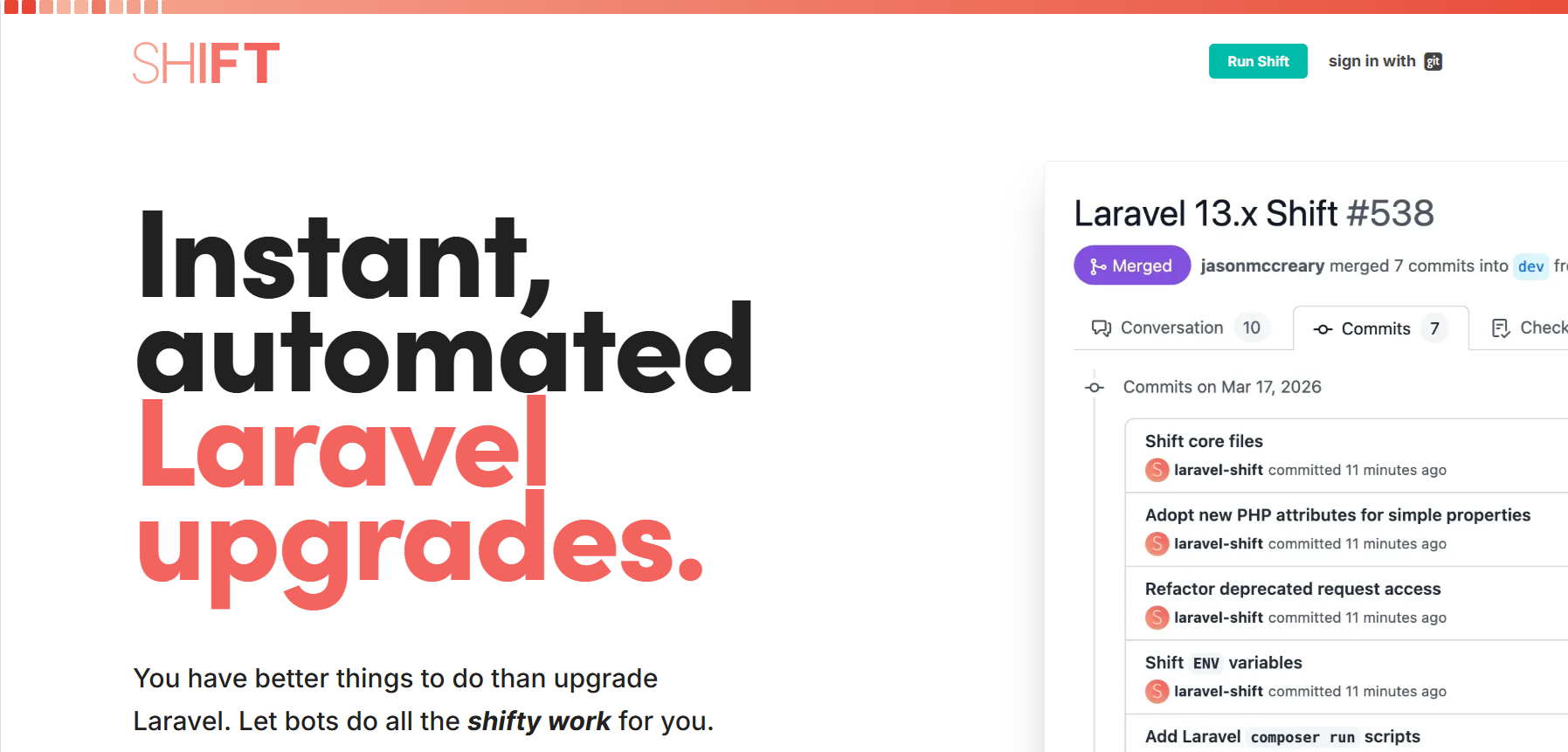
Laravel Shift does one framework, and does it well. It connects to your Git provider, applies the upgrade automatically, and opens a pull request with comments for your team to review.
The comments are the best part. When Shift hits a change it can't safely automate, it leaves detailed notes explaining what's left. That's exactly the review step you want on an old Laravel application.
What are the key features?
Version-by-version Shifts. One automated upgrade per Laravel release, going back to Laravel 4.2.
Pull request delivery. Changes land on a new branch as a pull request, so nothing touches your main branch unreviewed.
Beyond the upgrade guide. Shift performs changes the official Laravel upgrade guide doesn't list, and applies current Laravel conventions.
Dependency updates. Bumps your Composer dependencies to versions compatible with the new release.
Shift Workbench. Automates common maintenance tasks for Laravel and PHP apps between upgrades.
What are the strengths?
Reviewers call it a major time-saver on upgrades.
Adopts modern Laravel standards along the way, not just the minimum to compile.
Fits small teams. Three in four G2 reviewers come from small businesses.
What are the weaknesses?
Paid per Shift, so a very old app that needs many versions costs more.
Files you've customized away from Laravel's defaults can't always be upgraded automatically.
Some reviewers report slower support response times.
How much does it cost?
Pay as you go: buy individual Shifts. Older Laravel versions cost more per Shift.
Single-repository plans: $99 a year for apps on Laravel 11 or 12, or $149 every six months for apps on Laravel 8 or 9.
Unlimited repositories: $899 a year (Laravel 11 and up) or $949 every six months (Laravel 8 and up). The Everything Plan, covering every Shift, is $2,999 a year.
Reviews: Laravel Shift on G2 · No Capterra listing found.
Several versions behind? Run one Shift per version rather than jumping straight to the latest.
On Laravel upgrades, I'd rather let Shift and Rector handle the mechanical changes. I'd spend senior hours on what no tool understands: the business rules buried in old controllers.
7. OpenRewrite and Moderne
Think of this pair as Rector for Java, at a much bigger scale. OpenRewrite is a free, open-source engine that runs automated refactoring recipes. Java version upgrades and the javax-to-jakarta namespace migration are two common ones.
Moderne is the commercial platform built on top of it. It runs those same recipes across thousands of repositories at once, which matters when your legacy problem spans a whole portfolio.
What are the key features?
Recipe library. Prepackaged recipes for framework migrations, API migrations, security fixes, and style consistency.
Custom recipes. Write your own transformations for patterns specific to your codebase.
Maven and Gradle plugins. Run OpenRewrite on one repository at a time from your existing build.
Mass-scale execution (Moderne). Search and change code across many repositories, then commit the results in bulk.
Flexible deployment (Moderne). SaaS or air-gapped options for teams that can't send code to the cloud.
What are the strengths?
OpenRewrite is free to run per repository.
Deterministic recipes keep formatting and style intact, which makes changes easier to review.
Strong Java and Spring support. It also runs inside GitHub's and Amazon's modernization tooling.
What are the weaknesses?
Writing custom recipes has a steep learning curve.
Moderne uses custom enterprise pricing, aimed at large engineering organizations.
Coverage is strongest in the JVM ecosystem. Python support only arrived in 2026.
How much does it cost?
OpenRewrite: the core engine is free under the Apache 2.0 license. Many popular recipe modules, including the Spring and Java migration sets, use the Moderne Source Available License. You can run them free on your own code, but you can't resell them.
Moderne: requires a signed contract, with custom enterprise pricing.
Reviews: No G2 or Capterra reviews yet. Moderne has a G2 profile with no reviews posted.
If your legacy problem is one Spring app, OpenRewrite alone may be enough. It also runs inside GitHub's modernization tooling, which brings us to the next entry.
8. GitHub Copilot modernization
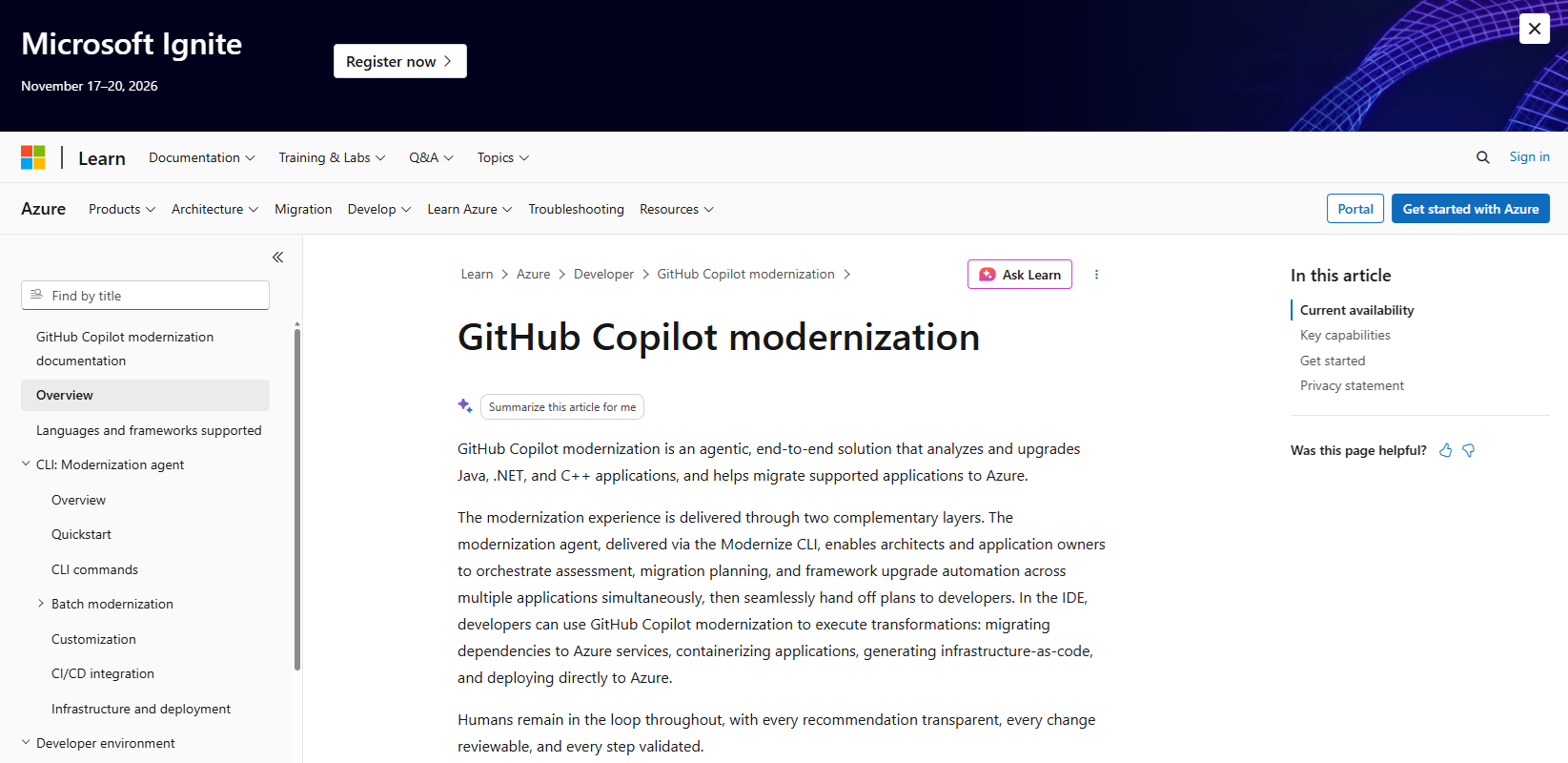
Running Java, .NET, or C++ on Microsoft's stack? GitHub Copilot modernization is the most complete option on this list for you.
It assesses the application and upgrades runtimes and frameworks. It fixes build problems along the way and scans for CVEs after each upgrade. It can also migrate supported apps to Azure. The IDE upgrade and migration features are generally available, and so is the CLI assessment agent.
What are the key features?
Modernize CLI. Lets architects assess and plan upgrades across many applications at once, then hand plans to developers.
IDE transformations. Developers apply framework upgrades and Azure migrations inside the editor, using OpenRewrite under the hood.
Build and test validation. Resolves build failures caused by the upgrade and checks that tests still pass.
CVE scanning. Checks for known vulnerabilities after each upgrade and can apply fixes.
Reusable migration patterns. Turns your own Git commits into custom skills that apply the same fix across other codebases.
Deployment assets. Generates containers, infrastructure-as-code, and CI/CD pipelines for Azure.
What are the strengths?
Covers assessment through deployment in one product.
Every change is reviewable, with humans in the loop at each step.
Microsoft says it doesn't retain code snippets beyond the session.
What are the weaknesses?
The migration path is built around Azure, so it fits less well if you're heading somewhere else.
It requires a paid Copilot seat, and heavy agent use can run past the included AI credits.
On G2, Copilot reviewers mention irrelevant responses and occasional hallucinations. Those reviews cover Copilot overall, not the modernization features alone.
How much does it cost?
Runs on your GitHub Copilot subscription. Copilot Business is $19 per user per month, and Enterprise is $39 per user per month (which also requires GitHub Enterprise Cloud). Individual plans start at $10 a month.
Since June 1, 2026, every plan includes a monthly pool of AI credits. Usage beyond the pool is billed on top.
Reviews: GitHub Copilot on G2 · GitHub Copilot on Capterra
9. Cursor
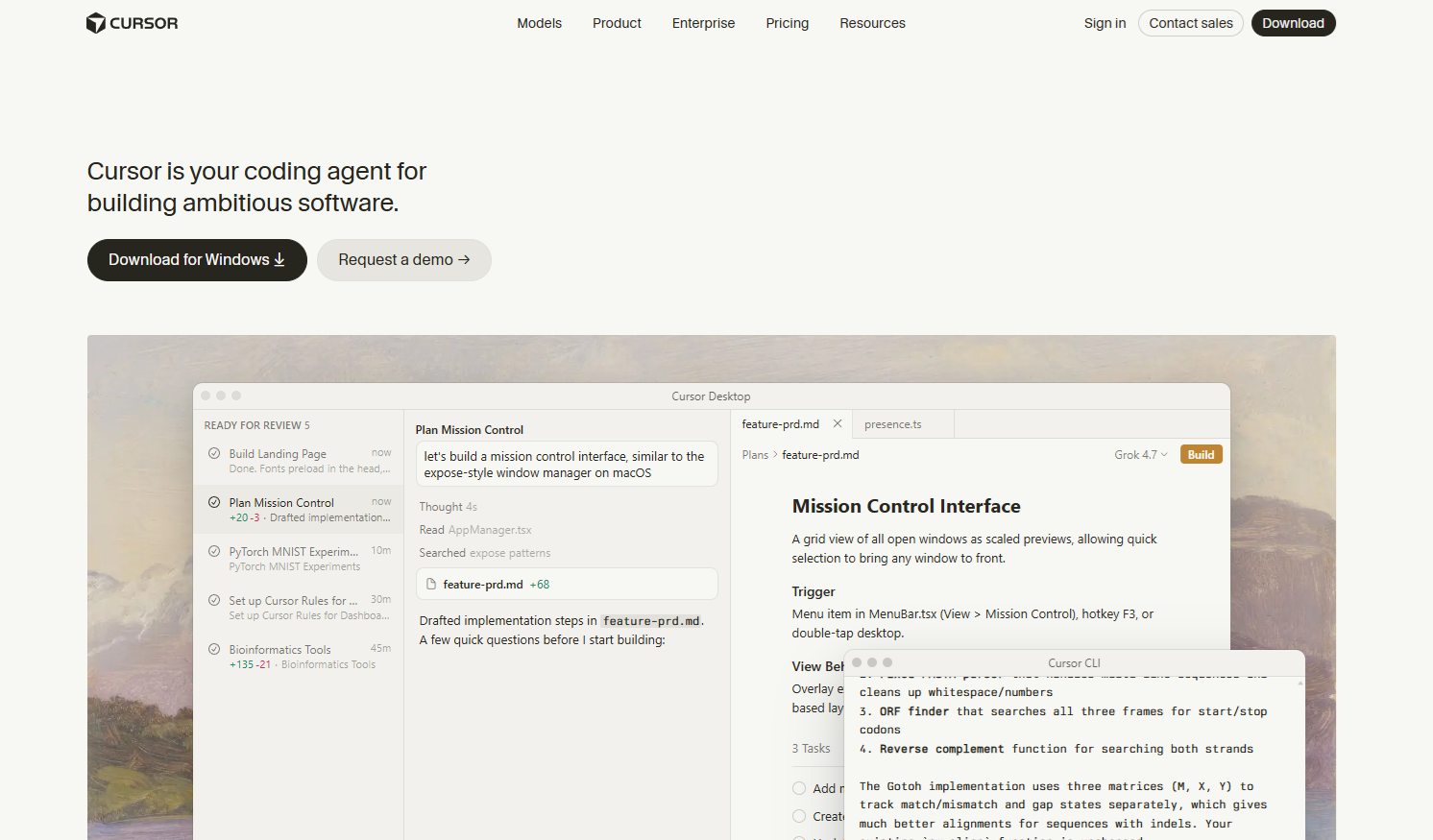
With its Visual Studio Code foundation and codebase-aware AI, Cursor is the easier of this stage's two general AI coding agents to adopt. Neither Cursor nor Claude Code ships a dedicated modernization product. Their strength is speed of understanding: they read unfamiliar code, explain it, draft refactors, and backfill tests.
If your team already lives in VS Code, the switch is small.
What are the key features?
Codebase-aware context. Understands your whole project structure, not just the open file.
Natural language edits. Describe a change and Cursor drafts it across the relevant files.
AI autocomplete. Suggests completions mid-line and proposes whole diffs.
Privacy Mode. Keeps your code from being stored remotely.
What are the strengths?
Familiar interface for VS Code users.
Reviewers praise how much it speeds up understanding an existing codebase.
Everything happens in the editor, so you're not switching to a chat window.
What are the weaknesses?
Reviewers find suggestions inconsistent on more complex code.
Generation can be slow at times.
Heavy agent use can push past the monthly credit pool into overage charges.
How much does it cost?
Hobby: free, with limited usage.
Pro: $20 a month. Teams: $40 per user per month, or $32 billed annually.
Each plan includes a monthly usage credit pool. Heavier use is billed as overage.
Reviews: Cursor on G2 · Cursor on Capterra
10. Claude Code
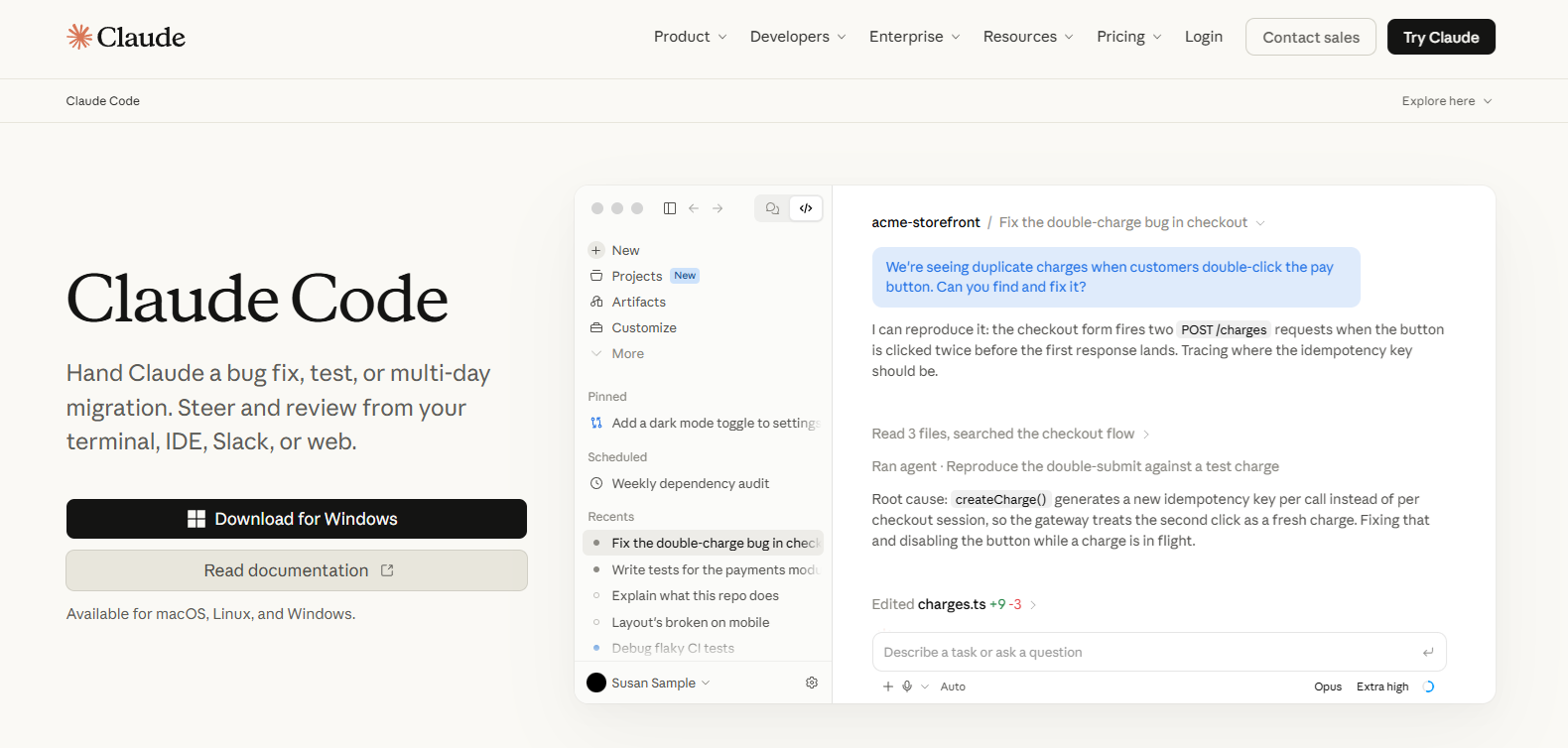
Claude Code is Anthropic's AI coding agent. It works directly in your codebase from the terminal, your IDE, or the web.
What are the key features?
Terminal-first agent. Runs multi-step tasks in your repository: reading files, making edits, and running commands.
Multi-file changes. Plans and applies changes across many files, which suits framework upgrades and codemods.
IDE and web access. Use it alongside your editor or from a browser.
Third-party connections. Connects to outside tools and services through MCP.
What are the strengths?
Strong at understanding a monorepo or unfamiliar project structure quickly.
Included with paid Claude plans rather than sold as a separate product.
Reviewers rate it highly for complex, multi-file work.
What are the weaknesses?
One Capterra reviewer called it "powerful but demanding." It needs active supervision.
Like any AI agent, its output needs review before it merges.
Usage limits are shared with Claude chat, so a heavy coding day can hit the cap.
How much does it cost?
Not included in the free Claude plan.
Pro: $20 a month, or $17 billed annually. Max: $100 or $200 a month for higher usage limits.
Team and Enterprise plans cover organizations, or you can pay per token through the Anthropic API.
Reviews: Claude Code on G2 · Claude Code on Capterra
I use AI agents every day, and they're great at explaining a controller nobody has opened in five years. I still review every change they propose, because almost-right code in a legacy system is worse than code that fails loudly.
You're not alone in that caution. More developers actively distrust the accuracy of AI tools (46%) than trust it (33%), per the Stack Overflow Developer Survey (2025). Only 3% highly trust the output.
The rule of thumb for both: use them on code you can test. Pair them with the safety net from Stage 2. For more on how this fits your team, read our take on AI in software development.
Stage 4: Migrate the data and infrastructure
Moving comes last. Lift untested code into a new cloud and you've just relocated the problem.
The two big options here are each tied to a cloud. Your hosting decision picks your tool. Google Cloud Migration Center exists too, and we left it off for the same reason. If you're staying on your own servers, you may need none of these.
11. AWS Transform
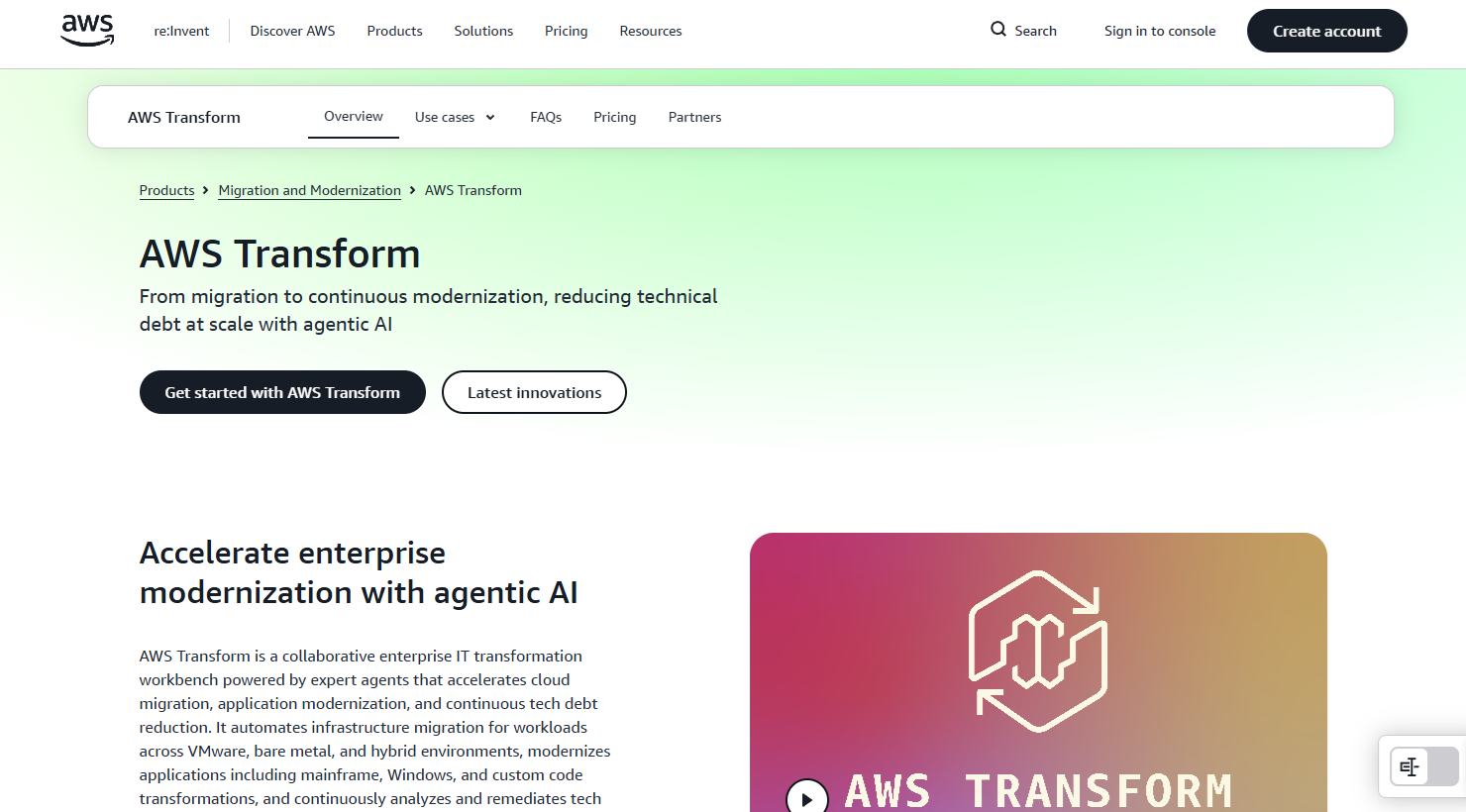
AWS Transform is Amazon's AI-driven modernization service for large migrations. It launched in May 2025 as the successor to AWS Migration Hub.
It refactors legacy code and generates infrastructure-as-code for deployment into AWS. AWS keeps a human in the loop for critical steps, which is what you want on systems that run your business.
What are the key features?
Windows modernization. Covers .NET applications, UI frameworks, databases, and deployment.
Mainframe modernization. Moves from analysis and planning through code refactoring.
VMware migrations. Plans and moves VMware workloads into AWS.
Out-of-the-box upgrades. Ready-made transformations for Java, Node.js, and Python versions.
Agents in your editor. Since May 2026, its agents are available inside Kiro, Claude, Cursor, and Codex through an MCP server.
What are the strengths?
Built for scale, across many applications at once.
Deep integration with the rest of AWS.
An administrator approves each transformation plan before it runs.
What are the weaknesses?
The limit is lock-in. It's tightly tied to AWS and a poor fit if you're moving to another cloud.
Custom transformations bill agent minutes even when the result doesn't build. AWS recommends piloting a few apps first to set a cost baseline.
For a single mid-market web app, its scale may also be more than you need.
How much does it cost?
Free: assessment, plus the Windows, mainframe, and VMware agents. AWS-managed .NET transformations are free up to 50,000 agent minutes a month.
Paid: custom transformations and continuous modernization cost $0.035 per agent minute. AWS's own examples run from $0.70 for a small Node.js SDK upgrade to $2.52 for a 17,000-line Java version upgrade.
You also pay standard AWS rates for any resources you run with the output.
Reviews: No G2 or Capterra listing found yet. Check AWS's documentation for supported scenarios.
12. Azure Migrate
Azure Migrate is the low-cost way to find out what you have before moving it into Azure. It discovers servers and databases, maps the dependencies between them, and flags what will and won't run in Azure.
Discovery and assessment are free, which makes it a sensible first look before you commit to the move.
What are the key features?
Asset discovery. Finds virtual machines across Hyper-V, VMware, and bare-metal hosts.
Compatibility assessment. Flags operating system, application, and database readiness for Azure.
Dependency mapping. Shows which servers and apps talk to each other, so you know what has to move together.
Right-sizing. Recommends VM sizes to keep cloud spend in check.
Migration templates. Structured guidance for common scenarios like SQL rehosting or web app refactoring.
What are the strengths?
Free discovery, assessment, and planning tools.
G2 reviewers praise its support and its automation for bulk migrations.
One dashboard keeps a large migration organized.
What are the weaknesses?
It only helps if Azure is where you're going.
Setup takes careful configuration. G2 reviewers describe it as needing more technical knowledge than simpler tools.
Some teams report noisy or misleading dependency visuals.
How much does it cost?
Discovery, assessment, and migration tools are free.
Server migration is free for the first 180 days per machine, then $25 a month per replicated instance.
You still pay for Azure storage and data transfer during replication. Agent-based dependency analysis also incurs Log Analytics charges.
Reviews: Azure Migrate on G2 · No Capterra listing found.
When tools aren't enough: hire a team
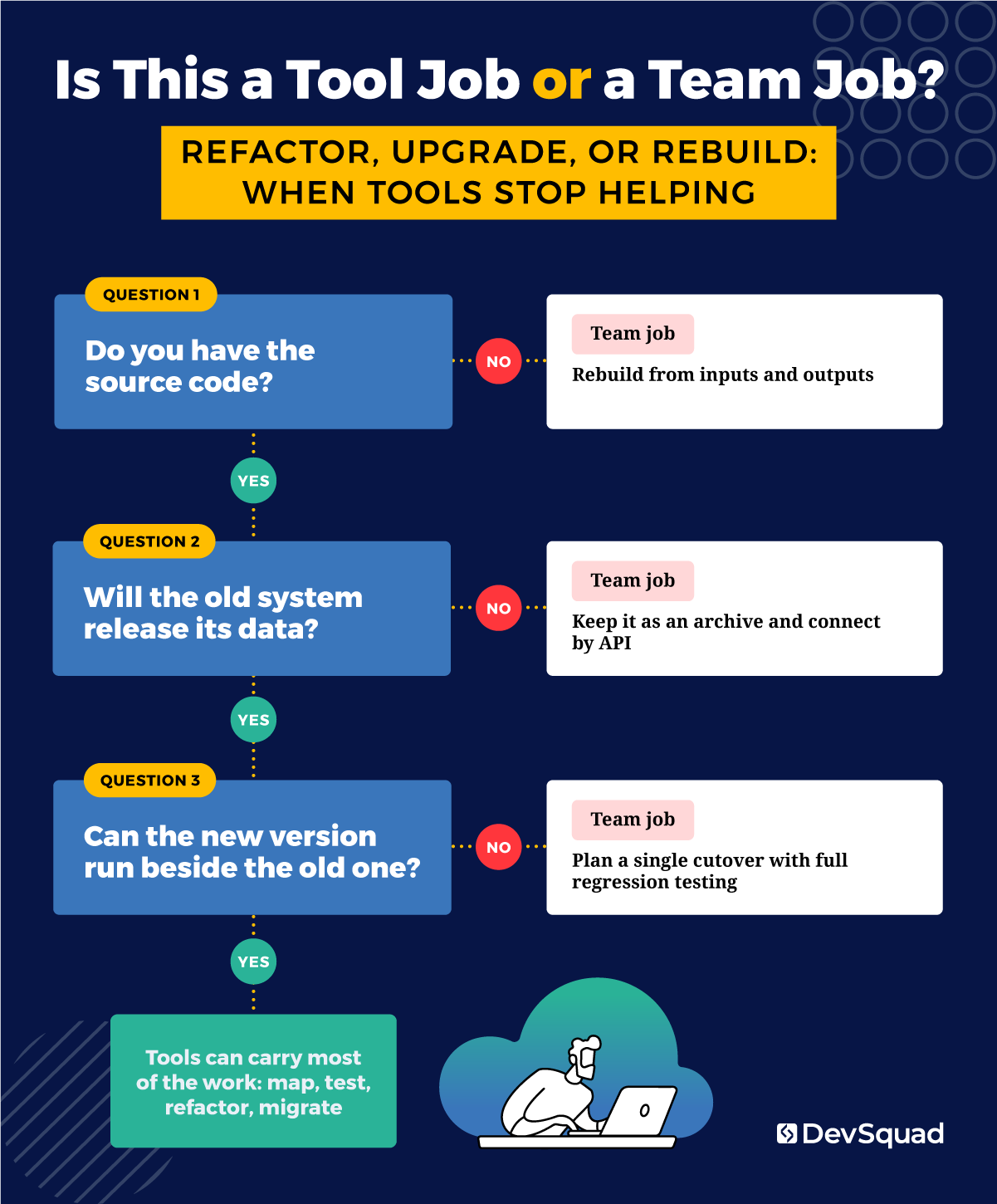
Every tool above assumes two things. You have the code, and the old system will cooperate.
Sometimes neither is true.
Nationwide Power ran on a vendor platform that would not open its database. Fifteen years of maintenance history couldn't be migrated out. In the energy world, an incomplete maintenance record is a safety problem, so leaving that history behind wasn't an option. DevSquad moved every operational process into a custom platform instead. The old system became an archive, connected by API for specific requests only.
Emergent 3 hit a different wall. V2 was written in a different language, so it couldn't run alongside V1. That meant no gradual rollout. Roughly 50,000 users moved in a single cutover, with no fallback. Everything had to work on day one, which is why the testing in Stage 2 mattered so much.
No tool makes those calls. A team does. And sometimes you don't even have the old code to work from.
"You do not need the old codebase to replace the old system. We rebuilt an aviation operations platform without ever seeing the software it was replacing. We worked through it with the client module by module, asking the same two questions each time: what goes in, and what has to come out. Then we built to that." — Antônio Salla, Product Manager, DevSquad
If your modernization looks more like these stories than a version upgrade, talk to us about our legacy app modernization services. Our modernization projects average 7 months. Still comparing firms? See our list of application modernization companies.
Legacy modernization tools FAQs
They're software that helps you understand, protect, change, or move an aging application. Some scan code for risk, like SonarQube. Some generate tests, like Diffblue Cover. Others automate upgrades, like Rector or OpenRewrite, or move workloads into a cloud, like AWS Transform. No single tool covers every stage, so you'll likely combine several.
No. AI agents like Cursor and Claude Code read and explain unfamiliar code quickly, and they can draft refactors and tests. Their output still needs review, because almost-right changes are hard to spot in old code. Run them on code that already has tests, so you can see what breaks.
Refactor when the code still works and you can test it. Upgrade tools and AI assistants make that path faster. Consider a rewrite when the system can't be upgraded or the vendor won't release your data. The same goes when the new version can't run beside the old. Our modernization roadmap covers how to decide.
Start with SonarQube to map risk and Playwright to lock in current behavior with end-to-end tests. Then use Rector for PHP version and framework upgrades. Add Laravel Shift for Laravel version upgrades, running one Shift per version. Use an AI agent for the business logic neither tool understands.

Rafael Lunardelli is the CTO at DevSquad and founder of Pinguim Academy. With nearly two decades in software development, he specializes in scalable systems, DevOps, QA, and modern PHP development. Rafael has led enterprise projects at KPMG and now teaches thousands of developers through his Laravel-focused courses, conference talks, and online content.