
AI isn’t just a buzzword in tech circles anymore. It’s reshaping how products get built, how teams operate, and how businesses compete.
At DevSquad, our team of product strategists, engineers, and product managers is already integrating AI into real-world software development projects. But we’re not using it to cut corners. We’re using it to get the noise out of the way—to accelerate the low-impact tasks so we can spend more time on planning, strategy, and delivering real user value.
This guide is for product leaders, founders, and decision-makers who are curious (or cautious) about AI in software development. We'll explore what AI development really means, how it’s transforming the software development lifecycle (SDLC), and which AI developer tools are genuinely making an impact.
Whether you're wondering “will AI take over software development?” or just looking for smart ways to improve velocity without sacrificing quality—this guide is your starting point.
What is AI software development?
AI software development refers to the use of artificial intelligence to improve the way software is planned, built, tested, and maintained. This field is growing rapidly as teams adopt AI to reduce development time, improve quality, and increase output—without increasing headcount or sacrificing product value.
There are two primary approaches under this umbrella:
AI-assisted software development
This is the most common and widely adopted form of AI software development. It involves using AI-powered tools to support and enhance the work of human developers and product teams. Rather than building AI into the product itself, you're using AI to build any kind of product—faster and smarter.
Examples include:
GitHub Copilot for code completion and boilerplate generation
ChatGPT or Claude for drafting specs, validating ideas, or writing documentation
CodiumAI for automated test case generation
Tabnine for AI-powered code suggestions
AI-integrated IDEs that suggest improvements in real time
“AI has become a real asset in my workflow. It helps with research, architecture, and code optimization.”
—Gabriel de Ramos, Software Engineer at DevSquad
At DevSquad, this is what we use every day. We rely on these tools to accelerate time-consuming tasks, reduce human error, and allocate more energy to strategic planning and architecture.
Developing AI-powered software
This refers to building software products where AI is the core feature or system component. These applications rely on machine learning models, natural language processing, or predictive analytics to deliver value to users.
Examples include:
Chatbots and virtual assistants
AI-powered search engines
Recommendation engines (like Netflix or Amazon)
Predictive analytics dashboards
Image recognition and computer vision apps
This type of development often requires training models, managing datasets, and fine-tuning algorithms to specific business goals. It also typically demands a deeper investment in data infrastructure and ML expertise.
This guide is focused on the first use case—how AI is changing the way developers and product teams build all kinds of software.
“AI brought us a new way to write code, to understand it, and to collaborate with the machine in a very fluent way.”
—Matheus Santos, Tech Lead at DevSquad
Regardless of what you’ve heard, AI software development isn’t about replacing developers—it’s about empowering them to make better decisions, move faster, and spend more time on the things that actually move the product forward.
What are the roles AI plays in software development?
AI isn’t limited to writing code—it touches nearly every stage of the software development lifecycle (SDLC). From upfront product discovery to long-term maintenance, AI is becoming a partner that accelerates delivery, improves quality, and reduces burnout across teams.
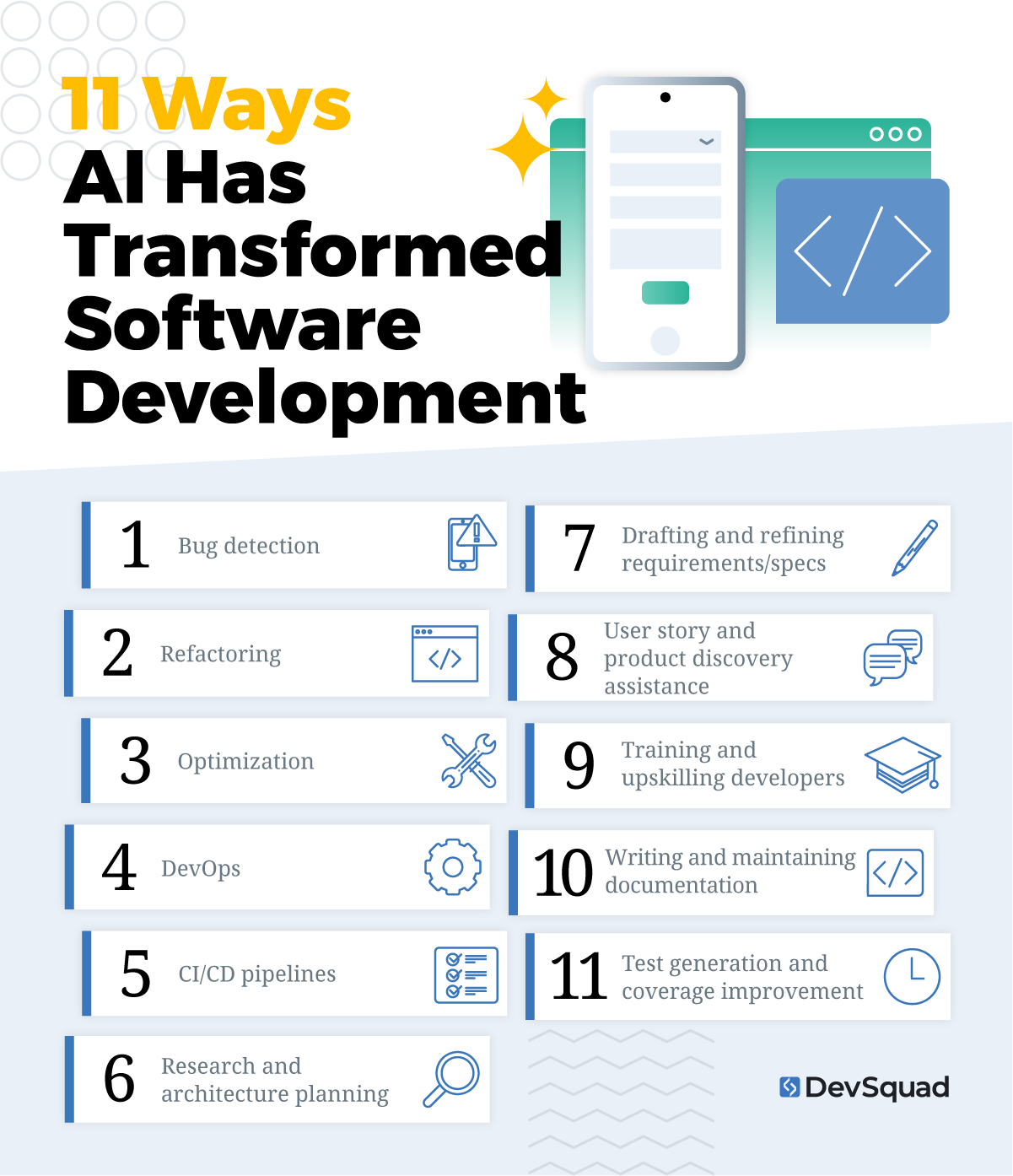
Here are the most impactful roles AI plays in modern software development:
1. Bug detection
AI-based tools can scan your code for potential defects and risky logic before it hits production. This shortens QA cycles and reduces late-stage surprises.
2. Refactoring
AI helps restructure legacy code or optimize new implementations for readability, efficiency, and scalability—without changing what the code does.
3. Optimization
Whether it’s improving an algorithm’s performance or identifying inefficient database queries, AI can suggest better alternatives faster than manual review.
4. DevOps
In DevOps environments, AI helps predict deployment risks, automate rollbacks, and streamline infrastructure changes—boosting stability and speed.
5. CI/CD pipelines
AI-enhanced continuous integration and deployment tools can adjust test coverage, detect flakiness, and even reroute releases based on prior incidents.
6. Research and architecture planning
AI is now part of the upfront design process. Tools like ChatGPT and Claude assist with validating architectural decisions and exploring system designs long before a line of code is written.
“AI helps with research, architecture, and code optimization.”
—Gabriel de Ramos, Software Engineer
7. Drafting and refining requirements/specs
This is one of the most underrated uses of AI—transforming vague product ideas into structured specs, user stories, and briefs that are easier to prioritize and build.
“AI tools help me write specs, analyze feedback, and understand tradeoffs. I use it to draft briefs that I later refine.”
—Vitor Carnello Jatoba, Product Manager
8. User story and product discovery assistance
AI can suggest feature ideas, help evaluate technical feasibility, and even provide user flow mockups, speeding up early-stage discovery and validation.
9. Training and upskilling developers
AI helps developers explore new frameworks, languages, and best practices on the fly—supporting continuous learning as part of the workflow.
10. Writing and maintaining documentation
Tools like Mintlify, CodiumAI, or GitHub Copilot can auto-generate inline comments, function summaries, and documentation that stays in sync with your code.
11. Test generation and coverage improvement
From unit tests to integration and E2E scenarios, AI can generate tests based on your logic or even past bugs—boosting confidence and speeding up QA.
AI doesn’t replace critical thinking—it multiplies it. By handling repetitive or analytical work faster, it allows developers and product teams to spend more time designing solutions that actually matter.
How is AI transforming software development?
AI is reshaping more than just development tasks—it’s redefining team roles, stakeholder influence, and the entire software development lifecycle. Here's how these changes are unfolding across modern teams.
The redefined role of the software engineer
Developers are no longer just code producers. Thanks to AI-assisted software development, they now act as orchestrators—guiding architecture, configuring AI tools, and spending more time on creative problem-solving than boilerplate logic.
“We moved from doing everything manually to orchestrating different technologies.”
—Caio Alves, Technical Product Manager
This shift means developers are learning to direct AI systems, review suggestions critically, and make higher-level decisions across the stack. In short, they’re moving upstream in the ai in software development value chain.
Rather than writing every line, engineers are managing interactions between tools, frameworks, APIs, and models—elevating both their role and the velocity of product delivery.
The expanded influence of nontechnical stakeholders
No-code and low-code platforms powered by AI have opened new doors for designers, product managers, and even operations teams to participate in development. AI tools allow these contributors to spin up flows, mock features, or test concepts—without needing a CS degree.
“AI has had a positive impact on my productivity and ideation process. It helps me validate ideas quickly and experiment before involving developers.”
—Matheus Santos, Tech Lead
This democratization doesn’t eliminate the need for expert engineering—in fact, it makes guidance more important. Teams still rely on experienced developers to handle model integration, technical debt, and long-term scalability.
But the takeaway is clear: AI developer tools are not just developer tools anymore. They’re becoming a cross-functional resource—turning stakeholders into collaborators, and expanding what’s possible during discovery and iteration.
The evolution of the software development lifecycle (SDLC)
Traditional development cycles often suffer from long planning phases, bloated requirements, and costly pivots. With the help of AI, teams are now tightening those feedback loops across the entire software development lifecycle.
“AI has greatly changed the focus of development. The real benefit is in research and translating product ideas into solutions much faster.”
—Caio Alves, Technical Product Manager
From early-stage ideation to deployment, AI tools reduce friction at every stage of the product development lifecycle (PLDC). For example:
Product managers use AI to draft specs and refine them in real time.
Developers build MVPs faster using AI-generated components.
QA teams run broader tests in less time using predictive models.
The result is a leaner, more adaptive PLDC—one where learning happens earlier and fewer resources are wasted. Instead of waiting weeks for clarity, teams are using AI to get answers in minutes, then moving forward with confidence.
15 AI developer tools driving the change in software development
Here are the top AI tools for software developers that are redefining how modern teams build, test, and deliver software.
1. Claude
Claude, created by Anthropic, is trained for helpful, honest, and harmless interaction. Known for longer context windows and structured output, Claude excels at turning unstructured product ideas into usable documents, briefs, and architectural plans—ideal for planning sessions and product strategy workflows.
Key roles this tool supports in software development:
Research and architecture planning
Drafting and refining requirements/specs
User story and product discovery assistance
Writing and maintaining documentation
Training and upskilling developers
2. ChatGPT

Built by OpenAI, ChatGPT functions as a versatile assistant for software teams. It can help draft specifications, plan architecture, refactor code, and even debug in real-time. Its ability to translate natural language prompts into code or structured ideas makes it valuable for both developers and nontechnical stakeholders.
Key roles this tool supports in software development:
Research and architecture planning
Drafting and refining requirements/specs
User story and product discovery assistance
Refactoring
Optimization
Writing and maintaining documentation
Training and upskilling developers
3. Google Gemini

Formerly known as Bard, Google Gemini is tightly integrated with Google Workspace and capable of helping with technical and nontechnical tasks alike. It’s well-suited for engineering teams that work in cross-functional environments where collaboration, summaries, and structured responses are essential.
Key roles this tool supports in software development:
Research and architecture planning
Drafting and refining requirements/specs
Writing and maintaining documentation
Training and upskilling developers
4. GitHub Copilot
Trained on a massive dataset of public code, GitHub Copilot works directly inside your IDE to suggest entire lines or blocks of code as you type. It speeds up development by autocompleting syntax, reducing boilerplate, and even proposing alternate logic for functions—all with minimal context required.
Key roles this tool supports in software development:
Code generation and suggestions
Refactoring
Optimization
Writing and maintaining documentation
Test generation and coverage improvement
Training and upskilling developers
5. Tabnine
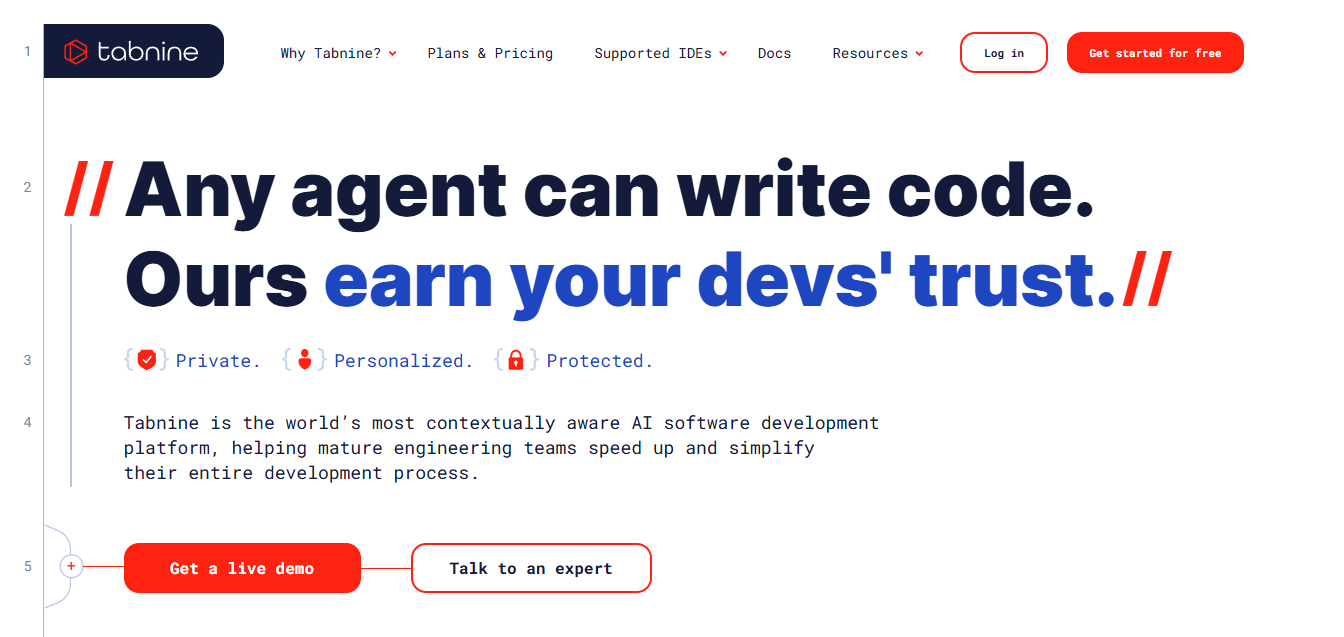
Tabnine is an AI code assistant that emphasizes privacy and performance. It offers fast, language-aware autocompletions for a variety of frameworks and supports team-based training to improve relevance. It can be deployed locally or in the cloud, making it an excellent fit for sensitive or regulated environments.
Key roles this tool supports in software development:
Code generation and suggestions
Refactoring
Optimization
Writing and maintaining documentation
Training and upskilling developers
6. Amazon Q Developer
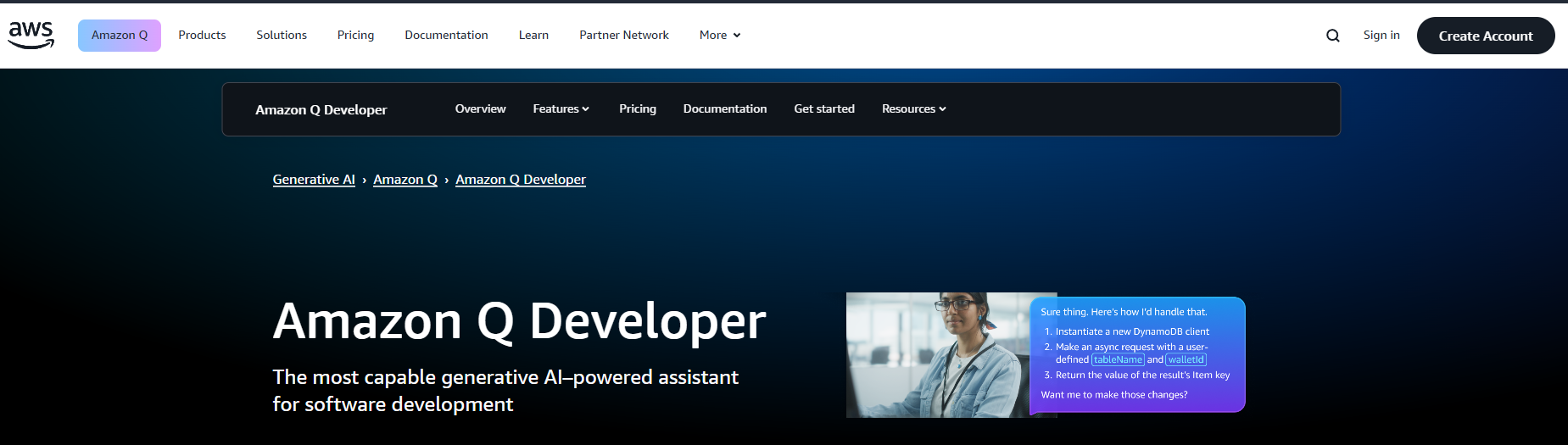
Amazon Q Developer, formerly known as CodeWhisperer, is Amazon’s upgraded AI assistant for software development. It supports code generation, debugging, refactoring, and security scans. Through its autonomous "Agents" feature, it can plan and implement features, update frameworks, and create test environments—all with developer review built into the workflow.
It also assists with cloud resource queries, such as listing Lambda functions or analyzing AWS costs. Q Developer is available inside the AWS Console, popular IDEs like VS Code and JetBrains, and Slack. A Pro version unlocks more usage, custom fine-tuning, SSO, and IP indemnity.
Key roles this tool supports in software development:
Code generation and suggestions
Refactoring
Bug detection
Test generation and coverage improvement
Optimization
Drafting and refining requirements/specs
DevOps
CI/CD pipelines
Research and architecture planning
Writing and maintaining documentation
Training and upskilling developers
7. Qodo

An AI-driven code integrity platform, Qodo, is focused on improving software reliability through intelligent generation, testing, and review. It integrates directly into developer workflows via IDEs, CLIs, and git platforms. With advanced code analysis and Retrieval Augmented Generation (RAG), Qodo delivers context-aware suggestions that align with your organization’s standards and validate code through automated test-driven processes.
Key roles this tool supports in software development:
Code generation and suggestions
Test generation and coverage improvement
Bug detection
Refactoring
Optimization
Writing and maintaining documentation
Training and upskilling developers
Drafting and refining requirements/specs
Research and architecture planning
8. DeepCode (by Snyk)
DeepCode uses machine learning to review code in real-time and flag potential bugs, security risks, and performance issues. As part of the Snyk platform, it ties directly into dev workflows to provide AI-powered static analysis without slowing down the pipeline.
Key roles this tool supports in software development:
Bug detection
Optimization
Refactoring
Test generation and coverage improvement
DevOps
Writing and maintaining documentation
10. Mintlify
Mintlify automates documentation directly from your code, using AI to generate clean, readable, and consistent technical docs. It integrates with your workflow to create internal guides or external API documentation—without requiring developers to stop and write manually.
Key roles this tool supports in software development:
Writing and maintaining documentation
Refactoring
Optimization
Training and upskilling developers
11. Windsurf

Windsurf, formerly known as Codeium, is a fast, low-overhead AI code assistant built for speed and wide accessibility. It supports autocomplete and inline code generation across dozens of programming languages. Designed by deep learning researchers focused on performance and cost efficiency, Windsurf integrates with popular IDEs and targets developers looking for high-speed suggestions without vendor lock-in or usage fees.
Key roles this tool supports in software development:
Code generation and suggestions
Refactoring
Optimization
Writing and maintaining documentation
Training and upskilling developers
12. Swimm
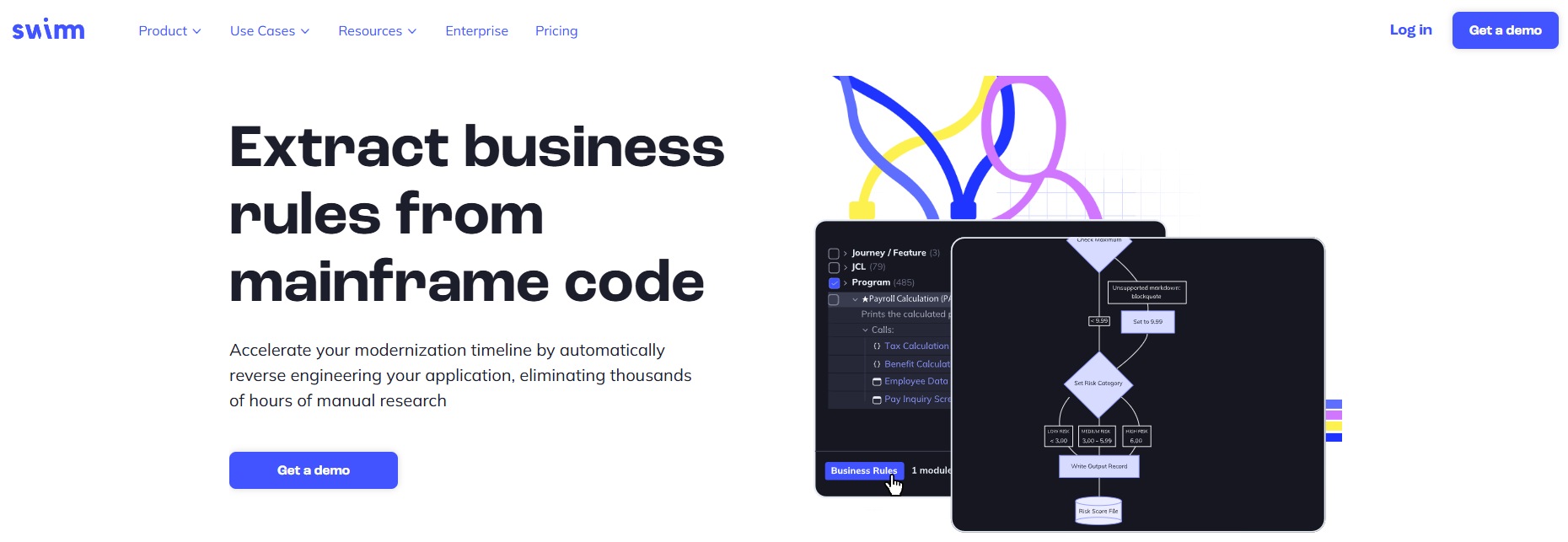
Swimm focuses on making internal documentation useful and maintainable by embedding it directly within your codebase. It helps onboard new developers faster and reduces context-switching by linking AI-generated docs to real-time code changes. Great for growing teams or projects with high turnover.
Key roles this tool supports in software development:
Writing and maintaining documentation
Training and upskilling developers
Drafting and refining requirements/specs
13. Harness AI
Harness AI applies machine learning to CI/CD pipelines to predict deployment outcomes, automate rollbacks, and spot patterns in failed builds. It helps engineering teams release more confidently by surfacing risks before they become outages. Particularly useful in enterprise and cloud-native environments.
Key roles this tool supports in software development:
DevOps
CI/CD pipelines
Bug detection
Test generation and coverage improvement
Optimization
14. Firefly
Firefly provides visibility into infrastructure-as-code (IaC) using AI to recommend improvements, highlight misconfigurations, and enforce governance. It works across multi-cloud environments and supports teams that need to manage large or dynamic cloud deployments with precision and confidence.
Key roles this tool supports in software development:
DevOps
CI/CD pipelines
Optimization
Bug detection
Refactoring
15. Ansible Lightspeed
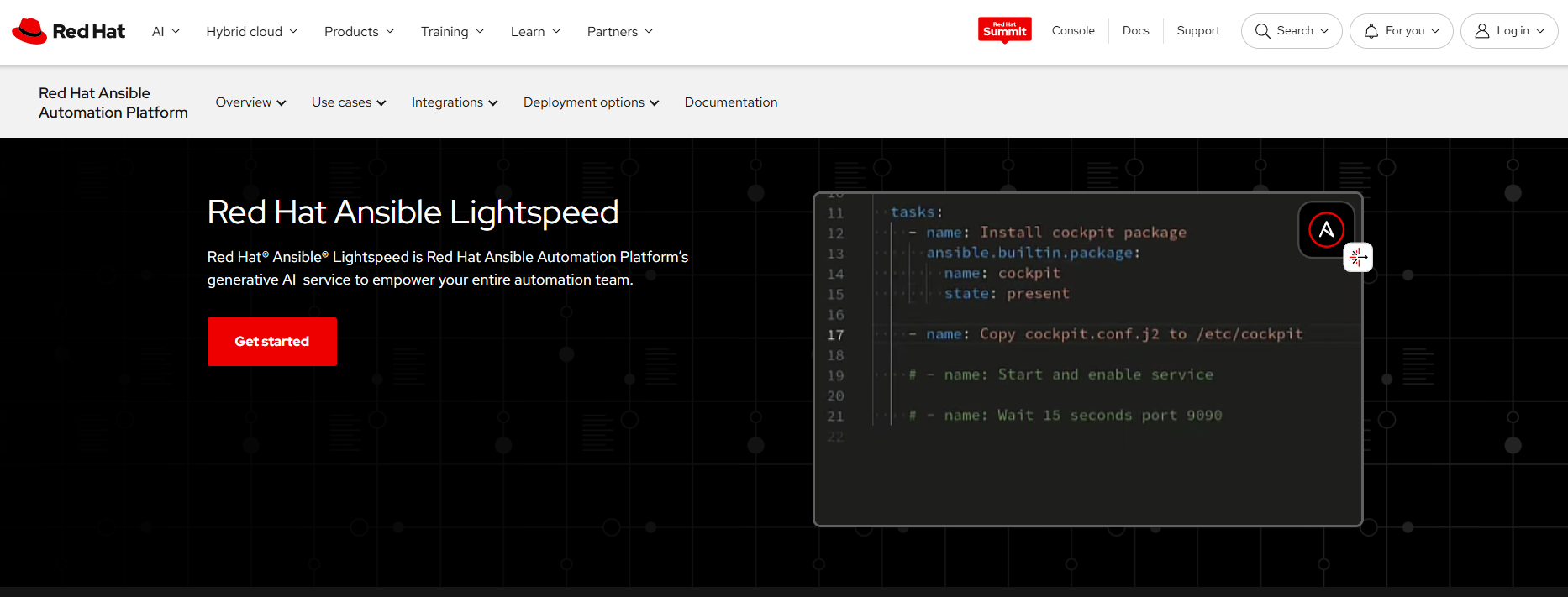
Ansible Lightspeed is Red Hat’s AI-powered assistant for writing infrastructure automation code. It accelerates playbook creation by suggesting tasks and configurations in natural language. For DevOps engineers managing complex environments, it reduces time-to-deploy and human error.
Key roles this tool supports in software development:
DevOps
CI/CD pipelines
Optimization
Drafting and refining requirements/specs
Writing and maintaining documentation
Frequently asked questions (FAQs)
Will AI take over software development?
No. AI will not take over software development entirely. It can automate repetitive coding tasks and assist with testing, optimization, and planning. But software development still requires human judgment, creative problem-solving, and collaboration. AI helps developers move faster, but it doesn't replace their role in designing architecture, making tradeoffs, or building user-centered products.
Will AI replace software engineers and developers?
AI won’t replace developers—it will augment them. Developers who know how to work alongside AI tools will deliver higher-quality products faster. The demand for engineers who can validate AI output, integrate models, and manage complex systems is growing. While some routine tasks will be automated, human developers are still essential for delivering reliable, usable software.
What are the primary risks of AI-assisted software development?
Key risks include over-reliance on AI-generated code, reduced human oversight, poor-quality suggestions, and security vulnerabilities. AI tools can hallucinate or produce inefficient logic. If teams skip validation, these errors can go unnoticed. There's also a risk of intellectual property conflicts when using AI-trained models. Development teams must use AI with discretion and review all outputs carefully.
What's the difference between AI in software development and developing AI software?
AI in software development refers to using AI tools to build software more efficiently. Developing AI software means building AI-powered products—like machine learning models, chatbots, or recommendation engines. The first is about process improvement; the second is about making AI the core product. DevSquad focuses on the former to accelerate delivery and improve quality.
Should I still hire a development team to build my software?
Yes. AI tools are powerful, but they don't replace the need for expert product strategists, developers, and engineers. A skilled team helps you clarify your product vision, make technical decisions, and build scalable systems. They also review and validate AI-assisted output. Hiring a team gives you structure, speed, and the ability to launch a reliable product.
How DevSquad utilizes AI in software development
At DevSquad, AI isn’t a gimmick or a replacement for expertise—it’s a tool we use to increase velocity without sacrificing quality. Our approach to AI-assisted software development is deliberate: we automate the right things, save time where it counts, and reinvest that time into planning, architecture, and delivering user value.
Here’s how we integrate AI across the product development lifecycle (PDLC):
Drafting specs, features, and architectural outlines
Accelerating research and validation of product ideas
Generating, reviewing, and optimizing code
Supporting documentation and testing
Freeing developers and product managers to focus on strategy
“AI has made me at least 30% more productive. The real benefit is in research and translating product ideas into solutions much faster.”
—Caio Alves, Technical Product Manager
Our team doesn’t blindly accept AI outputs—we use them to generate working drafts, then apply expert thinking to adapt, refine, and validate. That’s what separates real product development from automation experiments.
“AI is transforming software development by streamlining repetitive tasks and providing insights that allow us to spend more time solving the right problems.”
—Gabriel de Ramos, Software Engineer
And it’s not just about writing code faster. We use AI to better align the team early in the process, clarify technical tradeoffs, and move from idea to execution with less friction.
“Complex tasks now have a different approach, a quicker one. It helps reduce repetitive steps and lets me focus on value-driven decisions.”
—Nelson Pereira, Technical Product Manager
By leveraging AI the right way, we build better products—faster. That’s how we help clients go to market sooner without cutting corners on quality or strategy.
Ready to build with a team that leverages AI to accelerate outcomes? Learn more about our software development services.

Dayana Mayfield is a SaaS copywriter and content marketer specializing in SaaS marketing, positioning, and go-to-market strategy. She has consulted for over 195 SaaS companies, focusing on both traffic and conversions. She has been featured in Entrepreneur, Forbes, and Business Insider. Outside of work, Dayana writes SciFi novels and spends her evenings surviving auditions, rehearsals, and tech week as a proud theater mom.