
Have you outgrown spreadsheets, off-the-shelf software, or disjointed tools? Custom software might just be the smarter, more scalable solution for your small business.
The right custom system can automate key operations, improve customer experience, and support long-term growth—all without forcing your team to work around someone else’s platform.
In this guide, we’ll break down what custom software for small businesses really involves, why it’s worth considering, and what to expect from the development process. We also consider choosing the right tools and partners. Think of this post as a clear roadmap forward.
What is custom software for small businesses?
Custom software for small businesses refers to digital applications specifically designed to meet the unique operational needs, workflows, and customer experiences of a particular business. Off-the-shelf vs custom software development solutions highlight generic features for the masses over custom business software that is purpose-built. It's tailored to the way you work—not the other way around.
This type of software can range from internal tools that streamline day-to-day operations (like scheduling, invoicing, or inventory management) to customer-facing apps that deliver a branded digital experience. In many cases, it also serves as a form of business automation software, reducing the need for manual tasks and increasing team productivity.
For example, a landscaping company might build a scheduling and route-planning tool tailored to its team and local geography. A small medical practice might create HIPAA-compliant patient intake and billing software. The key benefit is this: instead of paying for bloated features you don’t need, you’re investing in a tool that works exactly the way you do.
How custom software differs between small businesses and larger enterprise companies
While enterprise organizations often need complex systems with broad functionality across multiple departments, small businesses benefit from custom software that is lightweight, agile, and easy to scale. In fact, the entire approach to custom development is different depending on the size of the organization.
For small businesses:
The goal is often efficiency, automation, and customer service—not enterprise-wide integration with dozens of tools.
Budgets are leaner, so development cycles need to be fast and focused on clear ROI.
Decisions are made by the business owner or a small leadership team, so communication is direct and fast-moving.
The software may be replacing outdated tools, spreadsheets, or off-the-shelf software that no longer fits the business.
In contrast, enterprise companies often face longer development timelines, more complex stakeholder involvement, and the challenge of coordinating across multiple departments and legacy systems.
For a small business, a custom tool can mean the difference between chaotic operations and smooth growth. When done right it becomes a competitive advantage, not a luxury.
Top reasons small businesses should consider developing custom software
Custom software isn’t just for large enterprises with massive IT budgets. More and more small businesses are turning to custom development as a way to solve real operational problems, automate workflows, and compete at a higher level.
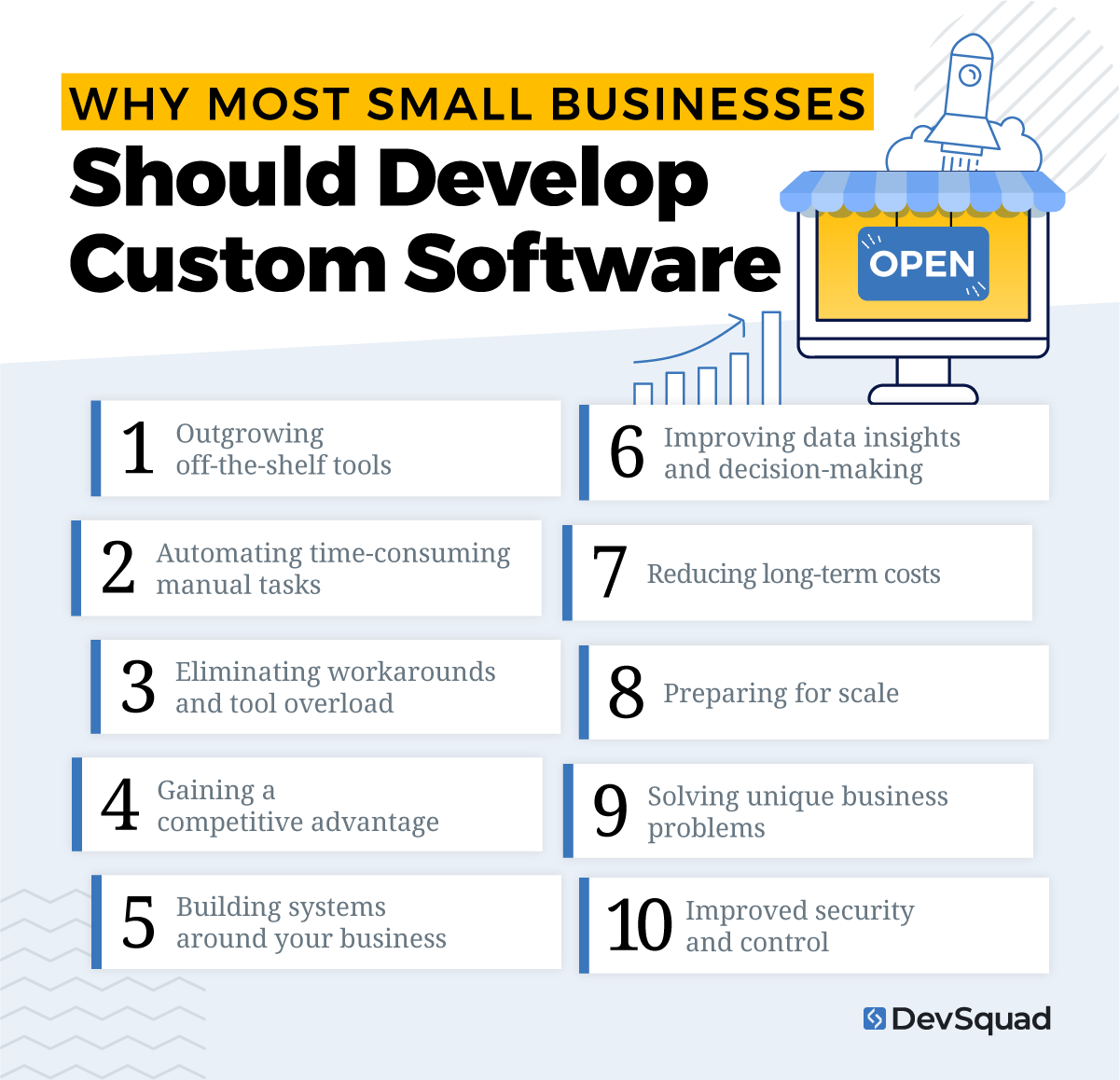
Below are the top 10 reasons to consider building custom business software.
1. Outgrowing off-the-shelf tools
Most small businesses start with plug-and-play software—spreadsheets, SaaS platforms, and generic CRMs. But eventually, these tools become a limitation. If you’re constantly running into barriers, relying on too many workarounds, or stretching tools beyond their original purpose, it’s a sign you’ve outgrown them.
Another consideration is the number of SaaS tools you are using. If you keep adding more SaaS products to your list—and their subscription costs—custom software is probably a good call.
2. Automating time-consuming manual tasks
One of the biggest opportunities for small businesses is to replace repetitive work with internal use software and business process automation. Think: scheduling, invoicing, reporting, or inventory updates. A custom solution can automate these tasks based on your exact workflow, reducing human error and freeing up hours every week.
3. Eliminating workarounds and tool overload
Too many tools often means scattered data, disconnected systems, and frustrated employees. When your team spends more time switching between apps than doing meaningful work, it’s time for change. Custom software consolidates your core processes into one streamlined solution.
4. Gaining a competitive advantage
Custom business software gives you capabilities that competitors using generic tools just don’t have. Whether it’s faster response times, better user experience, or a more efficient back-office, the right system can help you operate in ways that set you apart in your market.
5. Building systems around your business
Off-the-shelf software forces you to adapt to predefined workflows. But your business is unique—your software should reflect that. The right custom development allows you to create a system that fits your process, culture, and customer experience goals from day one.
What's more is that the money spent for subscriptions can go towards maintaining your software around your business. That means adaptations in your business can be quickly reflected into the tools you use.
6. Improving data insights and decision-making
Many small business owners struggle to get accurate or meaningful reports from their systems. A custom solution can centralize your data and provide real-time visibility into KPIs, trends, and team performance. That way you can make faster, smarter decisions.
7. Reducing long-term costs
Yes, custom software involves an upfront investment. But the long-term ROI is clear. You reduce subscription fees, minimize inefficiencies, and avoid productivity losses caused by clunky tools. In many cases, custom software pays for itself within the first year through improved efficiency alone. With AI development, businesses can build software more affordably than ever and pay less than they do for subscriptions.
Choosing the right developer also helps with this. For instance, working with an agency that focuses heavily on product discovery and dual-track agile development means you’ll get targeted features that provide the most immediate value.
8. Preparing for scale
As your business grows, your software should grow with you. Most off-the-shelf systems aren’t built for targeted scalability. Custom solutions can be designed with growth in mind—whether that means adding new features, users, locations, or integrations.
9. Solving unique business problems
Every small business has operational quirks that generic software doesn’t account for. That could be a specific scheduling flow, approval process, or customer portal. With the right discovery, custom software allows you to build solutions that actually solve your specific pain points.
10. Improved security and control
When you control your own software, you also control your data and security. This is especially important for industries with strict compliance requirements. With custom development, you choose how your data is stored, accessed, and protected—reducing risk and improving peace of mind.
Common use cases for custom business software
Custom software helps small businesses operate more efficiently by solving problems that off-the-shelf tools can’t. That’s because a custom solution can be built around the way your business actually works.
Here are the most common and valuable use cases where small business management software can make a real impact:
Customer relationship management (CRM): Track leads, automate follow-ups, and manage client communication based on your sales cycle and service model.
Appointment scheduling and calendar coordination: Create scheduling systems tailored to your availability, service types, buffer times, or location-specific rules.
Invoicing, billing, and payment collection: Automate invoice creation, send reminders, and collect payments in a way that matches your pricing structure and billing process.
Inventory and order management: Monitor stock levels, automate reordering, and manage order fulfillment using workflows specific to your products or services.
Team scheduling and shift management: Assign shifts based on employee availability, qualifications, and labor rules without relying on rigid third-party apps.
Client onboarding workflows: Automate tasks, forms, emails, and approvals to give new customers a smooth, branded onboarding experience.
Field service coordination: Dispatch staff, track job status, collect mobile check-ins, and submit reports with a solution built for your field team’s needs.
Document management and digital signatures: Securely store and share documents, request signatures, and manage version history with built-in compliance tracking.
Custom dashboards and reporting tools: View the KPIs and operational metrics that matter most to your business, all in one place.
Internal task and project management: Assign, track, and complete tasks using workflows that reflect how your team actually operates.
Customer portals or self-service hubs: Let customers log in to view documents, track orders, manage appointments, or access resources without contacting your team.
Compliance and audit tracking: Monitor internal policies, documentation, certifications, and audit trails to meet regulatory requirements.
Marketing automation for small teams: Run email sequences, tag leads, and trigger CRM updates without relying on bloated or expensive marketing platforms.
The custom software discovery process for small businesses
For small businesses, the success of custom software hinges on the discovery process. Discovery isn't just about scoping features or estimating a timeline. It’s about deeply understanding your business model, users, and operations so the solution you build is both usable and valuable from the start.
A thoughtful discovery process reduces risk, prevents unnecessary rework, and speeds up the path to a functional version of your software. Here's what a high-impact discovery process typically looks like—especially when guided by a team that specializes in helping small businesses launch and scale smarter.
1. Strategy and technical assessment
The process starts with a collaborative workshop where you and your development partner explore your core business goals, user needs, and technical landscape. This may include reviewing your current tools, workflows, or any existing software you're replacing. The outcome is a clear execution plan that matches your budget, growth stage, and objectives.
This step is about developing a strategy that is adapted to your specific needs and workflows.
2. User story mapping and prototyping
Once the strategy is defined, the team creates detailed user stories. These are short, specific descriptions of how users will interact with your system. Such as what they need to do, when, and why. While user stories keep development grounded in real use cases, a clickable prototype brings the vision to life.
Even before writing a line of code, you can see how your system will function, walk through user flows, and collect early feedback from team members or customers. This step is especially useful for validating whether the direction matches what users actually need.
3. Roadmapping with now, next, later priorities
Unlike large enterprises, small businesses often need to launch quickly, learn fast, and adapt. That’s why a fixed project plan doesn’t work. Instead, discovery should result in a living product roadmap structured around three categories:
Now: What’s essential to launch and deliver value immediately
Next: What can follow after validation or early traction
Later: Features or enhancements that aren’t critical to start, but are worth considering for future phases
This approach helps avoid feature bloat and focuses the initial build on what matters most.
4. Validation and refinement before development begins
Before development officially starts, the roadmap and prototype go through a final review. This is where strategic feedback, technical feasibility, and business goals are re-checked to make sure the investment is moving in the right direction.
In some cases, small businesses use this moment to collect internal buy-in, test with users, or adjust scope based on new insights. The goal isn’t perfection—it’s confidence and clarity heading into development.
5. Developing the MVP
With the roadmap in place, the next step is building the minimum viable product (MVP)—the first usable version of your software. This is not a prototype or a rough draft. It’s a working system designed around your “now” features.
A strong MVP does two things: it solves real problems immediately, and it creates a foundation for continuous discovery and iteration. As users interact with the product, you gather insights, validate assumptions, and begin building (or adapting) what’s next on your roadmap. This is where agile, user-driven development truly begins.
Common features of small business software
Custom software should be built around your business needs, but there are foundational features that show up in most types of small business software. These features support smooth operations, automation, and user-friendly workflows. The following features are commonly prioritized during development.
User roles and permissions: Control access levels for admins, team members, or customers to protect sensitive data and keep interfaces clean.
Customer profiles and activity tracking: Store contact information, purchase history, communication logs, and other customer data in one place.
Scheduling and calendar tools: Allow staff or customers to book appointments, view availability, and sync calendars with external tools.
Invoicing and payment processing: Generate branded invoices, collect online payments, and automate recurring billing or reminders.
Task and workflow automation: Automatically assign tasks, send alerts, update records, or trigger emails based on specific user actions or system events.
Dashboards and performance reporting: Visualize key business metrics like revenue, appointments, customer activity, or team output in real time.
Notifications and alerts: Send timely updates via email, SMS, or in-app messages for events like bookings, task completions, or payment receipts.
Document management and file uploads: Enable users to securely upload, download, and manage documents within the system.
Search and filtering tools: Help users quickly locate information using dynamic search, filters, and tags across customers, projects, or inventory.
Mobile responsiveness or app access: Make the system accessible and usable on any device, including smartphones and tablets, for on-the-go use.
Third-party integrations: Connect with accounting software, CRMs, email platforms, and other business tools to keep your tech stack in sync.
Secure login and authentication: Protect access with username/password logins, two-factor authentication, or single sign-on.
Best frameworks for custom small business software development
When building custom software, the tools and frameworks your development team uses matter. The right stack makes your software faster to build, easier to maintain, and more scalable as your business grows.
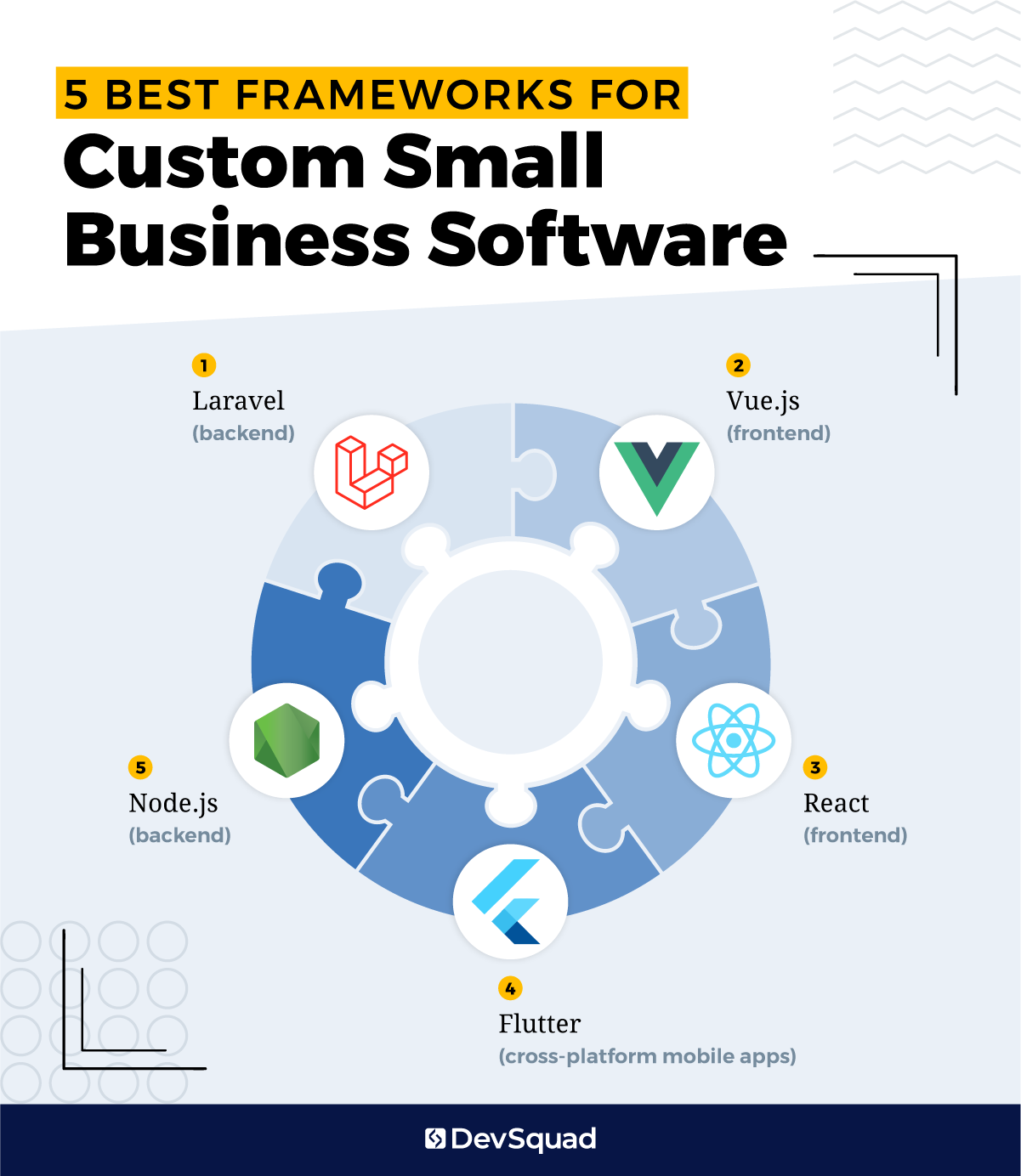
Here are the most trusted frameworks for small business management software, starting with Laravel—our top recommendation for the backend.
1. Laravel (backend)
Laravel is a PHP framework known for its stability, security, and developer-friendly structure. It’s ideal for small businesses because it allows developers to move fast without cutting corners. Laravel includes built-in tools for authentication, email, task scheduling, and database management, which reduces development time and improves reliability. It’s a strong choice for any custom system that needs to scale over time.
2. Vue.js (frontend)
Vue is a JavaScript framework that works well with Laravel and helps create clean, responsive interfaces. It’s lightweight, easy to maintain, and delivers a smooth experience on desktop and mobile. If you’re building dashboards, customer portals, or interactive forms, Vue is a great option.
3. React (frontend)
React is another popular frontend framework that’s great for building high-performance user interfaces. It’s used in many SaaS platforms and can be a strong choice if your software is customer-facing and needs complex interactions.
4. Flutter (cross-platform mobile apps)
If your custom software includes a mobile app for customers or field staff, Flutter is a modern framework that allows you to build for both iOS and Android from a single codebase. It’s fast, cost-effective, and delivers a native app experience.
5. Node.js (backend)
Node is ideal for real-time applications, such as chat systems, collaborative tools, or apps that require constant updates without refreshing. It’s often used for SaaS products and pairs well with modern JavaScript-based frontends.
Top agencies that support custom software development for small businesses
Choosing the right development partner is just as important as choosing the right tech stack. The best agencies don't just build what you ask for—they help you uncover what your business actually needs. Below are five firms that offer custom software development for small businesses, starting with our top recommendation.
1. DevSquad
DevSquad specializes in custom software for small and mid-sized businesses, with a consulting-led process focused on strategy, prototyping, and fast, maintainable builds. Their fully managed squads include product managers, designers, developers, and QA, all working in agile sprints to deliver usable software quickly. They’re a strong fit for companies looking to launch efficiently and evolve with continuous discovery.
2. Buildable
Buildable develops custom software for small and mid-sized businesses with a focus on operational efficiency and team productivity. Their services include portals, automation tools, HR solutions, and CRM systems, along with integrations for legacy and third-party platforms. They work across a wide range of industries and offer support for both web and mobile apps.
3. Binary Studio
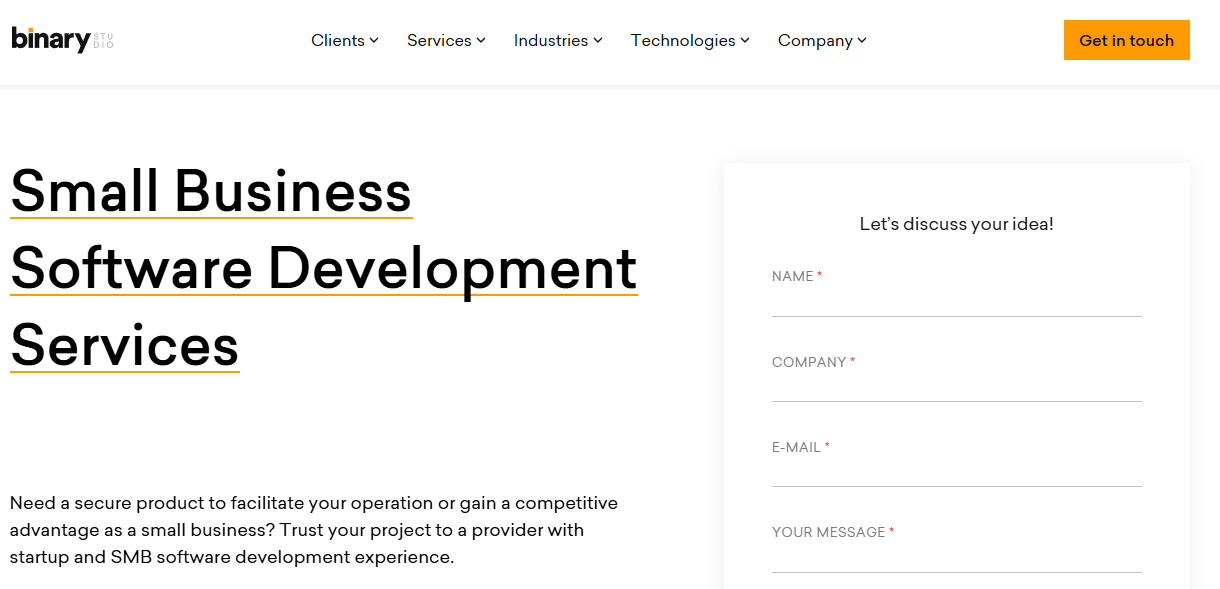
The boutique firm Binary Studio offers custom software development for startups and small businesses, with experience across industries like healthcare, fintech, and real estate. Their services include discovery, full-cycle development, and dedicated engineering teams, with a focus on quick ramp-up and agile delivery.
4. Binariks
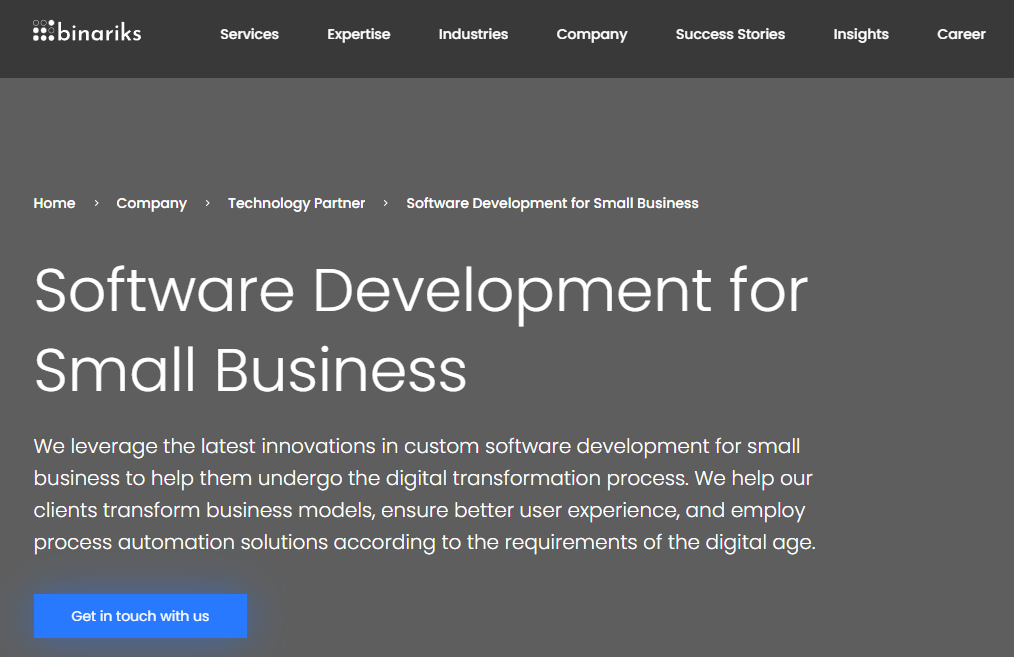
Binariks provides custom software development for small and medium-sized businesses, with a focus on digital transformation and process automation. Their services include full-cycle development, architecture consulting, and dedicated teams. They emphasize security, speed to market, and cost-efficiency for businesses undergoing modernization.
5. Axon
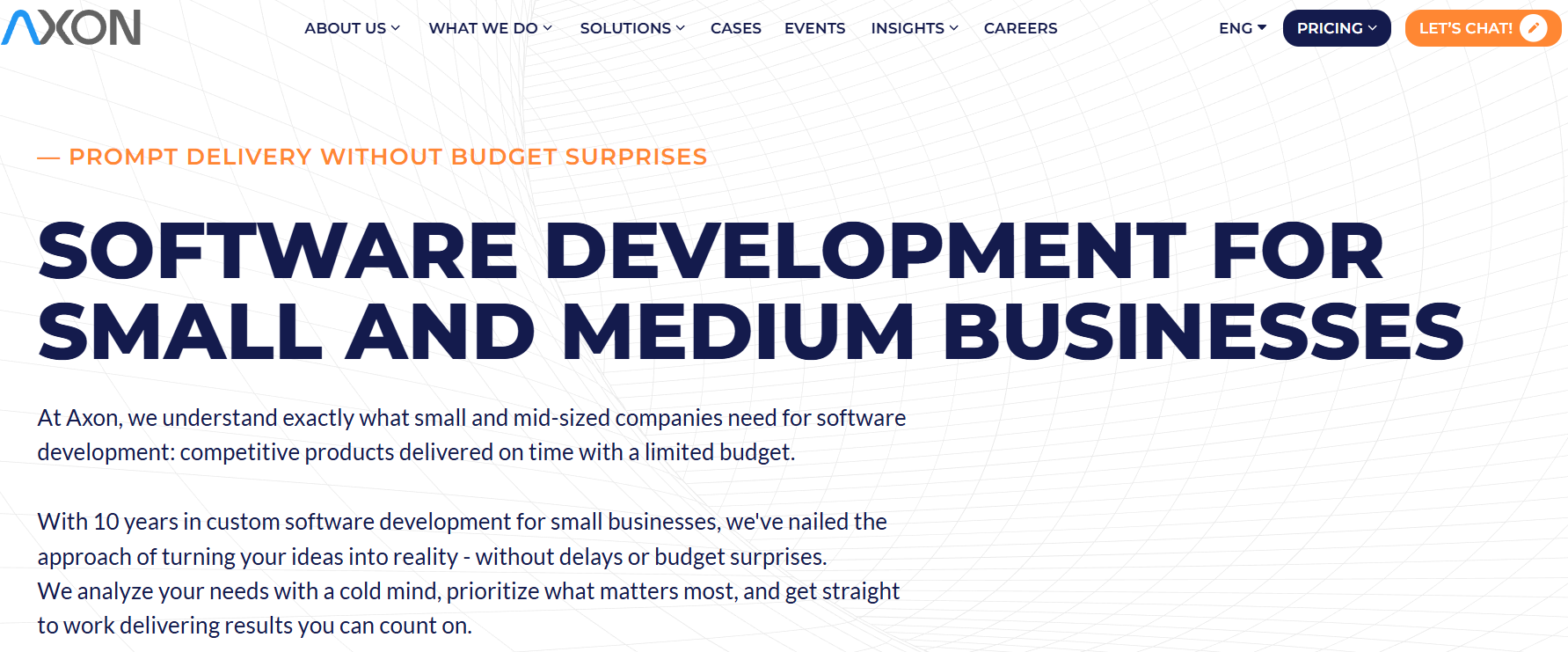
Axon provides custom software development for small and mid-sized businesses with a focus on timely delivery and budget predictability. Their services include web, mobile, and cloud development, along with modernization of legacy systems. Axon emphasizes structured processes, industry research, and scalable engineering teams to support long-term growth.
Ready for your own custom software tailored to your small business? Learn more about our custom software development services.

Dayana Mayfield is a SaaS copywriter and content marketer specializing in SaaS marketing, positioning, and go-to-market strategy. She has consulted for over 195 SaaS companies, focusing on both traffic and conversions. She has been featured in Entrepreneur, Forbes, and Business Insider. Outside of work, Dayana writes SciFi novels and spends her evenings surviving auditions, rehearsals, and tech week as a proud theater mom.