
Software that fails to meet user expectations is software that doesn’t get used. We're talking lost customers, damaged reputations, and wasted development cycles.
That’s why functional testing has always been a cornerstone of quality assurance. But with the speed of modern development, manual testing alone can’t keep up.
Automated functional testing bridges the gap. By creating functional tests that run automatically, teams can validate critical workflows, reduce risk, and release software faster.
In this guide, we’ll cover the purposes of functional testing, the benefits of automation, the most important types of tests, and more.
What is functional testing?
Functional testing is a type of quality assurance process that verifies whether a piece of software works according to its defined requirements. Instead of asking how the system performs a task, functional testing focuses on what the system does. The goal is to validate that every feature, input, and output matches the intended business rules and user needs.
For example, if you’re building an e-commerce platform, functional testing doesn’t just check if the checkout page loads—it confirms that users can add products to their cart, apply discounts correctly, and complete secure payments. This type of testing sits at the core of any reliable release strategy because it helps teams confirm that software is running right.
In today’s fast-paced software development cycles, creating functional tests early and integrating them into a functional testing plan is essential. It allows teams to detect issues before they cause costly downstream problems and provides confidence when moving toward automated testing or continuous testing approaches.
Why creating functional tests is so important
Without functional testing, development teams risk deploying software that might technically work but fails to deliver on real-world expectations. Poorly tested applications can frustrate users, slow adoption, and even damage brand credibility.
Creating functional tests serves several purposes:
Validation against requirements: Functional tests confirm that business rules are correctly implemented, preventing misunderstandings between stakeholders and developers.
Improved user experience: By testing user flows, you protect against friction points that lead to churn or low adoption rates.
Risk reduction: Early detection of defects reduces the cost and complexity of fixes, lowering overall project risk.
Foundation for automation: Well-documented tests make it easier to adopt automated functional testing methodologies later, accelerating delivery and supporting continuous integration automated testing practices.
Ultimately, investing in a thoughtful functional testing plan is about building trust—with your team, your stakeholders, and your end users.
The power of automating your functional testing
Traditional functional testing relies heavily on manual execution. QA engineers write test cases, step through them by hand, and log results. While this approach works for small projects, it quickly becomes unmanageable as products scale. Modern applications often have dozens of integrations, hundreds of features, and thousands of potential user journeys. Testing them manually is not only time-intensive but also prone to human error.
This is where automated functional testing delivers significant advantages. By using automated testing techniques, teams can write functional test scripts once and run them repeatedly across different environments, browsers, and devices. Instead of days or weeks of manual test cycles, automated runs can complete in hours—or even minutes—inside your CI/CD pipeline.
The benefits of automation include:
Speed and scalability: Automated tests can execute thousands of test cases faster than any human team, making continuous testing a reality.
Consistency: Unlike manual testers who may interpret instructions differently, automated software testing tools always follow the same steps with precision.
Cost efficiency: Although creating functional tests for automation requires an upfront investment, reusing those tests over time lowers QA costs and reduces delays in development.
Early detection: Automated functional testing methodologies integrate seamlessly into continuous integration automated testing workflows, catching issues as soon as new code is pushed.
For organizations delivering SaaS products or customer-facing apps, automation is often the difference between keeping pace with competitors and falling behind.
9 types of functional tests and their purpose
Automated functional testing can cover many different areas of a software application. Each type of test serves a specific purpose in creating functional tests that protect quality and support faster releases. Below are seven key types to include in your functional testing plan.
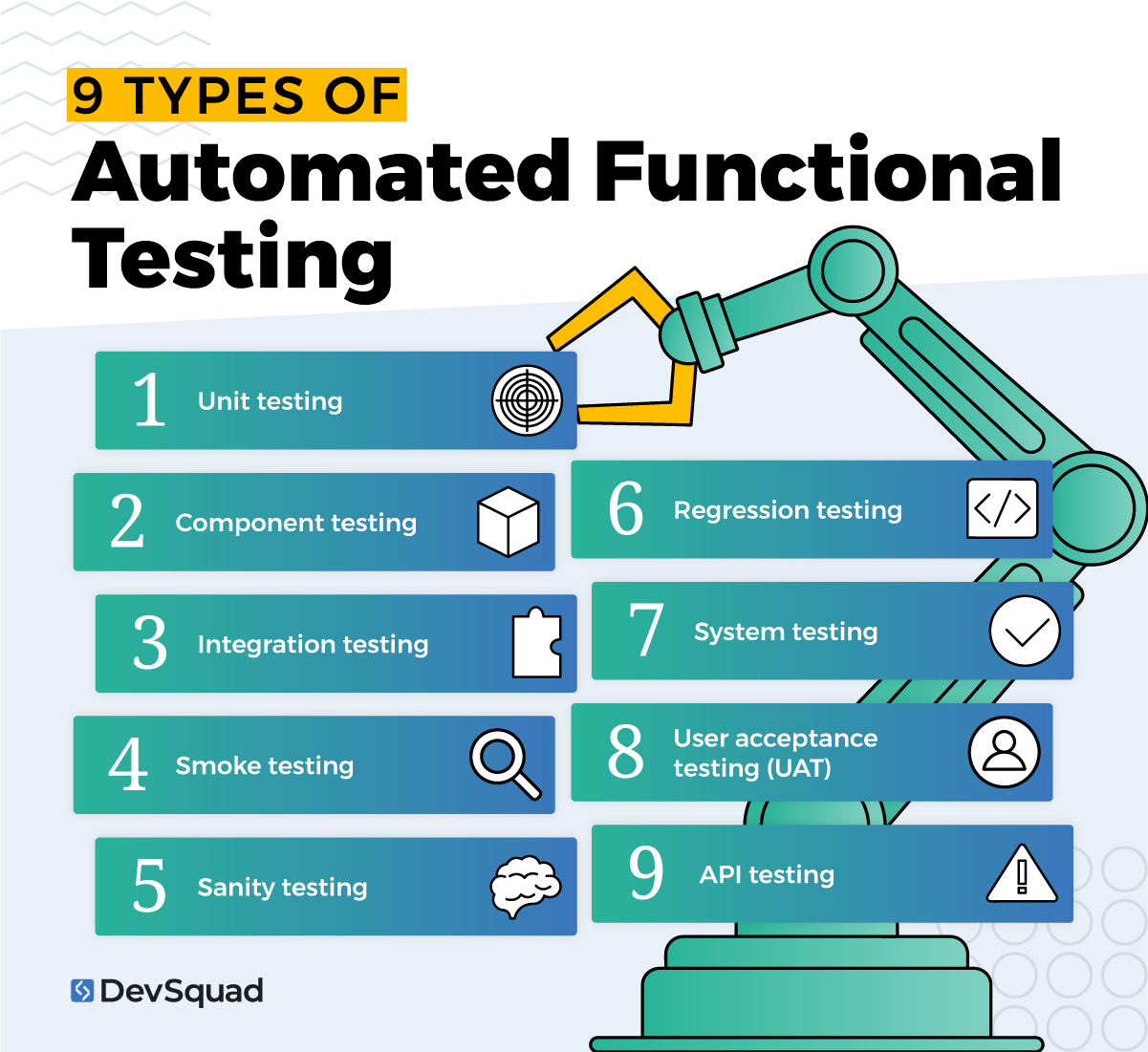
1. Unit testing
Unit testing checks the smallest building blocks of your application—such as functions, classes, or modules—in isolation. These tests verify that individual units of code behave as intended.
The purpose of this functional test: catch bugs early at the component level before they spread into larger systems.
2. Component testing
Component testing focuses on verifying larger modules or user interface elements in isolation, without the influence of other parts of the system. Unlike unit testing, which examines tiny functions or classes, component testing evaluates how a complete module behaves with its inputs and outputs.
The purpose of this functional test: validate that an individual module or feature works correctly on its own before it is integrated with the rest of the application.
3. Integration testing
Integration testing evaluates how different modules, services, or layers of an application work together. It goes beyond checking a single component to confirm that combined features share data correctly and communicate as expected.
The purpose of this functional test: confirm that connected components interact reliably and maintain data integrity across the system.
4. Smoke testing
Smoke testing involves running a basic suite of tests after a new build or deployment to confirm that critical functionality is intact. Think of it as a “readiness check” before deeper testing.
The purpose of this functional test: quickly validate that the build is stable enough for further testing.
5. Sanity testing
Sanity testing is narrower than smoke testing. It focuses on verifying that a specific bug fix or feature update hasn’t disrupted related functionality.
The purpose of this functional test: provide a fast confidence check after changes without retesting the entire system.
6. Regression testing
Regression testing is one of the most important forms of automated functional testing. It ensures that new code changes don’t break existing features. These tests often grow into a large suite that runs regularly in CI/CD pipelines.
The purpose of this functional test: safeguard against accidental breakage and maintain reliability over time.
7. System testing
System testing validates the entire application against its requirements. It tests end-to-end workflows, integrations, and performance under realistic conditions.
The purpose of this functional test: confirm the application works as expected when treated as a complete product.
8. User acceptance testing (UAT)
UAT involves real users or stakeholders validating that the software meets their needs. While UAT often includes manual execution, many aspects can be supported with automated testing tools.
The purpose of this functional test: verify that the product aligns with real-world use cases and business objectives before launch.
9. API testing
API testing verifies that application programming interfaces behave correctly under different scenarios. It checks response codes, data accuracy, error handling, and security. Automated API tests are especially valuable because they can be run continuously without needing a user interface.
The purpose of this functional test: confirm that APIs deliver reliable, secure, and consistent functionality for the services that depend on them.
3 great tools for automating functional testing
Choosing the right tool is a critical part of your functional testing plan. The best tools provide scalability, flexibility, and integration with your development pipeline. Here are three of the most widely used automated software testing tools for functional testing.
1. Playwright
Playwright is a relatively new but powerful open-source testing framework created by Microsoft. It supports multiple browsers, devices, and languages, allowing for cross-platform testing with a single script.
The benefits of this tool:
Tests across Chromium, Firefox, and WebKit with one API
Handles modern web features like single-page apps and dynamic content
Built-in support for parallel execution and CI/CD integration
Strong community support and rapid updates
Best for: teams building modern, browser-based applications that need reliable cross-browser coverage.
2. Selenium
Selenium is one of the oldest and most widely used automated testing tools. It provides a suite of tools for browser automation and supports many programming languages, making it a flexible choice for enterprise teams.
The benefits of this tool:
Large, mature ecosystem with extensive documentation
Works across all major browsers and platforms
Highly customizable with multiple language bindings
Strong integration with continuous integration automated testing environments
Best for: organizations that need a proven, versatile tool for large-scale testing across many environments.
3. Cypress
Cypress is a fast, developer-friendly tool designed for modern JavaScript applications. Unlike Selenium, it runs directly in the browser, providing faster execution and more consistent results.
The benefits of this tool:
Simple setup with no additional dependencies
Real-time reloading and interactive debugging
Excellent support for testing asynchronous code
Strong alignment with front-end frameworks like React, Angular, and Vue
Best for: agile teams working primarily with modern JavaScript frameworks that want quick feedback during development.
Understanding the different automated functional testing methodologies
There’s no single way to structure automated tests. The methodology you choose will shape how you create, maintain, and execute your functional tests. Below are five of the most common automated functional testing methodologies and how they can fit into your functional testing plan.
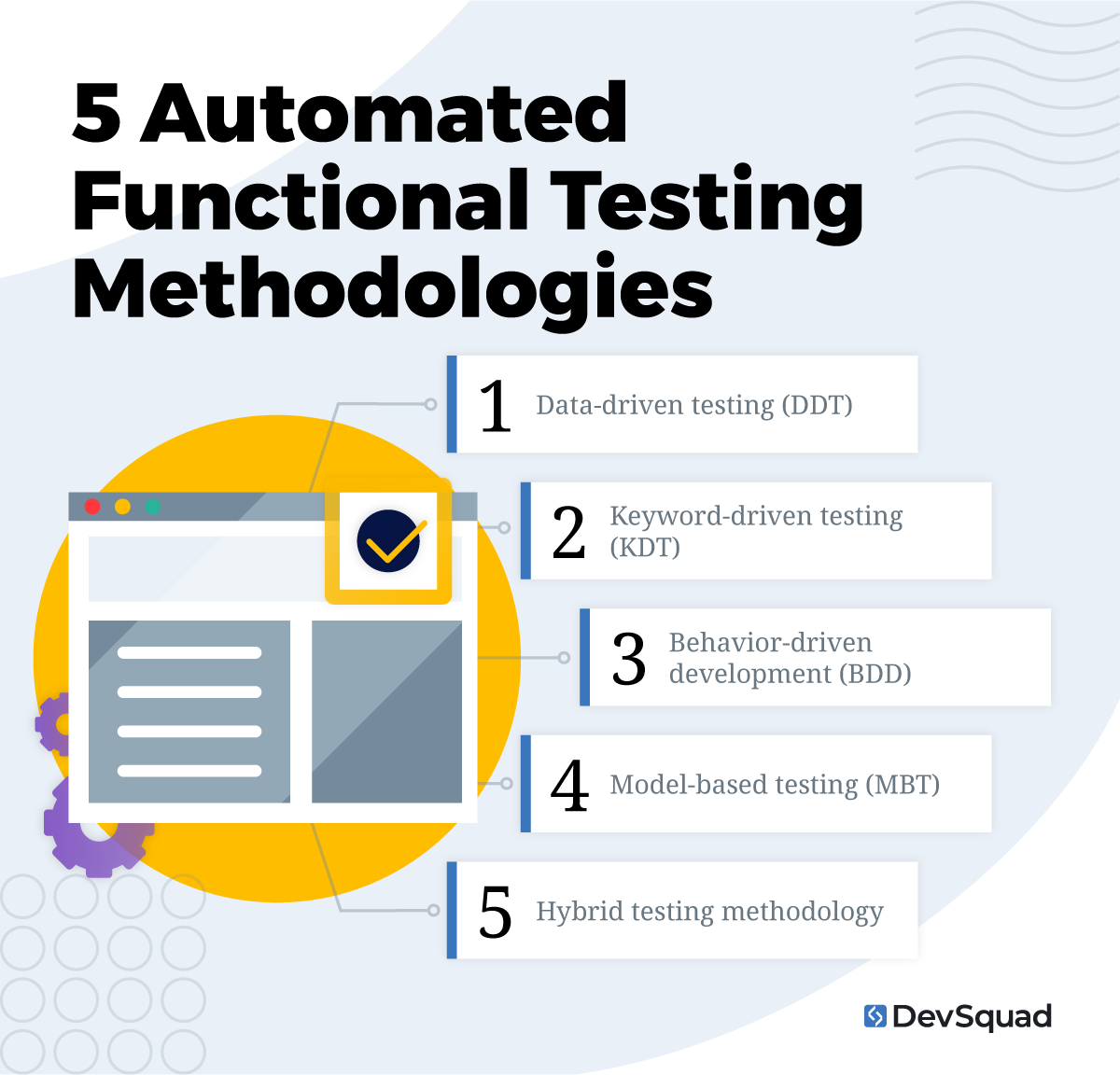
1. Data-driven testing (DDT)
Data-driven testing separates the test logic from the input data. Instead of writing multiple scripts for different values, one test script can pull input data from external sources like CSV files, spreadsheets, or databases and run through multiple scenarios automatically.
The benefits of this methodology:
Saves time by reusing scripts across multiple datasets
Expands test coverage by checking many input combinations
Reduces duplication and simplifies maintenance
Makes it easy to test edge cases and large data volumes
Best for: applications that rely heavily on user input or process large amounts of data.
2. Keyword-driven testing (KDT)
Keyword-driven testing organizes test cases into a set of keywords that represent actions, such as login, click, or verify. Testers create these keywords in a table or framework, and automation tools interpret them into executable steps.
The benefits of this methodology:
Allows non-programmers to create tests using predefined keywords
Promotes collaboration between technical and non-technical team members
Simplifies test design and improves reusability
Keeps scripts cleaner and easier to manage at scale
Best for: teams with mixed technical skills or projects where business analysts and QA testers need to contribute to test design.
3. Behavior-driven development (BDD)
Behavior-driven development uses plain language to describe how a system should behave from a user’s perspective. Tests are written in formats like Given–When–Then and supported by frameworks such as Cucumber, SpecFlow, or Behave.
The benefits of this methodology:
Improves alignment between business requirements and test cases
Makes automated tests understandable to non-technical stakeholders
Encourages collaboration across development, QA, and product teams
Helps teams validate functionality early in the development cycle
Best for: organizations that want strong communication between business and technical roles.
4. Model-based testing (MBT)
Model-based testing relies on abstract models—like workflows, state diagrams, or decision trees—that represent system behavior. Test cases are then generated automatically from the model.
The benefits of this methodology:
Provides high coverage with minimal manual test creation
Identifies complex edge cases that might otherwise be missed
Improves test consistency and reduces human bias in test design
Adapts well to changing requirements by updating the model instead of rewriting scripts
Best for: large or complex systems with many possible user paths.
5. Hybrid testing methodology
Hybrid testing combines two or more methodologies—such as data-driven, keyword-driven, and BDD—to maximize flexibility. Teams can choose the best approach for different parts of the application while maintaining one overall testing framework.
The benefits of this methodology:
Offers flexibility and adaptability across projects
Reduces limitations of using a single methodology
Supports gradual adoption of more advanced practices
Balances speed, maintainability, and collaboration
Best for: mature QA teams managing diverse applications or enterprise environments.
Automated functional testing plan best practices
A successful functional testing plan goes beyond choosing tools or methodologies. It requires clear structure and consistent execution. Here are the core best practices to follow:
Start with clear requirements. Define the functional testing purposes before writing scripts to avoid wasted effort.
Prioritize critical user flows. Focus first on the areas of the application that directly impact customers or revenue.Build reusable test cases. Create functional tests that can be adapted as features evolve.
Integrate with CI/CD. Run automated tests continuously so issues surface as soon as code is committed.
Balance automation with manual testing. Automate repetitive checks but keep exploratory testing for user experience and edge cases.
Maintain your test suite. Regularly update or retire tests to prevent false positives and keep results meaningful.
Common pitfalls in automated functional testing
Even with the right tools and methodologies, teams can fall into traps that limit the value of their automation efforts. Watch out for these common pitfalls:
Automating everything. Not all tests should be automated; focus on repetitive, high-value cases.
Neglecting test data. Poorly managed test data can make otherwise good tests unreliable.
Creating brittle tests. Overly rigid scripts break easily when the UI changes.
Ignoring maintenance. Failing to update test cases leads to false positives and wasted time.
Skipping collaboration. Leaving business or product teams out of test planning can result in misaligned priorities.
The importance of having the right testing team
Automated functional testing is only as strong as the team behind it. A skilled QA squad doesn’t just run scripts — they build the right tests from the start, integrate them into your development cycle, and adapt them as your product evolves. At DevSquad, our QA testing services combine strategy, execution, and smooth handoff.
With the right testing team, your product launches faster, grows stronger, and avoids costly quality setbacks.
Ready to build your automated functional testing? Learn more about our automated testing services.

Dayana Mayfield is a SaaS copywriter and content marketer specializing in SaaS marketing, positioning, and go-to-market strategy. She has consulted for over 195 SaaS companies, focusing on both traffic and conversions. She has been featured in Entrepreneur, Forbes, and Business Insider. Outside of work, Dayana writes SciFi novels and spends her evenings surviving auditions, rehearsals, and tech week as a proud theater mom.