
Modern software teams can’t afford to wait until the end of a sprint to test. With frequent code commits and fast-paced releases, testing has to move just as quickly. That’s where continuous integration automated testing comes in.
By running automated tests every time new code is merged, teams catch issues early, reduce risk, and keep their CI/CD pipelines moving smoothly.
In this guide, we’ll explore what continuous integration test automation is, how it differs from other approaches and the factors to consider when choosing the right tools.
What is continuous integration automated testing?
Continuous integration automated testing is the practice of running automated tests every time new code is merged into a shared repository. This approach integrates testing directly into the CI/CD pipeline so that bugs are caught immediately, long before they can disrupt production.
Instead of waiting until the end of a sprint or release cycle to test software, development teams execute functional, integration, and performance tests as part of every code commit. This ensures that issues are detected early, feedback loops are shorter, and software quality stays high even as teams move quickly.
For modern SaaS and enterprise applications, automated testing for CI/CD is no longer optional. It provides a safety net that allows teams to ship faster, adapt to changing requirements, and maintain customer trust—all without compromising stability.
Does this differ from automated testing in CI/CD pipelines?
Not exactly. The terms are often used interchangeably, but there’s a nuance. Continuous integration test automation refers specifically to the automated tests triggered at each integration point. That is when new code is pushed and merged.
By contrast, automated testing in continuous delivery may extend further down the pipeline. It often includes more complex tests—such as performance benchmarks, end-to-end flows, and user acceptance checks—that validate the software before deployment.
Think of it this way:
Continuous integration automated testing = catching defects at the earliest possible stage.
Automated testing in CI/CD pipelines = extending that validation all the way through to deployment and release.
Both are essential. Together, they create a streamlined feedback loop that protects quality at every stage of development.
Distinguishing continuous testing vs. automated testing
The terms continuous testing and automated testing are often used interchangeably, but they are not the same. Understanding the difference is critical for building the right CI/CD strategy.
Automated testing refers to the practice of using scripts and frameworks to run tests without manual effort. It’s about replacing repetitive human actions with reliable, repeatable automation. For example, running unit tests with tools like Playwright or Selenium is a form of automated testing.
Continuous testing, on the other hand, is a broader process. It means running those automated tests at every stage of development, from initial code commit to production deployment. Continuous testing provides an ongoing stream of feedback, ensuring that quality issues are detected immediately rather than at the end of a sprint or release cycle.
Put simply: automated testing is the technique, while continuous testing is the approach that applies that technique throughout the CI/CD pipeline. You can have automated testing without continuous testing, but you cannot achieve continuous testing without automation.
For organizations adopting CI/CD pipeline automated testing, recognizing this distinction is key. Automated testing in continuous delivery pipelines provides the foundation, while continuous testing ensures that validation happens early, often, and everywhere.
The benefits of automated testing in continuous integrations
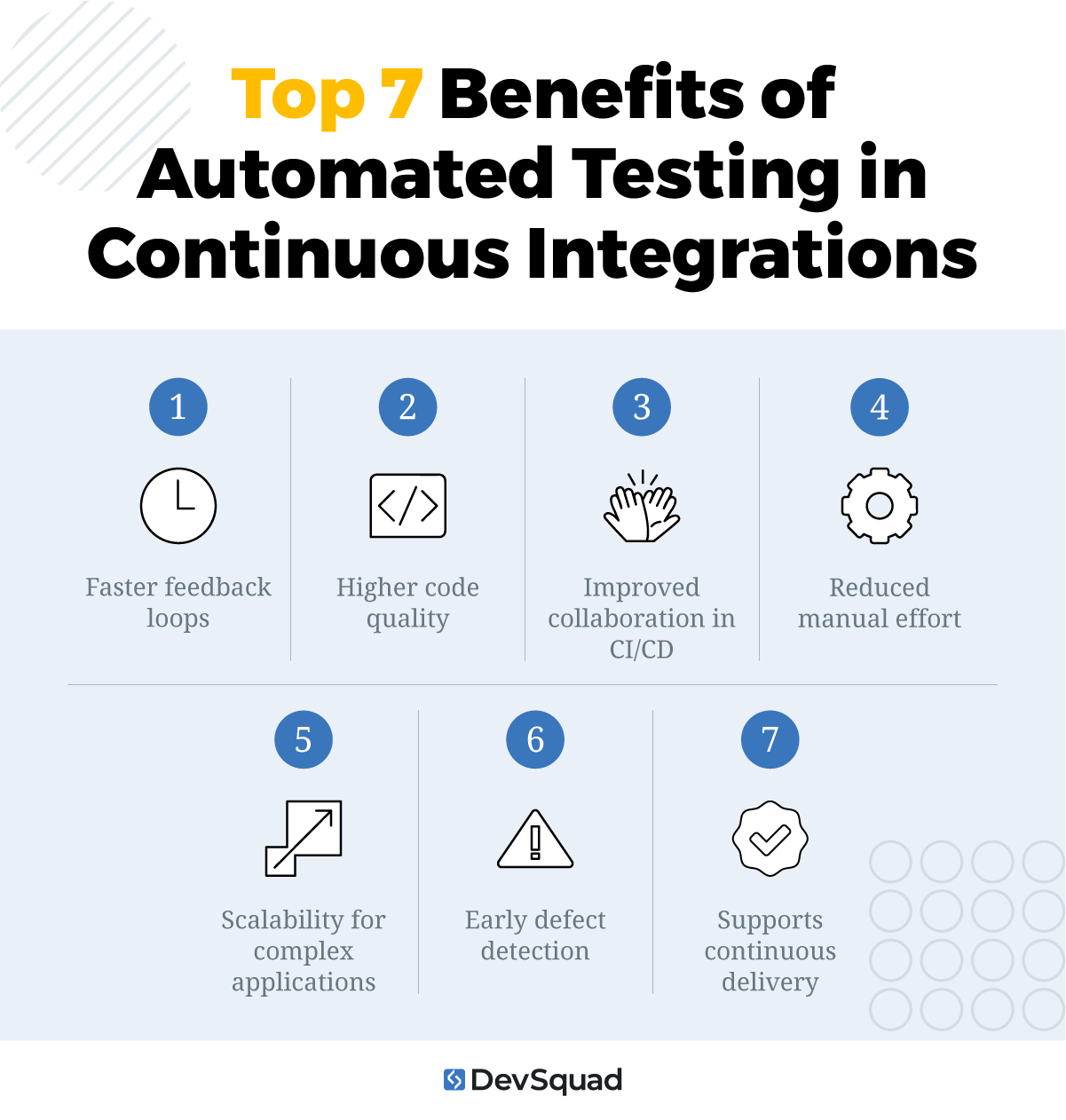
Adopting continuous integration automated testing provides development teams with more than just speed. It delivers a framework for quality, collaboration, and scalability within modern CI/CD pipelines. Here are the top benefits to expect.
1. Faster feedback loops
Every time new code is merged, automated tests run immediately. This creates near-instant feedback for developers, who can fix issues while the code is still top of mind instead of days or weeks later.
2. Higher code quality
Automated functional testing and unit checks catch regressions early and consistently. By verifying code at every integration point, teams reduce the risk of unstable builds reaching later stages of the pipeline.
3. Improved collaboration in CI/CD
When automated testing for CI/CD is built into the pipeline, results are visible to the entire team. This transparency strengthens collaboration between developers, QA engineers, and product managers, aligning everyone around shared quality goals.
4. Reduced manual effort
Repetitive test cases no longer require hours of manual work. Automation frees QA testers to focus on exploratory testing, usability reviews, and edge cases that still need human judgment.
5. Scalability for complex applications
Modern applications often need to be tested across multiple devices, browsers, and operating systems. CI/CD pipeline automated testing supports running thousands of tests in parallel, making it easier to scale quality efforts as applications grow.
6. Early defect detection
By testing at every code commit, teams catch bugs at the integration stage instead of late in delivery. This prevents small issues from compounding into expensive fixes during production.
7. Supports continuous delivery
Automated testing in continuous delivery pipelines provides the confidence needed to release software frequently. With a reliable safety net in place, teams can ship updates faster without sacrificing stability.
5 main types of continuous integration automated testing
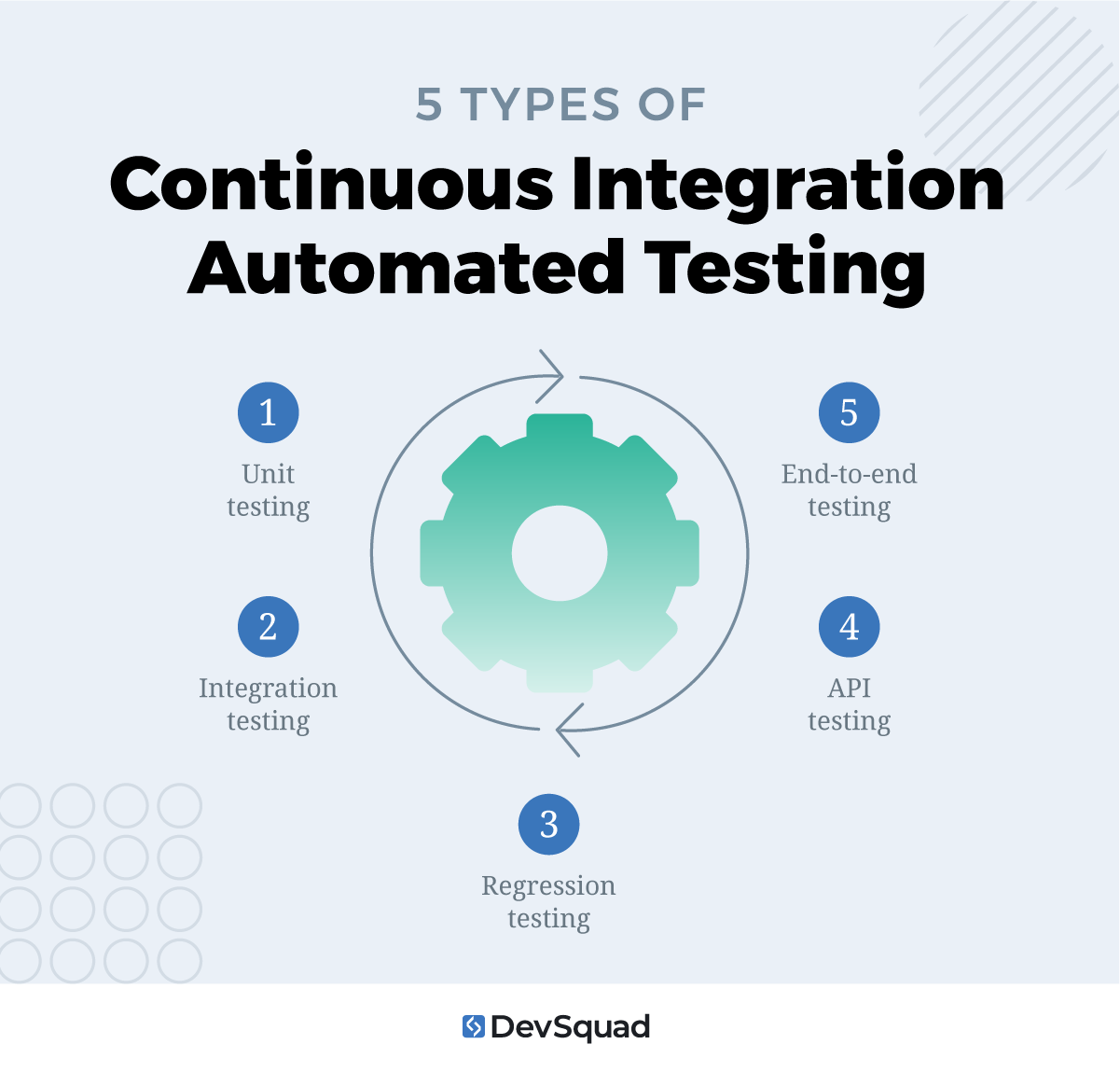
Not every test belongs in your CI/CD pipeline, but some are essential for catching defects quickly and keeping integrations stable. Here are the five primary testing types for continuous integration.
1. Unit testing
Unit tests validate the smallest parts of your codebase, such as individual functions, classes, or methods. In the context of CI/CD pipeline automated testing, unit tests run with every commit to confirm that core logic works as intended before new code is merged.
The purpose of this test:
Detect defects at the earliest stage
Reduce debugging time
Prevent unstable code from entering the shared repository
Provide a foundation for automated testing in continuous delivery
2. Integration testing
Integration tests verify that different modules or services communicate correctly once they’re combined. In continuous integration test automation, these tests confirm that new code plays well with existing components and that data flows consistently across the system.
The purpose of this test:
Validate cross-module interactions
Catch interface defects early
Confirm that updates don’t break critical workflows
Ensure consistent data flow across modules and services
Strengthen system reliability in microservices or complex architectures
3. Regression testing
Regression testing ensures that new code changes don’t break existing features. In CI/CD pipelines, regression suites grow over time and run automatically to provide confidence that updates don’t compromise stability.
The purpose of this test:
Detect unintended side effects of new code
Protect core features from breakage during frequent releases
Provide a safety net for refactoring and dependency upgrades
Build long-term confidence in continuous integration automated testing
Support continuous delivery by reducing risk of failed deployments
4. API testing
API testing validates that application programming interfaces deliver accurate, secure, and consistent responses. Because API tests don’t rely on a user interface, they are fast, stable, and fit naturally into automated testing for CI/CD pipelines.
The purpose of this test:
Confirm reliable communication between services and microservices
Validate data accuracy and error handling in real-world scenarios
Identify performance bottlenecks at the API layer
Uncover security issues such as unauthorized access or data leaks
Reduce reliance on slower UI-driven tests in continuous testing
Ensure backward compatibility when APIs evolve over time
5. End-to-end testing
End-to-end tests simulate real-world user flows, such as logging in, completing a purchase, or updating account details. While they are more resource-intensive than unit or integration tests, they provide essential validation in CI/CD pipelines by checking that the system works as a whole.
The purpose of this test:
Ensure critical user journeys function correctly
Provide validation in production-like environments
Build confidence in continuous testing vs. automated testing at isolated stages
Confirm overall system quality before release
Key factors to consider when selecting a CI test automation tool
Not every automated testing tool is built for CI/CD. The right choice depends on both your technical environment and your business priorities. Here are the main categories of considerations to keep in mind when evaluating tools for continuous integration test automation.
1. Technical alignment
A tool must integrate smoothly with your existing development ecosystem. Look for:
Compatibility with your CI/CD pipeline (e.g., GitHub Actions, GitLab, Jenkins, CircleCI)
Integration with version control systems for streamlined workflows
Language and framework support that matches your stack
Cross-platform and browser coverage, including mobile if needed
Performance in CI environments (e.g., headless support, container stability)
Extensibility through hooks, plugins, or APIs for custom workflows
2. Test coverage and quality
Your automation tool should support the breadth of tests you need while delivering reliable results. Key factors include:
Coverage for unit, integration, end-to-end, regression, and API testing
Parallel execution and speed optimization for faster pipelines
Environment control (mocking, stubbing, virtualization) for predictable runs
Test data management features such as fixtures, seeding, or masked data
Reliability and stability in execution, with controls for flaky tests
Debuggability with logs, screenshots, videos, and trace viewers
Reporting and analytics with trend insights and alerts
3. Team and business needs
Finally, the right tool must fit your people and organizational goals. Consider:
Ease of use and learning curve for both developers and QA engineers
Maintainability with patterns like page objects, fixtures, and modular data
Collaboration features like role-based access and artifact sharing
Community support, documentation quality, and vendor responsiveness
Security and compliance features such as secrets management and RBAC
Cost and licensing model that matches your scaling plans
Vendor lock-in risk and portability of your tests
5 tools for continuous integration test automation
The automated software testing tools tool for continuous integration automated testing depends on how well it aligns with your pipeline, test coverage needs, and team workflows. Here are five tools that stand out, mapped to the factors you should consider.
1. Playwright
Playwright is a modern framework from Microsoft that supports Chromium, Firefox, and WebKit, making it ideal for cross-browser automation in CI/CD pipelines.
Key factors this tool covers:
Cross-platform and browser coverage, including mobile emulation
Parallel execution and speed optimization for faster pipelines
Maintainability with fixtures, reusable patterns, and stable selectors
Debugging with trace viewers, logs, network capture, and screenshots
CI/CD compatibility with containerized test runners
Native support for modern web app features like SPAs and shadow DOM
2. Selenium
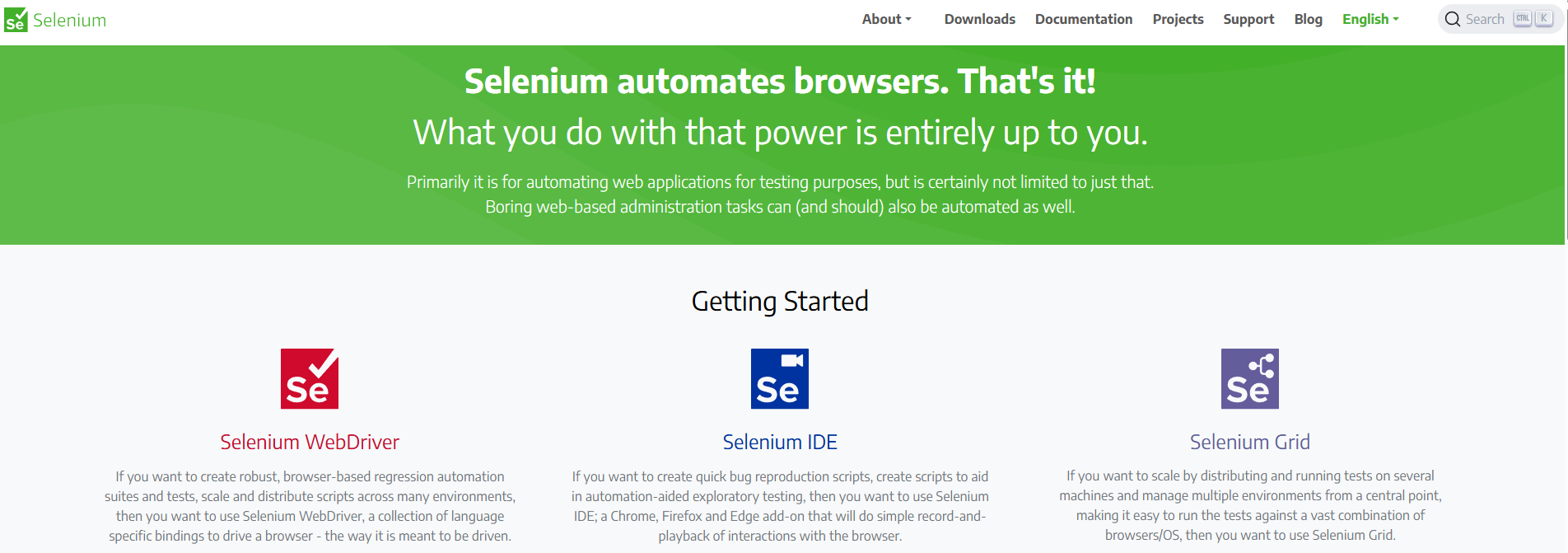
Selenium remains one of the most widely used browser automation frameworks and has decades of community adoption. Its flexibility and maturity make it a staple in enterprise environments.
Key factors this tool covers:
Broad language and framework support (Java, Python, .NET, JS, Ruby)
Compatibility with all major CI/CD systems (Jenkins, GitHub Actions, GitLab, CircleCI)
Cross-browser and cross-platform coverage, including legacy browsers
Large ecosystem of plugins, libraries, and cloud testing services
Community support, extensive documentation, and enterprise adoption at scale
3. Cypress
Cypress is designed for modern JavaScript applications and runs directly in the browser, giving developers faster, more reliable test feedback.
Key factors this tool covers:
Ease of use and low learning curve for JS/TS developers
Strong debugging with time-travel snapshots, console output, and screenshots
CI/CD compatibility with container environments and hosted services
Built-in support for mocking, stubbing, and API testing
4. JUnit (xUnit family)

JUnit is the gold standard for unit testing in Java, with equivalents like PyTest for Python and NUnit for .NET. These frameworks provide the foundation for regression and unit testing in CI pipelines.
Key factors this tool covers:
Coverage for unit and regression tests at the code level
Stability and reliability in execution across environments
Rich reporting options for CI/CD pipelines
Extensibility with build tools like Maven and Gradle
5. Jest
Jest is a widely adopted framework for JavaScript and TypeScript that emphasizes speed and developer experience.
Key factors this tool covers:
Fast execution optimized for CI/CD pipelines
Coverage for unit, integration, and snapshot testing
Seamless integration with React, Angular, Vue, and Node.js ecosystems
Maintainability with fixtures, mocks, and modular test data
Build your automated testing strategy on a solid foundation
The success of continuous integration automated testing depends on more than just tools. It requires the right strategy, aligned with your CI/CD pipeline, and a testing team that can build reliable coverage from the start. At DevSquad, our QA testing services go beyond setup — we design the right test architecture, implement automated testing techniques, and hand off a system your team can maintain with confidence.
If you’re ready to strengthen your CI/CD pipeline with automated testing for CI/CD, we can help you build it right the first time.
Ready to start your continuous testing? Learn more about our automation testing services.

Dayana Mayfield is a SaaS copywriter and content marketer specializing in SaaS marketing, positioning, and go-to-market strategy. She has consulted for over 195 SaaS companies, focusing on both traffic and conversions. She has been featured in Entrepreneur, Forbes, and Business Insider. Outside of work, Dayana writes SciFi novels and spends her evenings surviving auditions, rehearsals, and tech week as a proud theater mom.