
Most companies do not set out to build their own software.
They start with one subscription. Then another. Then another.
A feature is missing, so you add a second platform. That platform lacks something else, so you introduce a third. Over time, your SaaS stack expands and each new tool adds another monthly bill.
What began as a cost-effective solution slowly turns into operational overhead.
Instead of continuing to patch gaps with more tools, you might be starting to ask a better question:
What would it look like to own a system built specifically for us?
Custom operations software is not about building something flashy. It is about building something practical. A system that reflects how your company operates. A platform that supports your team today and evolves with you tomorrow.
This guide is here to help you explore the what if and what it would take to build your own custom operations software.
So let’s go.
What is custom operations software?
Custom operations software is a purpose-built platform designed to manage and optimize your company’s core business operations. Instead of adapting your workflows to fit a generic tool, this system is designed around how your organization actually runs.
For small to medium businesses, this often means moving beyond disconnected apps, spreadsheets, and rigid software products that were never built for your specific processes.
At its core, custom operations software becomes the central system for:
Workflow coordination
Task management
Resource allocation
Reporting and performance tracking
Process automation
Cross-team visibility
Rather than relying on multiple tools that only partially solve operational challenges, a custom-built operations management platform connects everything into one cohesive system.
The accessibility of custom operations software solutions
For years, custom development felt unrealistic for small and mid-sized businesses. It was viewed as an enterprise-only investment with massive upfront costs and long timelines.
This is no longer true.
AI-assisted development and modern frameworks have transformed how software is built. Automation, reusable components, and mature architectural patterns significantly reduce development time. Testing is more efficient. Infrastructure scales without heavy rework. Development cycles move faster and with greater precision.
The economics have changed.
Paying indefinitely for multiple tools that only partially support your business operations is now just an option. Investing in a unified platform designed around your workflows is another.
How a custom operations system overlaps with other business management solutions
A custom operations system does not replace every category of business software. But it often consolidates and integrates functions that are otherwise scattered across multiple platforms.
It may overlap with:
Business management tools
Project management systems
Manufacturing software
Field operations software
CRM platforms
ERP systems
The difference is not simply functionality. It is cohesion.
Most off-the-shelf platforms are designed to serve broad markets. They solve common problems in standardized ways. That works well at first.
But when your business operations become more nuanced, standardized tools create constraints. You are forced to adapt your processes to fit the software instead of the other way around.
A custom operations software platform flips that model.
It connects workflows, reporting, automation, and user roles into one structured system tailored to your environment. Instead of managing isolated tools, you manage an integrated platform designed to support real execution.
This alignment is critical. Business and technology should move in the same direction. When both are focused on improving the end-user experience and operational outcomes, teams become more productive and less fragmented .
A well-designed operations management system brings that alignment into your daily workflows.
It becomes the backbone of how work gets done.
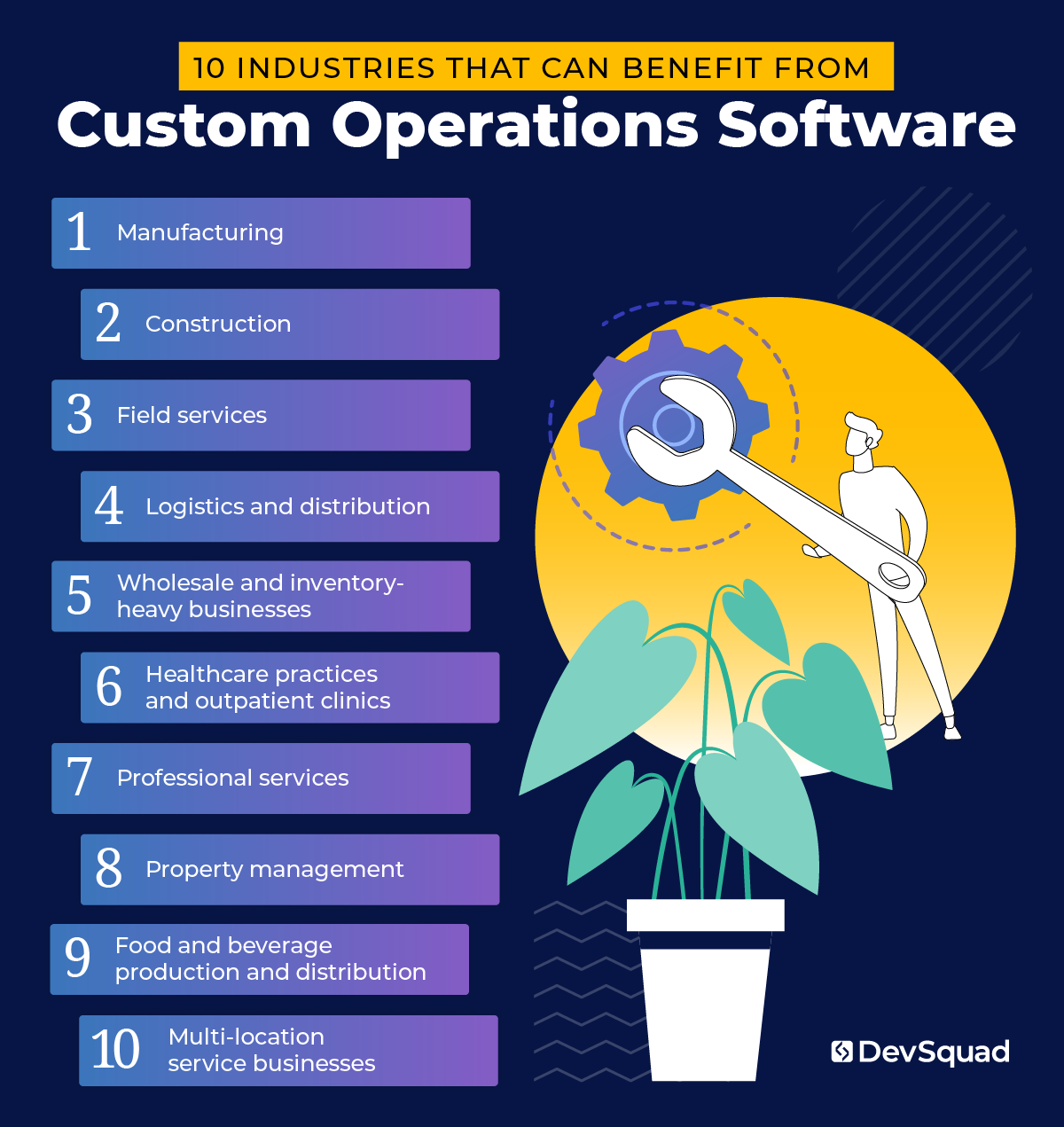
10 industries that benefit from a custom operations software platform
Custom operations software is useful in almost any industry where work involves multiple steps, multiple people, or multiple handoffs. While each industry has its own needs, the fundamentals tend to look the same.
Across the board, an operations management platform usually helps companies:
Standardize workflows
Centralize data
Coordinate people, schedules, and resources
Track status in real time
Improve reporting
Automate repetitive steps
Build accountability through approvals, audit trails, and role-based access
Integrate key tools
Below are the most common industries that see a strong return from a custom operations software platform.
1. Manufacturing
Manufacturing teams manage a high volume of moving parts: production planning, raw materials, work orders, quality checks, equipment uptime, and shipping deadlines. Even smaller manufacturers often juggle multiple product lines, custom jobs, and supplier variability that off-the-shelf manufacturing software cannot handle cleanly.
How custom operations software benefits this industry:
Connects work orders, inventory, and scheduling into one system
Improves production planning with real-time capacity visibility
Tracks materials usage and reduces shortages and rush orders
Supports quality workflows, inspections, and nonconformance tracking
Standardizes shop-floor processes across shifts and locations
Improves traceability for compliance, recalls, and customer requirements
Integrates with accounting and purchasing for tighter cost control
2. Construction
The deadline-driven and coordination-heavy construction operations definitely benefit. You are managing crews, subcontractors, inspections, equipment, budgets, change orders, and jobsite documentation. Many construction businesses rely on a mix of spreadsheets and point tools that do not reflect how work actually flows from estimate to closeout.
How custom operations software benefits this industry:
Centralizes job data from bid through project completion
Improves scheduling for crews, subs, and equipment
Simplifies change order tracking and approvals
Standardizes jobsite checklists, safety logs, and daily reports
Tracks budgets, labor hours, and job costs in near real time
Improves document control for plans, photos, and permits
Reduces rework by tightening handoffs between team
Provides clearer reporting for project health and profitability
3. Field services
Field service companies win or lose based on execution. Dispatching, routing, job completion, parts availability, and customer communication all need to work together. Generic field operations software often covers the basics, but breaks down when you have specialized services, complex pricing, or unique compliance needs.
How custom operations software benefits this industry:
Improves dispatch, scheduling, and route planning
Gives technicians a mobile-ready workflow for job steps and checklists
Captures photos, signatures, and notes for proof of work
Reduces billing delays with automated job-to-invoice handoffs
Tracks parts, tools, and inventory tied to each job
Supports complex pricing, service tiers, and contract rules
Improves customer updates with automated notifications
Creates performance visibility across techs, regions, and service lines
4. Logistics and distribution
Custom logistics operations revolve around timing, visibility, and exception handling. Even small to mid-sized logistics companies deal with complex coordination across carriers, warehouses, customers, and internal teams. A custom platform is often the difference between reacting to problems and managing them proactively.
How custom operations software benefits this industry:
Centralizes shipment tracking and exception management
Reduces manual data entry across orders, pickups, and deliveries
Improves warehouse coordination, staging, and loading workflows
Streamlines documentation, and compliance forms
Supports customer portals for real-time updates and self-service
Improves carrier management and performance tracking
Enhances reporting on on-time delivery, costs, and delays
5. Wholesale and inventory-heavy businesses
Wholesalers, distributors, and inventory-heavy businesses manage purchasing, receiving, storage, fulfillment, and returns. A custom operations platform can align ordering, inventory, and fulfillment with how your business actually runs.
How custom operations software benefits this industry:
Improves inventory accuracy across locations and warehouses
Automates reorder points, purchasing rules, and vendor workflows
Streamlines receiving, put-away, picking, and packing processes
Reduces stockouts and overstocks with better forecasting inputs
Supports complex pricing, customer tiers, and contract terms
Tracks returns, credits, and reverse logistics with less friction
Integrates sales channels and accounting to reduce reconciliation work
6. Healthcare practices and outpatient clinics
Healthcare operations require consistency, privacy, and clear accountability. Clinics coordinate scheduling, intake, documentation, billing, and patient communication while meeting strict requirements.
How custom operations software benefits this industry:
Improves intake workflows, forms, and patient data collection
Streamlines scheduling, reminders, and rescheduling processes
Standardizes internal tasking across front desk, providers, and billing
Adds role-based access and audit trails for sensitive data
Improves coordination of referrals, follow-ups, and care plans
Reduces administrative burden through automation and templates
7. Professional services
Professional services firms sell time, expertise, and results. Operations include project delivery, resource planning, time tracking, approvals, billing, and client communication. A custom operation platform matches how your firm scopes work and manages delivery.
How custom operations software benefits this industry:
Standardizes project setup, scoping, and approvals
Improves resource planning and utilization tracking
Streamlines time tracking and ties it directly to billing rules
Creates consistent delivery workflows, templates, and checklists
Improves visibility into project health, risks, and profitability
Reduces back-and-forth with client portals and structured updates
Automates invoicing triggers and reduces revenue leakage
Centralizes documents, decisions, and client communications in one system
8. Property management
Property management operations involve tenants, maintenance, vendors, inspections, leasing workflows, and compliance. Many teams use separate tools for maintenance, leasing, accounting, and communications. A unified custom platform helps reduce missed tasks and improves service consistency.
How custom operations software benefits this industry:
Centralizes tenant and unit records across properties
Streamlines maintenance requests, dispatching, and vendor workflows
Improves inspection scheduling, checklists, and documentation
Standardizes leasing steps, renewals, and move-in or move-out processes
Tracks compliance tasks and deadlines with less manual oversight
Improves communication history and response accountability
Provides reporting on occupancy, maintenance volume, and turnaround time
9. Food and beverage production and distribution
Food and beverage operations are detail-heavy and time-sensitive. You have inventory with expiration dates, production batches, quality standards, and distribution schedules. Small and mid-sized operators often outgrow generic tools quickly as they expand product lines or distribution routes.
How custom operations software benefits this industry:
Tracks batches, lots, and expiration dates for better traceability
Standardizes production checklists and quality controls
Improves inventory control for ingredients and finished goods
Reduces waste through tighter forecasting and usage tracking
Streamlines order fulfillment and delivery scheduling
Supports compliance documentation and audit readiness
Improves visibility into margins, yield, and production efficiency
10. Multi-location service businesses
Businesses with multiple locations or regions face consistency problems fast. Leadership wants standardized processes and clean reporting, while each location has local realities that require flexibility. A custom system can enforce what must be consistent while allowing controlled variation.
How custom operations software benefits this industry:
Standardizes workflows across locations while allowing local rules
Centralizes reporting so leadership can compare performance fairly
Improves training through consistent checklists and guided processes
Reduces errors by automating approvals and required steps
Improves scheduling, staffing, and capacity planning
Supports centralized purchasing and vendor management
Creates a shared view of business operations across teams
Enables faster rollouts of new processes and updates across the platform
The custom operations software system discovery process
Building custom operations software without a structured discovery process is risky. You can easily build the wrong features, automate the wrong workflows, or replicate inefficiencies in digital form.
A strong discovery process prevents that.
Before a single line of production code is written, you need clarity on:
What problems you are actually solving
How work truly flows through your organization
Where delays, errors, and redundancies occur
Which workflows should be standardized
Which workflows should remain flexible
What success looks like in measurable terms
Custom software should not simply mirror your current processes. It should improve them.
That requires intentional planning.
Step 1: Operational research and stakeholder alignment
Discovery begins with conversations.
Leadership, managers, frontline employees, and sometimes customers all see business operations differently. If you only gather input from one group, you risk designing a system that does not reflect reality.
This phase typically includes:
Stakeholder interviews
Process walkthroughs
Reviewing current tools and integrations
Mapping user roles and permissions
Identifying reporting gaps and data blind spots
It is common to uncover misalignment during this stage. One team believes a process works one way. Another team experiences it differently. Those disconnects are important. They often reveal the true source of operational friction.
Alignment matters. Discovery is where that alignment is established.
Step 2: Workflow mapping and system architecture planning
Once you understand how work moves through your organization, the next step is to map it visually.
This includes:
Documenting current workflows
Identifying bottlenecks and approval points
Defining data inputs and outputs
Clarifying integrations with other systems
Designing role-based access and security layers
The goal is not just to digitize tasks. It is to create a structured operations management platform that supports clean handoffs and accountability.
During this phase, modern frameworks and architecture decisions also come into play. Choosing stable, developer-friendly technologies improves long-term maintainability. For example, Laravel is often favored for backend development because it is fast, scalable, and supported by a strong ecosystem. These decisions affect speed, cost, and flexibility down the road.
Step 3: Prototype before you build
One of the biggest mistakes companies make is jumping directly into development.
Instead, the smarter path is to build a high-fidelity prototype.
A prototype allows you to:
Visualize dashboards and workflows
Test navigation and user flows
Validate assumptions with real users
Identify missing steps before development begins
Step 4: Roadmap with dual-track agile
The final step of discovery is a technical roadmap that clearly establishes what to build now, what to build next, and what can wait for later.
At the end of a solid discovery process you should have:
A validated prototype
A clear execution plan
Defined user stories
A prioritized roadmap
Technical clarity around frameworks and integrations
You can then move forward confidently, whether you build internally or with a dedicated development team.
After discovery, development should not be a rigid, multi-year plan locked in advance.
Modern product development works best with agile principles. Work is broken into manageable sprints so feedback can be incorporated quickly . That flexibility reduces risk and improves alignment with real operational needs.
This dual-track agile approach, where discovery continues alongside development and keeps your custom operations system in line with where you are and on track for where you are going.
What makes a strong discovery process different
Not all discovery processes are equal.
A strong discovery process:
Challenges assumptions
Questions legacy workflows
Simplifies before automating
Defines measurable outcomes
Prioritizes user experience
Balances technical feasibility with business goals
It does not simply document what exists. It rethinks what should exist.
When done correctly, discovery is not a delay. It is the most cost-effective phase of the entire project.
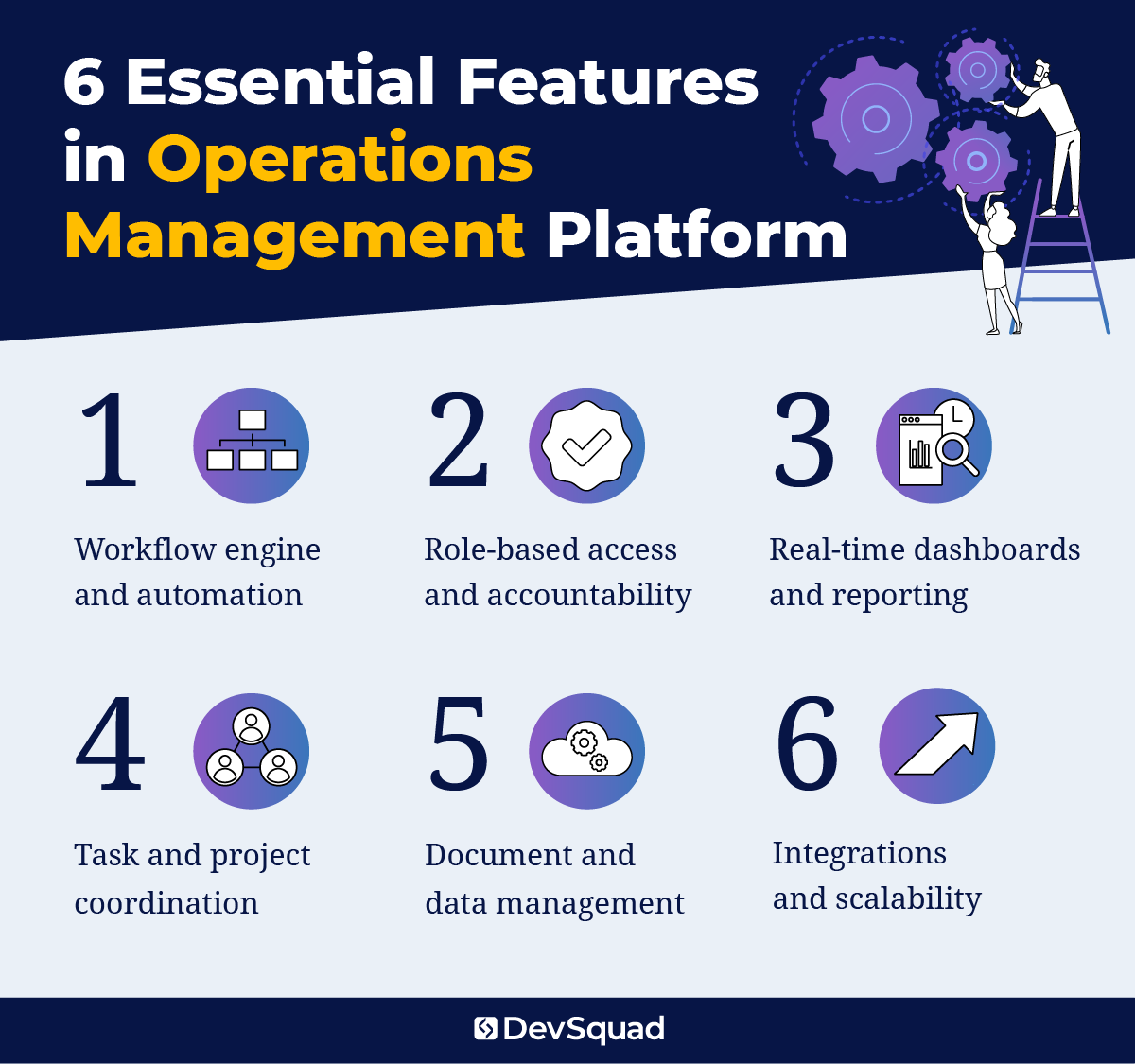
Primary features in an effective operations management platform
While every company’s needs differ, strong custom operations software platforms share a core set of capabilities. These features create structure, visibility, and accountability across your business operations.
1. Workflow engine and automation
At the center of any operations management platform is a structured workflow engine. This allows you to:
Define repeatable step-by-step processes
Assign ownership at each stage
Trigger actions automatically based on status changes
Enforce approvals before moving forward
Prevent skipped steps
Automation reduces manual oversight by sending reminders, generating documents, creating follow-up tasks, and escalating overdue items.
2. Role-based access and accountability
A well-built system includes structured permissions so users only access what they need.
This supports:
Clear approval hierarchies
Protection of sensitive data
Audit trails for compliance
Defined responsibility at every step
As your company grows, structured permissions prevent confusion and protect data integrity.
3. Real-time dashboards and reporting
Leadership and managers need visibility into what is happening now.
A centralized dashboard provides:
Status tracking across workflows
Key operational KPIs
Bottleneck identification
Performance insights
Custom dashboards ensure each role sees relevant data without unnecessary clutter. Your platform becomes the single source of truth for business management decisions.
4. Task and project coordination
Instead of relying on separate project management tools, task coordination can be embedded directly into operational workflows.
Core capabilities include:
Task assignment and deadlines
Linked dependencies between steps
Comments and documentation within records
Automated task creation triggered by workflow events
This keeps execution tied directly to outcomes inside one unified system.
5. Document and data management
Operations often depend on contracts, forms, checklists, and supporting files.
A strong platform should:
Attach documents directly to relevant records
Maintain version control
Capture digital signatures
Structure file storage for easy retrieval
Centralized documentation eliminates searching across shared drives and inboxes.
6. Integrations and scalability
Even with a unified system, businesses often rely on accounting, payroll, CRM, or external tools.
Custom operations software should:
Integrate through APIs
Sync data automatically
Reduce duplicate entry
Trigger workflows based on external activity
Built on stable, scalable frameworks, the system should allow new modules, departments, and locations to be added without rebuilding from scratch .
When combined, these features create a cohesive operations management foundation that reduces friction, improves accountability, and supports smarter decision-making across your entire organization.
Best frameworks for developing custom operations software
Choosing the right framework directly impacts scalability, security, performance, and long-term maintainability. The goal is not to chase trends. It is to use proven technologies that support complex business operations without creating technical debt.
Laravel (Backend)
Laravel is one of the strongest frameworks for building custom operations software.
Why Laravel works well:
Structured, maintainable architecture
Built-in authentication and role management
Strong security protections
Robust database and migration tools
Fast development cycles
Mature ecosystem and long-term community support
Laravel is particularly effective for workflow-driven platforms, internal dashboards, and data-heavy operations management systems. It allows development teams to move quickly while maintaining clean, scalable code .
Node.js (Backend alternative)
For teams requiring real-time data processing or event-driven architecture, Node.js can be a strong backend alternative.
It is well suited for:
High-concurrency environments
Real-time updates and notifications
API-heavy systems
Microservices-based architectures
Node.js works especially well when paired with modern frontend frameworks.
Vue.js (Frontend)
Vue.js is a lightweight, flexible JavaScript framework ideal for operational dashboards and workflow interfaces.
Benefits include:
Reactive data binding for real-time updates
Component-based structure for modular design
Clean integration with Laravel
Smooth mobile responsiveness
It keeps interfaces fast and intuitive for users managing daily business operations.
React (Frontend alternative)
React is another strong option for complex, highly interactive interfaces.
It supports:
Large-scale applications
Advanced state management
Dynamic dashboards
Long-term maintainability
The right framework stack should support structured workflows, clean integrations, scalability, and future expansion. Modern frameworks combined with AI-assisted development significantly reduce build time while maintaining stability .
The goal is simple: build a secure, scalable platform that evolves with your business.
Top 5 agencies for custom fleet management software development
Choosing the right development partner is just as important as choosing the right technology stack. Custom operations software requires more than coding expertise. It demands structured discovery, operational insight, and disciplined execution.
Below are five agencies known for delivering custom business management systems.
1. DevSquad
DevSquad specializes in building and modernizing custom operations software for growing companies. Their consulting-first approach begins with a structured discovery sprint that validates workflows, aligns stakeholders, and produces a high-fidelity prototype before development begins.
Rather than simply taking requirements, DevSquad challenges assumptions, simplifies processes, and builds scalable systems using modern frameworks like Laravel. With dedicated development squads that include technical product managers, UX designers, developers, QA, and DevOps professionals, they fully own product execution from roadmap to launch and beyond. And, if and when you’re ready to take over, DevSquad provides the training your team needs for a smooth product handoff.
2. ScienceSoft
ScienceSoft is a long-established IT consulting and custom software development company founded in 1989. They deliver operations management software for service and production environments, with experience across healthcare, manufacturing, and enterprise operations. Their approach emphasizes structured requirements engineering, security controls, analytics, and complex system integrations. ScienceSoft typically serves mid-size to large organizations requiring functionally rich OMS platforms with enterprise-grade capabilities.
2. Buildable
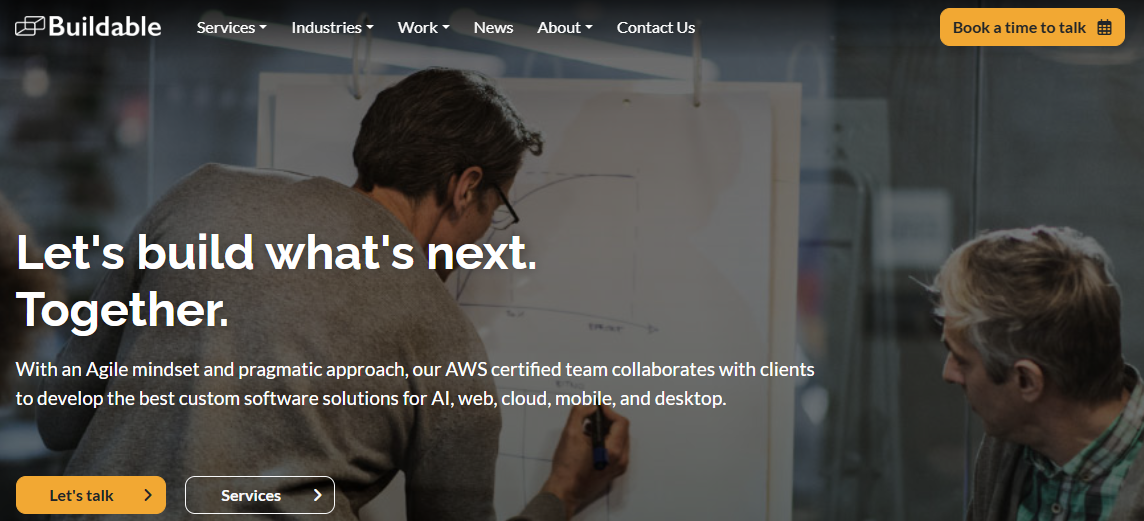
Buildable is a custom software development firm with a strong focus on AI integration, mobile and web applications, and cloud-based systems. Their AWS-certified team works across industries including healthcare, insurance, ecommerce, and manufacturing. Buildable emphasizes agile collaboration, UX-driven design, and system integrations. They also offer staff augmentation and long-term maintenance services for organizations seeking flexible engineering support alongside custom development.
4. Kanda Software
Kanda Software is a U.S.-based custom software development and cloud engineering firm serving healthcare, life sciences, fintech, and enterprise clients. With strengths in digital transformation, DevOps, QA, and AI/ML, Kanda supports complex product development initiatives and scalable cloud architectures. Their model emphasizes dedicated development teams, flexible resource scaling, and long-term product delivery for organizations requiring technical depth and enterprise-grade execution.
5. SumatoSoft
SumatoSoft is a custom software development company focused on digital transformation, with services spanning web and mobile development, IoT, and AI solutions. They highlight structured scoping, transparency, and proactive risk management, plus offer staff augmentation when needed. With experience across manufacturing, logistics, healthcare, and professional services, SumatoSoft is positioned for organizations that want a process-driven build partner and ongoing support after launch.
Ready to build your custom operations software solution? Learn more about our custom software development services.

Dayana Mayfield is a SaaS copywriter and content marketer specializing in SaaS marketing, positioning, and go-to-market strategy. She has consulted for over 195 SaaS companies, focusing on both traffic and conversions. She has been featured in Entrepreneur, Forbes, and Business Insider. Outside of work, Dayana writes SciFi novels and spends her evenings surviving auditions, rehearsals, and tech week as a proud theater mom.