
Every product development team needs at least one product discovery tool. Why? Because product discovery is critical to the product development process. It involves researching your target audience to understand user needs, preferences, pain points, and more. Insights from the research will help you validate product ideas and reduce your risk of building a product no one wants.
However, you’ll only experience these benefits with a product discovery tool that fits your target audience and user research goals. And to add to this, most discovery tools now boast AI capabilities that promise more for less. While there is a lot of value here, you’ll still want to keep a keen eye on your audience and your goals. That way you don’t get lost in the tide of too much insight.
Keep reading to learn more about product discovery tools, including the various types and the best tools for SaaS product development.
Types of product discovery tools
Various product discovery tools are available. While some product discovery frameworks focus on researching the market and competitors, others provide valuable insights into user behaviors, preferences, and pain points.
Understanding the various tool types will help you pick a product discovery tool that fits your product and research goals. You can also combine various tools to better understand your market and equip your team to build a successful product.
Below are the most common product discovery tool types:

1. User testing tools
User testing tools are invaluable whether you are building a new product or updating an existing product. The tool facilitates usability tests that observe how users interact with your product. User interaction insights will show you ways to optimize your UI and UX to boost user engagement and shorten time-to-value.
2. Feature request tools
Users seek products with features that help them solve problems and achieve goals. With a feature request tool, users can tell you the specific features they want. You can then prioritize and implement the most requested or liked features. It eliminates guesswork during product development, allowing you to create a product roadmap that will help you build the SaaS software your users want.
3. Market research tools
Market research tools help you understand the current state of your target market. Advanced tools also predict future market trends, especially regarding user behavior and preferences. Such product discovery tools are valuable because they provide insights that help determine if there’s a market for your product idea.
The insights from market research tools can also reveal barriers to entry, level of competition, and potential profitability. All of these are vital information for determining if a product is worth building.
4. Social listening tools
With social listening tools, you can eavesdrop on what target users think about your brand and proposed or existing product. If public opinion is positive about a product idea, that’s a good sign to continue with development. You can also use social listening tools to get new product ideas from users and implement the ideas to boost your product’s attractiveness.
5. Survey tools
Survey tools are another tool for hearing your users’ opinions, but instead of eavesdropping, these tools let you ask users to share their thoughts. Use these tools to create surveys that ask users questions about your product, such as questions regarding what they would like added, improved, or removed. Such surveys provide in-depth and clear insights that aid product discovery by showing you what real users want so you can make better products.
6. Competitive analysis tools
A competitive analysis tool is a product discovery tool that analyzes the online marketing efforts of competitors. It can also provide insights into how users interact with competing products. Knowing what users like or dislike about your competitors gives you an advantage. With these insights, you can tailor product development and marketing to replicate what top competitors are doing correctly and avoid the harmful ones.
7. Ideation and prototyping tools
Don’t leave your users and stakeholders out of coming up with product ideas. Get them in on the fun with ideation and prototyping tools. These are collaborative tools for inviting people to suggest ideas for a better product. You can then create prototypes of the best ideas and get user feedback to verify if customers like the idea.
Such tools are excellent for getting valuable and accurate insights from real users regarding what to build. Also, taking this path increases your chances of building a great product that attracts, converts, and engages your target audience.
8. Product analytics and event tracking tools
Another product discovery tool you should add to your arsenal is product analytics and event tracking tools. These tools are invaluable if you have an existing SaaS product you’d like to improve with new or updated features. With one, you can track and monitor customers as they use your SaaS application.
For example, you can use heatmap and session recording tools to see how users interact with specific features or pages. Alternatively, use a product analytics platform to track user flows within your app. These will provide insights into features or pages that cause users to bounce or quit your application.
20 best product discovery tools by our product managers
We’ve simplified choosing the best product discovery tool for your project by compiling and comparing the 20 most popular tools used by product teams. Here are the discovery tools that made our list, including their function, features, and pricing.
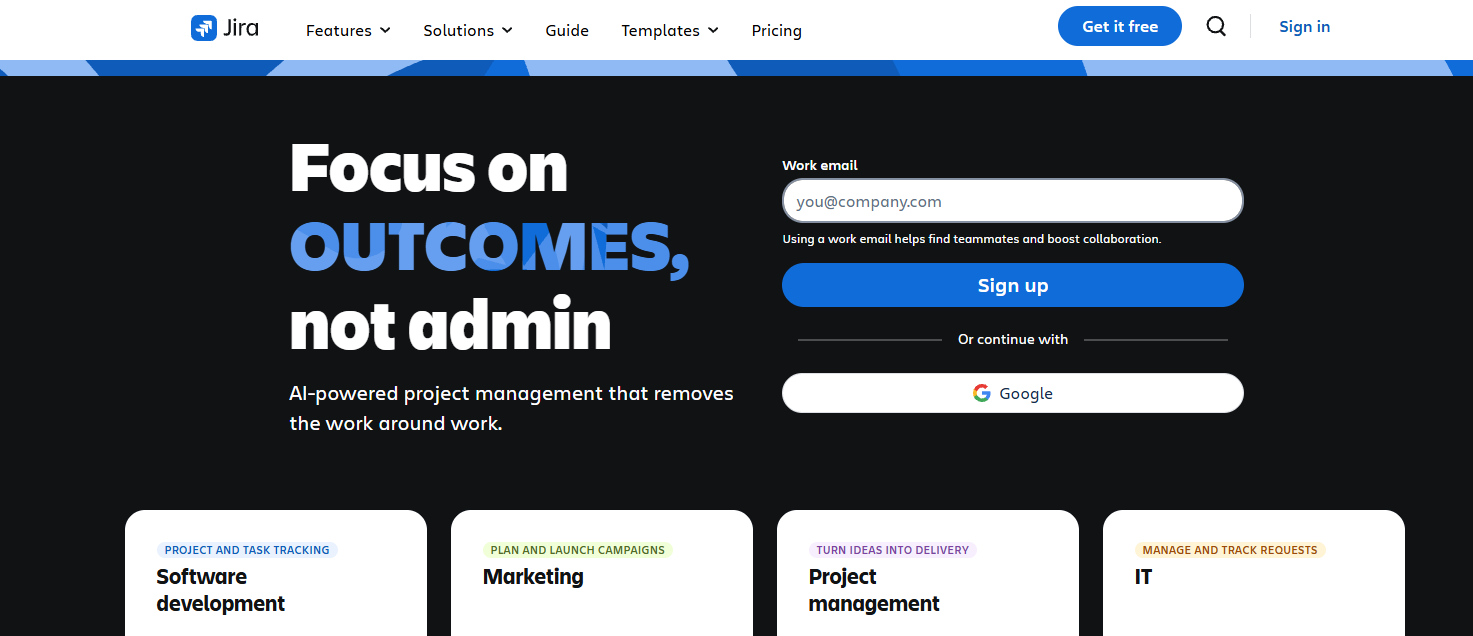
1. Jira
Tool Type: Ideation and brainstorming tool
Jira is a versatile collaboration tool that product managers and teams can leverage for ideation, brainstorming, and more. Jira now includes Rovo AI, an AI-powered assistant that helps teams break down big ideas, speed up planning, automate tasks, and identify trends.
You can use Jira’s product discovery features to record ideas, gather feedback from users and stakeholders, and prioritize which recommendations to implement. The platform supports agile product development and connects seamlessly with tools like GitHub, Figma, and Google Drive.
Features
Roadmapping
Idea and insight-capturing
Agile product development
Integrations to connect your entire workflow
Backlog management
Stakeholder and cross-functional team collaboration
AI-powered project planning
Deep integrations with popular tools
Pricing
A free Jira plan is available, but you can access more features with a paid monthly plan.
2. Productboard

Tool Type: Feature request tool
Productboard is a great product discovery platform. It simplifies collecting and managing feature requests from real users and stakeholders. Collecting feature requests provides accurate insights into what users want, allowing you to build a product that will resonate with your target audience.
Besides collecting feedback, Productboard can help you prioritize requests and visualize them on a roadmap. The tool uses AI (Spark) to synthesize feedback faster, create detailed product briefs, and run deep competitive analysis. It also helps align product strategy with customer needs and business objectives.
Features
AI-generated feature request summaries
Feedback collection from multiple sources
Customizable, easy-to-adapt roadmap templates
Flexible feature idea organization
Strategic planning and prioritization tools
Customer segmentation and insights
Integration with Salesforce and other tools
Multiple product portals and teamspaces
Pricing
There is a free plan with limited features. Paid plans start at $19 per month if billed annually.
3. Frill

Tool Type: Feature request tool
Frill is another impressive feature request tool. It motivates users to provide feedback and feature requests by keeping things simple. For instance, Frill provides an in-app widget that users can click on to submit feedback or feature requests without leaving your app.
Other users can comment or upvote provided feedback or feature requests, allowing product teams to easily identify the ones to prioritize. With the real-time feedback provided via in-app widgets, you can complete product discovery faster and accelerate the implementation of product ideas.
Features
Feedback prioritization matrix
Roadmap and idea submission widget
SO authentication and secure user access
Public changelog-style announcements
Full language translations and theming
Automatic status updates and email alerts
Inline admin dashboard for faster moderation
Native integrations with Jira, Slack, Intercom, and more
Pricing
Frill’s Startup plan costs $25 monthly, making it suitable for businesses on a budget. Alternatively, choose the $49 or $149 monthly plan if you’d like to generate unlimited ideas.
4. UserTesting
Tool type: User testing tool
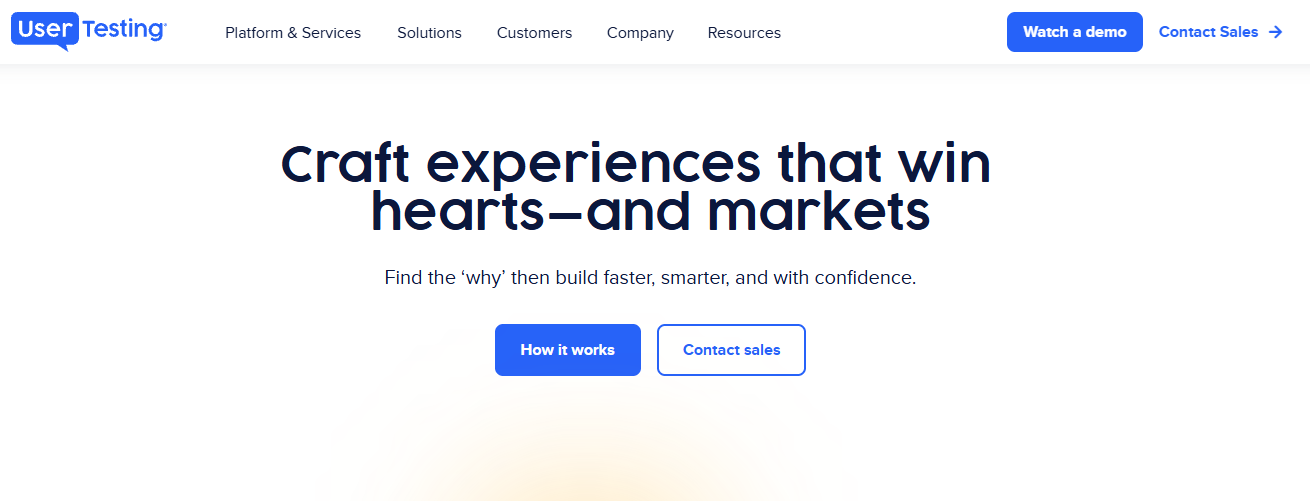
UserTesting equips product teams to conduct usability tests with users interacting with their app or website. With the product discovery tool, you can view and understand user behavior and preferences through video recordings, surveys, and feedback.
For example, you can watch and listen to users share their opinions as they use your SaaS product. Their reaction will help you identify friction points to fix to improve user experience and value delivery. Alternatively, run usability tests in hi-fi prototypes to validate product ideas. Positive feedback means you can move from prototyping to building well-received features.
Features
AI-powered insight synthesis and theme detection
Global participant network (now includes User Interviews)
Video, audio, and screen session recordings
Live conversations and follow-up questions
Concept and prototype testing across devices
Rapid feedback loops for agile teams
Research templates and benchmarking tools
Enterprise-level compliance (SOC 2, GDPR, HIPAA)
Pricing
Each customer gets a custom quote.
5. Marker.io
Tool type: User testing tool
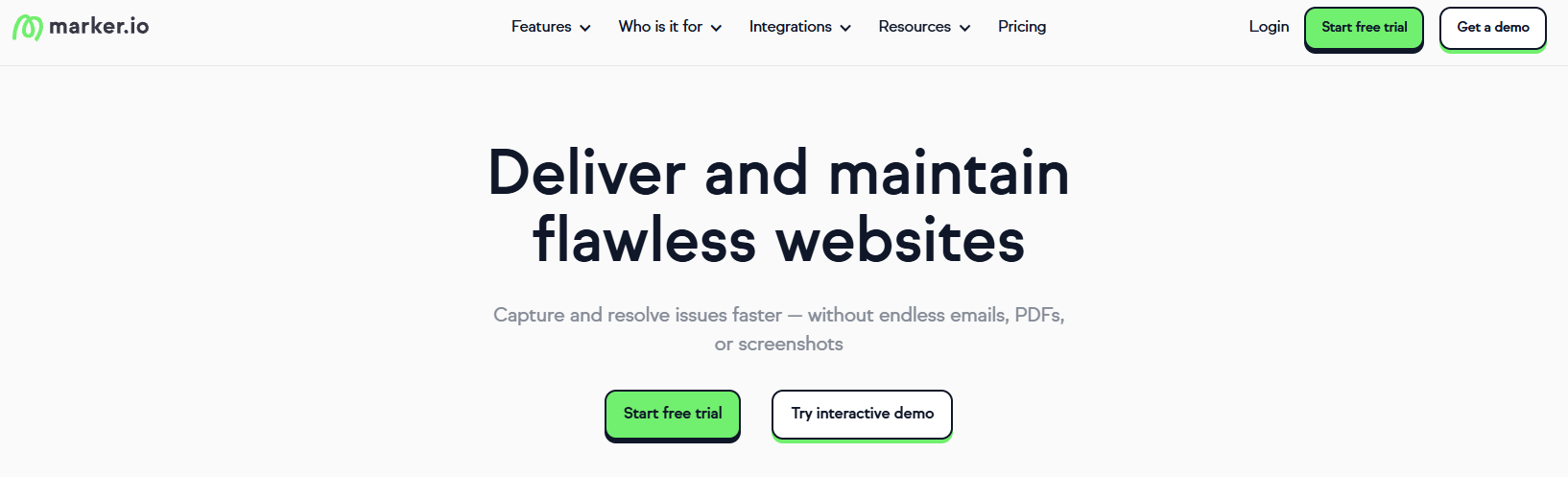
Marker.io is a bug-tracking and product discovery tool that enables product teams to collect accurate website feedback directly from users. It removes the back and forth that slows down feedback collection by letting users submit feedback without leaving your app or website.
The feedback is then delivered to your connected project management tool, such as Jira or Trello. Marker.io includes automated environment capture and session replay so developers can quickly reproduce and resolve issues.
Features
Visual website annotations and feedback capture
Session replay for easier debugging
Automated environment and console logs
2-way sync with tools like Jira, GitHub, and ClickUp
Team collaboration with comments and status updates
Privacy tools (data masking, GDPR support, SOC 2)
Analytics dashboard to track issue resolution
No-login required for client feedback submission
Pricing
$39 and $149 monthly plans are available, or you can get a custom quote.
6. Canny
Tool type: Feature request tool
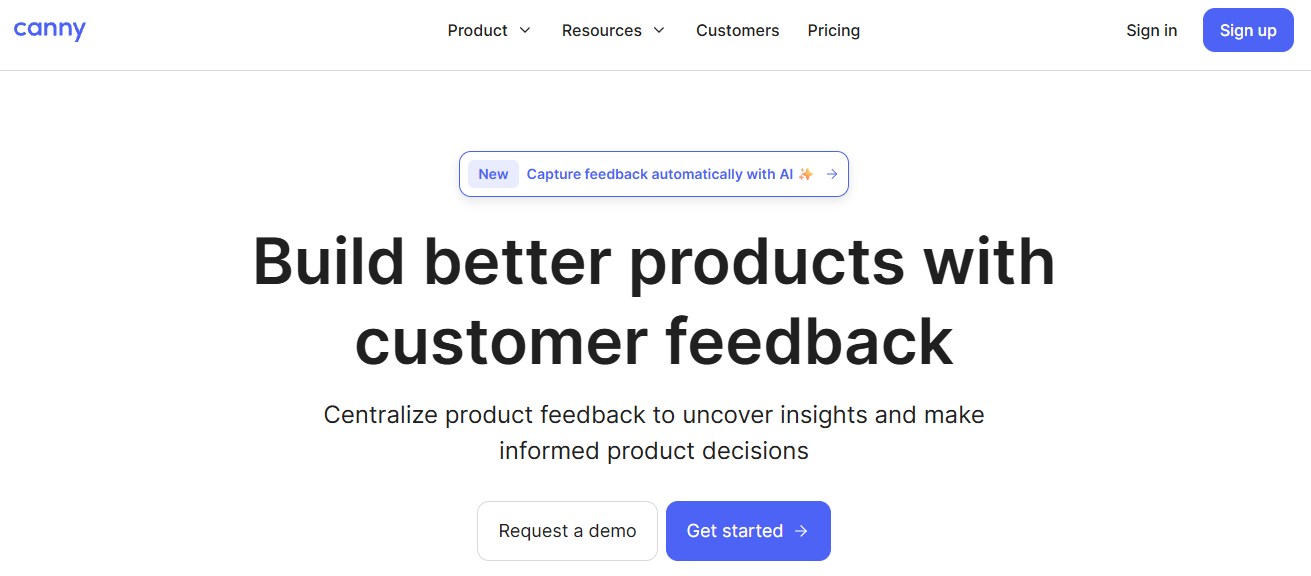
With Canny, you can collect user feedback and feature requests and use the insights to build better products. Besides submitting feedback, users can comment and vote on feedback. You can prioritize implementing the feature requests that get the most upvotes and discard the downvoted ones.
The scoring formulas for prioritizing requests are flexible and editable. You can use customer importance, revenue, and other parameters to prioritize your product roadmap. Canny recently introduced AI-powered features that automatically capture feedback, summarize comments, and ask clarifying questions to uncover deeper insights.
Features
Centralized feedback collection from multiple channels
AI-powered Feedback Discovery and Smart Replies
Comment summarization with natural language processing
Duplicate detection and request merging
Feature scoring with customizable formulas
Public and private roadmaps
Changelog to share feature updates
Integrations with Jira, Salesforce, Intercom, and more
Pricing
Canny has a free lifetime plan that supports 25 tracked users and 1 roadmap. If you want more roadmaps and other advanced features, the price starts at $79 per month for up to 100 tracked users.
7. SurveyMonkey

Tool type: Market research tool
SurveyMonkey is an effective product discovery tool for market research. Conduct your market research by building surveys with questions that will help you understand market and industry trends, consumer behavior and needs, and more. SurveyMonkey offers hundreds of templates for building such surveys, including product testing surveys.
The platform also simplifies analyzing and understanding surveys by providing AI-fueled insights. You can send surveys to users via links, email, and social media, or embed surveys into your webpage.
Features
AI-powered survey creation and response analysis
500+ expert-built templates (NPS, onboarding, feedback, etc.)
Global panel of over 335M potential respondents
Advanced targeting by demographics and behavior
Customizable branding and design tools
Real-time analytics with charts and benchmarks
200+ integrations (Salesforce, Tableau, Slack, etc.)
Enterprise-grade compliance (SOC 2, GDPR, HIPAA)
Pricing
$30 and $92 monthly plans are available.
8. Google Trends

Tool type: Market research tool
Google Trends helps product teams develop an effective product strategy. It accomplishes this by revealing what’s trending in your target market. For example, if you have a product idea, you can search terms related to it to see if it’s trending by looking at user interest over time.
You can also look at user interest by region to see if your target market is viable. If people in your target market aren’t currently searching for products like yours, it may mean the market isn’t ripe for your idea.
Features
Real-time search volume tracking
Historical trend analysis by region or timeframe
Related topic and query suggestions
Data filtering by geography, category, and platform
Year in Search reports for annual insights
Visual storytelling projects from the Trends Data Team
Public datasets for analysis and reporting
Free tool
Pricing
Google Trends is free.
9. Brandwatch

Tool type: Social listening tool
Get to know your users by listening to what they say about your brand or product. You can do this with a product discovery tool like Brandwatch. It’s a social listening software that allows you to monitor brand mentions and sentiment on social media. Understanding how real users perceive your brand and product can guide your product development process toward building a more user-centric product.
Brandwatch now uses advanced and generative AI to help teams spot rising trends faster and offers tools for social media management and influencer discovery.
Features
AI-powered trend detection and theme analysis
Access to the world’s largest archive of consumer opinion
Social listening across 100M+ sources
Market and competitive intelligence tools
Real-time alerts for brand or reputational risks
Influencer discovery and campaign management
Integrated social media publishing and engagement tools
Customizable dashboards and exportable reports
Pricing
Users must get a custom quote.
10. BrandMentions

Tool type: Social listening tool
BrandMentions is another way to hear what users say about your brand and product on social media. The platform searches and analyzes billions of social media mentions to find the ones relevant to your brand. You can narrow searches with keywords to quickly understand people’s sentiments about your searched topic.
Besides monitoring users, you can use BrandMentions to scope out competitors and do market research. The research can reveal competitor weaknesses and missed opportunities. You also get a hashtag tracking tool for monitoring the performance of your hashtags.
Features
Real-time notifications
Cross-channel social media monitoring
Accurate insights
Reputation management
Competitor spying
Business intelligence
Comprehensive sentiment analysis
Brand tracker
Pricing
$79, $249, and $399 monthly plans are available.
11. Qualtrics

Tool type: Market research tool
Qualtrics provides an all-in-one platform for executing market research to get high-quality insights. Product teams get access to automation and AI tools to fast-track the process and prevent errors. You can split users into segments and track their behavior to understand how each type of user perceives your product. The product discovery tool also lets you monitor industry and market trends to take advantage of upcoming opportunities.
Features
AI-powered survey creation and feedback analysis
Voice of the customer and market research tools
Conversational Feedback and Customer Care Assist
Text analytics with automated insight detection
Experience data across digital and physical touchpoints
Conjoint, NPS, and 360 feedback templates
Dashboards, alerts, and real-time analytics
100+ integrations with enterprise platforms
Pricing
Clients get custom quotes tailored to their unique needs.
12. Hootsuite

Tool type: Social listening tool
Hootsuite is a popular product discovery tool for understanding target user preferences. The tool lets product teams monitor the social media conversations of target users, especially brand and product-related conversations.
Understanding what users want facilitates building products that align with user desires and pain points. Besides monitoring your target users, you can use Hootsuite to keep an eye on trends and competitors. With these insights, you can find opportunities to improve your product and grow your business. Besides analyzing user sentiments, Hootsuite can also track competitors and trends. It now includes OwlyGPT, an AI assistant that helps generate social content, suggest strategies, and identify what topics are gaining momentum
Features
AI-powered content ideation and scheduling
Social listening across all major platforms
Trend tracking and hashtag discovery by topic or brand
Sentiment analysis and demographic insights
Unified inbox for messaging and engagement
Post scheduling with Canva and AI-generated captions
Competitor benchmarking and reporting tools
100+ integrations (including Slack, Salesforce, Canva, and more)
Pricing
Monthly plans of $199 and $399 per user are available.
13. Typeform
Tool type: Survey tool
You can learn about customer wants and preferences by conducting user interviews, but this is a long and resource-intensive process. Typeform offers a more efficient alternative in the form of surveys. With the platform, you can create and distribute interactive and engaging surveys for collecting user feedback and market research data.
They also now include AI-powered form creation, allowing you to generate forms with prompts, and also features automated contact segmentation and follow-ups to keep discovery loops running without manual work.
Features
AI-generated form building and editing
Interactive and branded surveys and quizzes
Automated segmentation and email follow-ups
Conditional logic and personalization
Responsive design optimized for all devices
Easy sharing via link, embed, or email
Native integrations with CRMs, analytics, and workflow tools
Advanced analytics and response tracking
Pricing
The plans run at $28, $56 and $91 per month depending on what you need.
14. SEMrush

Tool type: Competitive analysis tool
Learn what your competitors are up to with SEMrush. The competitive analysis tool examines the online marketing efforts of competitors so you know how they are winning over your target audience. You can discover details such as a competitor’s unique value proposition (UVP) to improve on it or discover new market opportunities.
As with everyone else, they now include AI-powered tools to generate content and track visibility across traditional search engines and AI search platforms like ChatGPT and Perplexity.
Features
Keyword and topic research with traffic trends
Competitor analysis via domain and keyword comparisons
AI content generation and optimization tools
AI visibility tracking across emerging search platforms
Position tracking to monitor keyword rankings over time
Advertising research to uncover competitors’ paid strategies
Local SEO and citation tracking
Integrations for content planning and reporting
Pricing
The most affordable SEMrush plan costs $165.17 monthly.
15. SimilarWeb

Tool type: Competitive analysis tool
SimilarWeb is a valuable product discovery tool for market analysis. With it, you can gain insights into competitors and audience behavior. Use the platform to monitor the websites of your industry counterparts and discover the UVPs they use to win over your target audience. The insights will help you determine if your UVP can get user attention or if you need to improve it.
This tool helps you identify user needs and evaluate if there’s enough demand for a product. New capabilities include AI traffic tracking, GenAI visibility, and advanced competitive intelligence across web, ecommerce, mobile, and ad channels.
Features
Website traffic and engagement analysis
Keyword research and search volume by channel
Competitor benchmarking across web and mobile
AI visibility tracking in ChatGPT, Perplexity, and other GenAI tools
Trend spotting and demand forecasting
Paid search, ad spend, and campaign performance tracking
Audience segmentation and conversion insights
Ecommerce, app, and marketplace behavior analysis
Pricing
The cheapest plan costs $125 monthly, and scales rapidly depending on what your objectives are.
16. Amplitude

Tool type: Product analytics and event tracking tool
Amplitude provides a product analytics platform for understanding the behavior of your product’s users. With the tool, you can track events, user flows, and engagement, and leverage the insights for product discovery. Another way Amplitude contributes to product discovery is you can use it for A/B testing to verify what your users prefer. The insight will help you build a product optimized to achieve your user and business goals.
Amplitude now includes AI-guided tools like AI Feedback (to distill customer sentiment), AI Visibility (to monitor brand presence in AI search), and session replay to visualize user behavior. These features help teams identify which features to build or improve.
Features
Behavioral product analytics
Funnel and cohort analysis
Retention and engagement tracking
A/B testing and experimentation
Session replay and heatmaps
AI Feedback (summarizes user feedback across sources)
AI Visibility (tracks brand presence in AI search engines)
Integration with data warehouses and tools like Segment, Snowflake, and Looker
Pricing
Choose the free plan or the $49 monthly plan to start.
17. Figma

Tool type: Ideation and prototyping tool
Product teams use Figma to ideate product ideas and build interactive prototypes to showcase the ideas. Users and other stakeholders can interact with the prototypes and provide feedback. Positive feedback will serve as a green light to implement the product idea in the final product.
Now, Figma includes AI-powered tools like Figma Make (to prompt and generate designs/code), Figma Sites (for low-code/no-code publishing), and Dev Mode (to streamline handoff to engineering). This makes it easier than ever to move from idea to launch without leaving the platform.
Features
Real-time collaborative design and prototyping
Shared libraries and design systems
Dev Mode for specs, annotations, and code snippets
AI-powered design and code generation with Figma Make
No-code site creation with Figma Sites
Reusable components, templates, and design tokens
Scalable design systems and brand assets
Dedicated developer handoff space with live previews
Pricing
There’s a free plan and several paid plans. The cheapest paid plan is $3 monthly for a Collab seat.
18. Hotjar
Tool type: Product analytics and event tracking tool
Instead of asking users what they think about your product, Hotjar lets you see it for yourself. The tool provides heatmaps and session recordings that reveal user interactions with your website or app. You can use this to identify areas of interest or friction in the user experience. This is crucial to the product discovery process because it reveals if a feature requires improvements before implementation.
Hotjar is now part of Contentsquare. It retains its easy-to-use behavior analytics tools—like heatmaps, session replays, surveys, and feedback—while expanding its capabilities through integration with Contentsquare and Heap. These additions provide deeper analytics and faster paths to insight.
Features
Heatmaps to visualize user clicks, scrolls, and movement
Session recordings to watch real user behavior
On-site surveys to collect user feedback
Funnels to identify drop-off points in user flows
User interviews and feedback tools
Integrations with Google Analytics, HubSpot, Optimizely, and more
GDPR- and CCPA-compliant data handling
Expanded insights through integration with Contentsquare and Heap
Pricing
Choose the free plan or pay as little as $40 monthly for advanced features.
19. Crazy Egg

Tool type: Product analytics and event tracking tool
Crazy Egg is a versatile product discovery tool with various features for understanding how users feel about your product. For example, you get product analytics tools like session recordings, A/B testing, error tracking, and heatmaps for identifying your software’s areas for improvement. You can also create surveys for users to submit feature requests and feedback.
Recent updates have expanded Crazy Egg’s capabilities to include features like popup CTAs, error tracking, and more robust web analytics—giving teams more ways to improve what’s working, fix what isn’t, and test new ideas.
Features
Heatmaps for clicks, scrolls, and attention
Session recordings of real user behavior
A/B testing to optimize website changes
Conversion analytics to identify performance trends
Popup CTAs to engage users and boost conversions
Web analytics with visual insights
Error tracking to surface usability issues
On-site surveys for collecting user feedback
Pricing
You can pay as little as $29 monthly for Crazy Egg’s starter plan.
20. Miro

Tool type: Ideation and prototyping tool
Miro is a collaborative online whiteboard for brainstorming ideas and developing low-fidelity prototypes. Your team can use it to collect ideas from stakeholders during the product discovery phase. They can also use it to gather customer feedback before high-fidelity prototyping.
Miro now includes AI-powered features, structured formats like Docs and Tables, and tools like Blueprints and Intelligent Canvas to accelerate planning and execution. It’s become a full innovation workspace to move from idea to outcome faster.
Features
Online whiteboard with infinite canvas
Pre-built templates for ideation and workshops
Sticky notes, diagrams, and wireframes
AI-powered tools for faster collaboration and planning
Docs, Tables, Slides, and Diagrams for structured work
Blueprints to automate and scale workflows
Integrations with 250+ tools including Jira and Figma
Enterprise-grade security and admin controls
Pricing
Choose the free plan or pay $8 or $16 monthly for advanced features.
At DevSquad, we simplify SaaS product development by offering software product discovery services that handle all aspects of your project on your behalf, including product discovery. Contact us today to learn more about how we can bring your product ideas to life.
Frequently Asked Questions (FAQs)
1. What is product discovery?
Product discovery is the process of identifying and validating what to build by deeply understanding customer needs, problems, and behaviors. It involves research, ideation, and testing to ensure product teams create solutions that deliver real value. The goal is to reduce risk by validating ideas before significant time and resources are invested in development.
2. Why is product discovery important?
Product discovery ensures teams build the right products for the right problems. It reduces wasted development effort, increases customer satisfaction, and improves product-market fit. By engaging users early and validating assumptions, teams can make informed decisions, prioritize effectively, and move forward with confidence.
3. How do product discovery tools support the discovery process?
Product discovery tools streamline the process of gathering insights, testing ideas, and collaborating across teams. They enable activities like user research, ideation, prototyping, and feedback collection. Many tools now include AI features to analyze data, uncover patterns, and automate tasks which allow teams to discover, validate, and iterate on ideas faster and more effectively.
4. What are the main types of product discovery tools?
Product discovery tools generally fall into eight categories: user research tools, survey and form tools, feedback collection tools, session recording and heatmap tools, prototyping tools, roadmapping tools, collaboration and whiteboard tools, and digital analytics and SEO tools. Each type supports a different stage of discovery, from understanding user needs to validating ideas and prioritizing what to build next.
5. Are there AI powered product discovery tools?
Yes. AI for product discovery exists across the spectrum. Many modern product discovery tools now offer AI-powered features like automatic transcription, sentiment analysis, user behavior pattern detection, and idea generation. These capabilities help teams uncover insights faster, reduce manual effort, and make smarter decisions throughout the discovery process. AI enhances everything from research and prototyping to prioritization and planning.

Tobi Moyela is a content writer at DevSquad, covering product discovery, UX research methods, and the practices software teams use to validate what they are building before engineering starts. His work for DevSquad includes The Ultimate Guide to Product Discovery and the company's guide to heuristic evaluation in UX. He specializes in turning detailed product and development topics into content that earns search visibility without thinning out the substance.