
Quality assurance has and continues to evolve far beyond the days of manual evaluations. To keep up with fast release cycles and rising user expectations, teams must now rely on a variety of automated testing techniques to validate functionality, performance, and resilience.
These techniques range from structured approaches like keyword-driven and data-driven testing to modern practices such as continuous testing, chaos engineering, and AI-powered automation.
In this guide, we’ll explore the most important test automation methodologies, explain when each is most valuable, and show how leading tools support them in practice. You’ll also see how automation complements manual QA and why the strongest strategies combine both.
What is automated testing?
Automated testing is the process of using software to execute pre-scripted tests on an application, system, or platform. Instead of relying on manual checks, teams use automation testing frameworks and scripts to validate functionality, performance, and security. These tests can run across multiple environments and devices, providing faster feedback and reducing human error.
Modern approaches combine different types of automation testing, from component and regression testing to API and UI validations. By building automation into the development lifecycle, organizations strengthen quality while accelerating delivery. Tools like Selenium, Playwright, and Cypress make it possible to design flexible, scalable automation strategies.
Automated testing vs. manual testing
In modern software development, automated testing plays a critical role in delivering reliable applications at speed. Automated functional testing ensures that key workflows run consistently across devices and browsers. With support from automation testing frameworks and pipelines for continuous integration automated testing, teams can validate code changes in real time, prevent regressions, and accelerate release cycles. The efficiency and repeatability of automation make it indispensable for long-term quality assurance.
That said, manual testing still has its place. While automation handles repetitive and predictable checks, manual testing provides unique value in areas where human intuition, observation, or creativity are essential. The strongest QA strategies leverage both approaches, using automation for speed and scale while turning to manual QA in specific scenarios:
When manual testing is most beneficial:
Exploratory testing that uncovers unexpected issues
Usability and accessibility evaluations requiring human judgment
One-off test cases not worth automating
Early-stage features still in rapid design iteration
Complex scenarios where automation setup would exceed the test’s lifespan
The reality is that testing is an and game. It’s through combining automated and manual approaches that teams maximize both efficiency and accuracy, creating a well-rounded testing process.
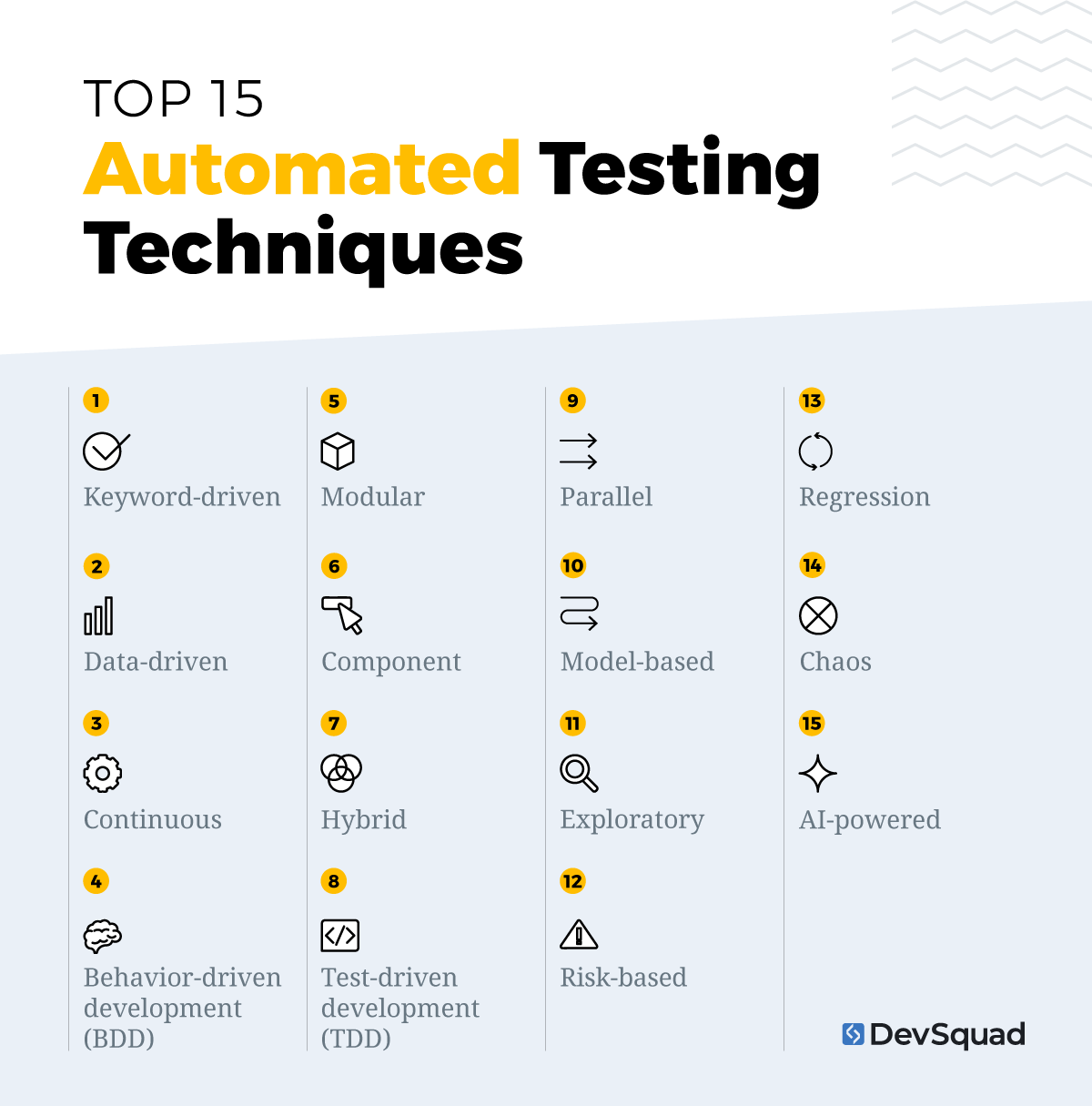
15 automated testing techniques
Here are 15 testing techniques to consider incorporating into your automation testing process. Each has their use cases of when and why you might want to employ them.
1. Keyword-driven testing
Keyword-driven testing is a test automation methodology that separates test logic from test scripts. Instead of writing code directly, testers use keywords (like login, click, verify) to represent actions. The framework then interprets these keywords and executes the steps. This approach simplifies test design, reduces duplication, and makes automation more accessible to non-technical team members while still supporting complex test coverage.
When to use this technique:
When teams need a bridge between technical and non-technical testers
When test cases repeat across multiple applications or modules
When scaling automation with reusable building blocks is a priority
When collaboration across QA, business analysts, and developers is required
2. Data-driven testing
Data-driven testing is an automation testing type where test logic is separated from the input data. Here you are replacing multiple test cases for different scenarios with one test script and then feed it multiple sets of data from external sources like spreadsheets, databases, or CSV files. This improves efficiency, reduces duplication, and makes it easier to validate applications against a wide range of input conditions and edge cases.
When to use this technique:
When applications must be validated against multiple datasets
When reducing repetitive test case creation is a priority
When testing requires coverage of positive, negative, and edge conditions
When input values frequently change, but the test flow remains the same
When verifying applications that depend on large databases or complex inputs
When compliance demands extensive testing against many possible scenarios
When regression testing needs to confirm consistent results across varying inputs
3. Continuous testing
In modern DevOps environments, testing can’t wait until the end of development. Continuous testing makes automated checks part of every stage of the pipeline, from code commits to deployments. By running tests alongside development, teams uncover issues earlier, reduce risks, and speed up releases.
When to use this technique:
When following Agile or DevOps practices with frequent releases
When implementing continuous integration automated testing in CI/CD pipelines
When fast feedback loops are needed for developers committing code daily
When reducing risk of late-stage defects is a priority
When testing microservices, APIs, or complex architectures that evolve quickly
When automating regression and smoke tests across environments
When quality gates must be enforced before code merges or deployments
When supporting continuous delivery or continuous deployment workflows
When scaling to enterprise-level teams where test automation is mission-critical
4. Behavior-driven development (BDD)
Behavior-driven development takes the idea of collaboration one step further by writing tests in plain language that everyone—developers, testers, and business stakeholders—can understand. Instead of focusing only on technical details, BDD emphasizes the behavior of the system from the user’s perspective. Scenarios are written in a structured format (Given, When, Then) that doubles as documentation.
When to use this technique:
When teams want closer collaboration between business stakeholders and technical staff
When requirements are frequently misunderstood or poorly documented
When building complex systems where alignment across roles is critical
When creating living documentation that evolves with the product
When product managers or business analysts need to review tests without technical knowledge
When onboarding new team members who need clarity on business rules
When reducing the gap between specification and implementation is a priority
When testing requires a shared vocabulary that connects user stories with automated tests
5. Modular testing
Modular testing breaks down an application into smaller, independent modules and tests them individually before combining them into larger workflows. This approach improves reusability because once a module is tested, it can be reused across multiple scenarios. It also makes maintenance easier—when something changes in the application, only the affected modules need to be updated.
When to use this technique:
When building large or complex applications with many moving parts
When aiming to reduce duplication by reusing test modules in multiple workflows
When frequent changes occur in one area of the application, but not others
When maintaining long-term automation assets across product releases
When testing must scale without rewriting entire test suites
When onboarding new team members who benefit from modular, reusable test assets
6. Component testing
Component testing focuses on validating individual pieces of an application in isolation. A component can be a single UI element, a microservice, or a backend function. By testing components separately from the rest of the system, teams can identify issues earlier and confirm that each part behaves correctly before integration.
When to use this technique:
When developing applications with component-based frameworks (e.g., React, Angular, Vue)
When validating microservices or APIs independently of the larger system
When aiming to catch defects early before integration testing
When maintaining reusable UI or backend components across multiple projects
When ensuring consistent behavior of shared modules in complex applications
When scaling Agile teams where different groups own different components
7. Hybrid testing
Hybrid testing combines elements of multiple test automation methodologies into a single framework. Teams might mix keyword-driven and data-driven testing, or blend modular tests with BDD scenarios. This approach offers the flexibility to tailor automation to the project’s specific needs rather than forcing one rigid model. A hybrid strategy often emerges naturally in mature teams, where different testing challenges require different solutions within the same automation framework.
When to use this technique:
When no single testing methodology fully meets project requirements
When blending technical and non-technical approaches (e.g., data-driven with keyword-driven)
When scaling across teams with different skill sets and testing needs
When maintaining legacy automation assets while adopting newer practices
When complex systems require multiple automation testing types in parallel
When aiming to balance speed, coverage, and maintainability in test design
8. Test-driven development (TDD)
Test-driven development flips the traditional order of coding and testing. Instead of writing code first, developers begin by writing a failing test that defines the expected behavior. Only then do they write the code to make the test pass. This approach builds testing into the design process, creating cleaner, more reliable code and reducing the likelihood of bugs later. TDD is as much a mindset as it is a technique.
When to use this technique:
When developing new features that need clear, testable requirements from the start
When aiming to reduce bugs and technical debt early in the lifecycle
When building code that must remain flexible and maintainable over time
When collaborating across teams that value shared understanding of requirements
When enforcing strict quality practices in regulated or mission-critical environments
When working on back-end logic or APIs where unit testing is crucial
When wanting to improve code design by focusing on small, testable units
9. Parallel testing
Parallel testing is all about speed. Instead of running test cases sequentially, automation frameworks execute them simultaneously across multiple browsers, devices, or environments. This approach drastically reduces test cycle time and makes it possible to validate applications at scale.
When to use this technique:
When regression suites grow too large to run sequentially in a reasonable timeframe
When validating applications across multiple browsers and operating systems
When testing mobile apps that require coverage across many devices
When following continuous integration automated testing practices in CI/CD pipelines
When deadlines require faster test feedback to unblock development
When scaling automation in enterprise environments with high release velocity
When reducing infrastructure costs by optimizing test execution efficiency
10. Model-based testing
Model-based testing uses models of the system—such as workflows, state diagrams, or business rules—to automatically generate test cases. The focus here is to define how the system should behave, and then the tool produces scenarios that reflect those behaviors. The idea is to reduce gaps in coverage, ensure consistency, and help teams align testing with real-world use cases.
When to use this technique:
When testing systems with complex workflows or state transitions
When aiming to improve coverage by automatically generating test scenarios
When working with applications that have strict business rules or compliance needs
When reducing the risk of human error in test case design is a priority
When systems evolve frequently and models are easier to update than scripts
When teams need a clear visual representation of test coverage for stakeholders
When optimizing test design efficiency in large-scale enterprise projects
11. Exploratory testing
Exploratory testing balances structure with creativity. Traditionally, it has been a manual practice where testers actively explore the application, design tests in real time, and adapt based on what they discover. What’s changed is that modern tools now bring automation into the mix. Platforms can capture sessions, log steps automatically, detect anomalies, and even provide visual validation. Automation doesn’t replace the human intuition behind exploratory testing—it enhances it by making discoveries easier to track and reproduce.
When to use this technique:
When testing early prototypes or rapidly changing features
When evaluating usability, user experience, or accessibility concerns
When looking for edge cases not covered by scripted automation
When performing risk-based testing to focus on the most critical areas
When supplementing automated regression with human creativity and intuition
When testing complex workflows that can’t be fully anticipated in advance
When aiming to capture and document exploratory sessions for future reference
When validating system resilience in unexpected or “real-world” user paths
12. Risk-based testing
Risk-based testing prioritizes what to test based on the potential impact and likelihood of failure. Instead of spreading resources evenly across all features, teams focus their automation effort on the most business-critical areas, where defects would have the greatest cost or user impact. This approach ensures that limited testing resources are invested wisely, improving overall risk coverage without slowing delivery.
When to use this technique:
When resources are limited and testing must focus on the highest-value areas
When dealing with complex enterprise systems where not everything can be automated at once
When applications have modules with varying levels of business criticality
When compliance or regulatory requirements demand focus on specific features
When time-to-market is short and testing must be strategic
When managing risk in industries like finance, healthcare, or aviation
When prioritizing test automation efforts in early project phases
13. Regression testing
Regression testing ensures that new code changes don’t break existing functionality. By automating these repetitive checks, teams can confirm that features continue working as intended with each release. Regression testing is one of the most widely adopted automation testing types, and it provides confidence during rapid development cycles, especially when combined with continuous integration automated testing.
When to use this technique:
When adding new features to ensure old ones still work as expected
When fixing bugs and needing to confirm that nothing else broke
When updating dependencies, libraries, or frameworks that could impact stability
When maintaining large applications where manual regression testing would take too long
When supporting frequent release cycles in Agile or DevOps environments
When scaling test automation to cover core functionality across platforms
When implementing continuous delivery pipelines that require reliable feedback
14. Chaos testing
Chaos testing is a modern approach to validating resilience. Instead of testing only under ideal conditions, this technique deliberately introduces failures—such as server crashes, network delays, or service outages—to see how the system responds. By automating these disruptions, teams can uncover weaknesses that would otherwise go unnoticed.
When to use this technique:
When building cloud-native or distributed systems with many dependencies
When ensuring resilience in microservices architectures
When validating how applications recover from outages, slowdowns, or crashes
When preparing for high-traffic scenarios or disaster recovery planning
When security and reliability are critical business concerns
When practicing site reliability engineering (SRE) or DevOps at scale
When aiming to proactively uncover weaknesses before users experience them
15. AI-powered testing
AI-powered testing brings machine learning and intelligent automation into the QA process. Instead of relying solely on scripts, these tools can generate test cases, detect changes in the user interface, heal broken locators, and analyze flakiness patterns. By reducing repetitive maintenance work, AI allows teams to focus on strategy and innovation.
Still, this is a relatively young approach. While powerful, it requires oversight to validate results and prevent false positives or overreliance on automation.
When to use this technique:
When regression suites are large and costly to maintain
When frequent UI changes cause high script flakiness
When looking to identify meaningful changes in UI or functionality with visual testing
When needing smarter triage of failed test cases
When aiming to accelerate test creation with AI-generated scripts or recommendations
When building a long-term automation strategy that includes self-healing capabilities
When balancing speed with the need for human oversight in QA practices
5 tools to support automated testing
Techniques are only effective if you have the right tools to implement them. Modern platforms provide everything from low-code interfaces to advanced AI features, helping teams apply diverse automation testing frameworks in real-world projects.
For this post, we’ve selected a set of tools that cover all 13 techniques discussed above.. If you’re looking for a deeper dive into features, pros and cons, pricing, and user ratings, check out our full guide to automated software testing tools.
1. Playwright

Playwright is a modern, open-source automation framework built by Microsoft for reliable end-to-end testing across browsers and platforms. It supports Chromium, Firefox, and WebKit, with cross-platform execution on Windows, macOS, and Linux. With built-in parallelization, auto-waiting, and robust debugging features, Playwright helps teams implement a wide range of automated testing techniques efficiently and at scale.
Automated testing techniques this tool supports:
Keyword-driven testing
Data-driven testing
Modular testing
Hybrid testing
Regression testing
Parallel testing
Exploratory testing
Component testing
2. TestNG
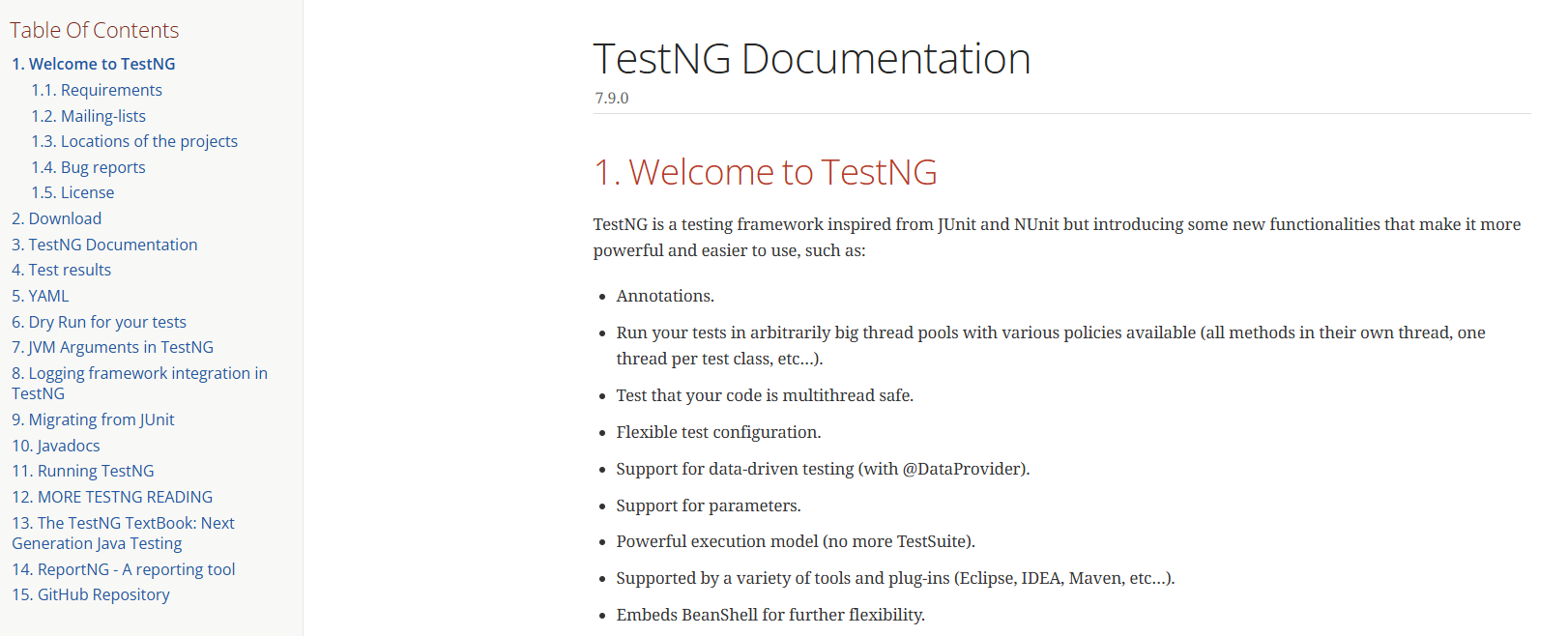
TestNG is a powerful Java-based testing framework that extends JUnit with advanced features. It supports annotations, dependency management, and data-driven testing, making it highly effective for unit, integration, and regression tests in large-scale enterprise environments.
Automated testing techniques this tool supports:
Data-driven testing
Test-driven development (TDD)
Regression testing
Modular testing
Hybrid testing
3. Katalon

Katalon is a low-code, AI-powered testing platform that blends record-and-playback with scripting flexibility. It supports web, mobile, API, and desktop applications, offering features like self-healing, SmartWait, and advanced analytics for end-to-end quality assurance.
Automated testing techniques this tool supports:
Keyword-driven testing
Data-driven testing
Continuous testing
Hybrid testing
Model-based testing
Regression testing
Exploratory testing
AI-powered testing
4. Tricentis Tosca
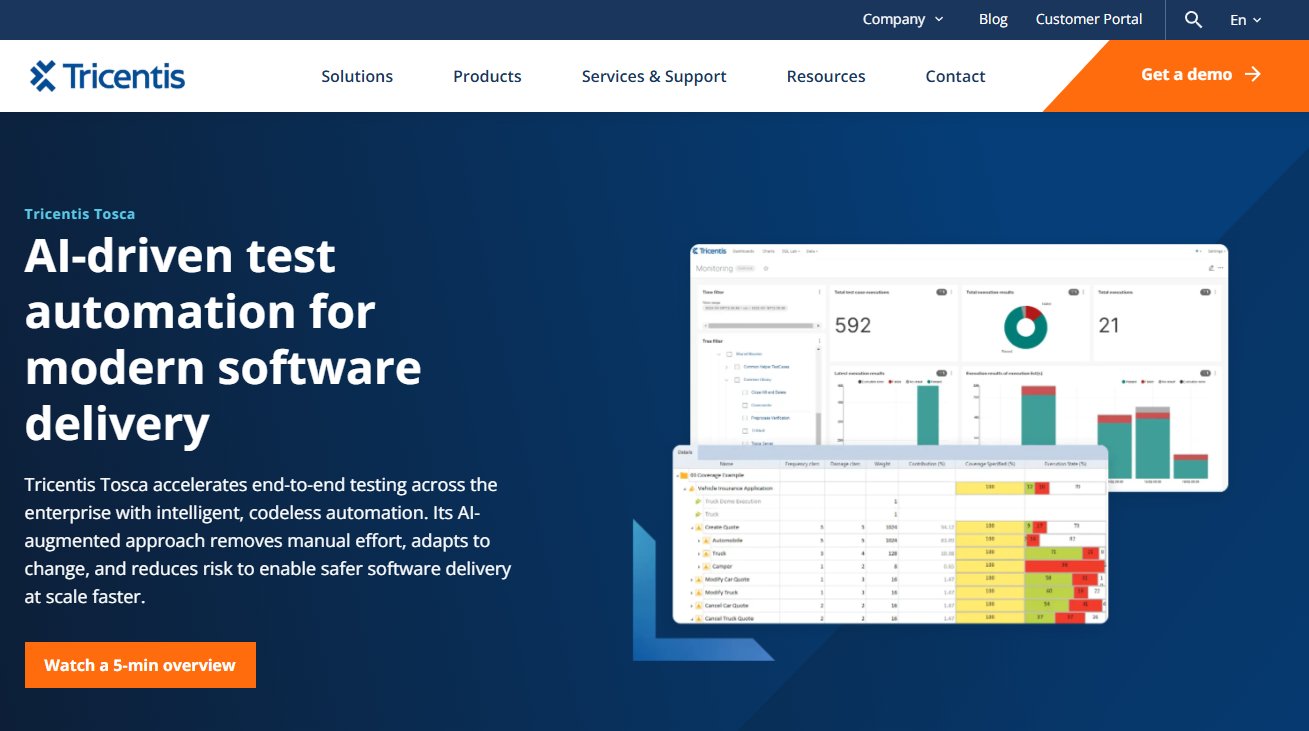
Tricentis Tosca is an enterprise-grade, codeless automation platform built for scale. With model-based design, risk optimization, and Vision AI for self-healing, Tosca helps enterprises automate across legacy, packaged, and modern applications with high business impact.
Automated testing techniques this tool supports:
Model-based testing
Behavior-driven development (BDD)
Continuous testing
Regression testing
Risk-based testing
Hybrid testing
5. Appium
Appium is an open-source framework for automating native, hybrid, and web mobile apps across iOS and Android. It uses the WebDriver protocol, allowing testers to write scripts in multiple programming languages with cross-platform flexibility.
Automated testing techniques this tool supports:
Regression testing
Parallel testing
Modular testing
Continuous testing
Exploratory testing
Get the most out of your test automations through expert support
Implementing the right automated testing techniques is only the beginning. To fully realize their value, you need a testing strategy that aligns with your product goals and scales as your application grows. That’s where expert support makes all the difference.
At DevSquad, we help companies design and execute automation strategies that balance speed, coverage, and maintainability. From building regression suites to integrating continuous integration automated testing into CI/CD pipelines, our team knows how to create testing processes that support long-term success.
Ready to accelerate delivery while maintaining quality? Learn more about our automated testing services.