
Let’s face it. Your development team can’t rely solely on manual testing to keep up with today’s fast release cycles. That’s why automated software testing tools have become essential for ensuring speed, accuracy, and scalability.
From codeless platforms to AI-powered frameworks, these tools support a wide range of automated testing techniques that help teams accelerate delivery.
With so many options however, choosing the right tool may not be a simple feat. That’s why we wrote this guide. Here we compare 12 of the most popular test automation tools, breaking down their features, pros and cons, pricing, and user ratings.
1. Playwright
Playwright is an open-source automation framework developed by Microsoft, designed for end-to-end testing of modern web applications. It supports cross-browser testing on Chromium, Firefox, and WebKit, as well as cross-platform execution on Windows, macOS, and Linux. With multiple language bindings—including JavaScript, TypeScript, Python, and C#—Playwright integrates smoothly into diverse development workflows. Its modern architecture and advanced debugging tools make it a strong choice among automated software testing tools for teams aiming to build fast, reliable test suites.
Pros and cons of this tool:
✅ Comprehensive cross-browser and cross-platform coverage
✅ Multiple language support (JavaScript, TypeScript, Python, C#, Java)
✅ Auto-waiting mechanism reduces flaky tests
✅ Built-in parallel test execution for faster feedback loops
✅ Advanced debugging features (Inspector, Trace Viewer, network interception)
❌ Steeper learning curve for teams new to code-based frameworks
❌ Limited support for desktop/mobile native app testing (web-focused)
❌ Smaller ecosystem compared to long-standing tools like Selenium
Pricing:
Playwright is open-source and free to use. Costs are limited to infrastructure and resources required to run tests at scale.
User ratings: 4.8 of 5.0 on G2
2. Selenium
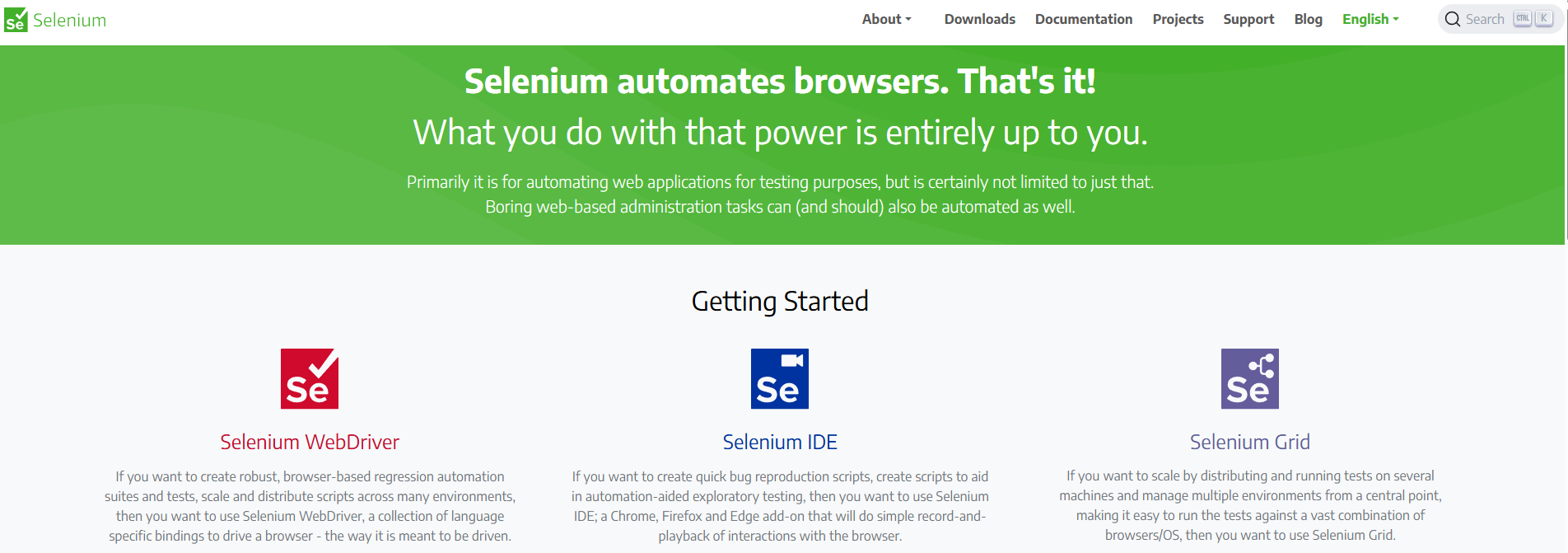
Selenium remains one of the most widely used frameworks for automated functional testing, supporting web applications across browsers and operating systems. As an umbrella project, it includes Selenium IDE (a simple record-and-playback tool), Selenium WebDriver (a programming interface for creating robust, custom tests across browsers), and Selenium Grid (a tool for running tests in parallel across multiple machines and environments). Together, these components give teams the flexibility to start small with codeless test automation and scale up to complex, code-based frameworks for continuous integration automated testing.
Pros and cons of this tool:
✅ Mature, widely adopted open-source project with a large community
✅ Broad language support, including Java, Python, C#, Ruby, and JavaScript
✅ Cross-browser testing across Chrome, Firefox, Safari, Edge, and more
✅ Flexible architecture that integrates with most CI/CD pipelines
✅ Ability to scale test execution with Selenium Grid for parallelization
❌ Steeper learning curve compared to codeless test automation platforms
❌ Setup and maintenance can be resource-intensive, especially at scale
❌ Limited built-in reporting and analytics (requires third-party tools)
Pricing:
Selenium is open-source and free to use. Costs are associated with infrastructure, cloud services, or third-party integrations required for scaling and reporting.
User ratings: 4.3 of 5.0 on G2, 4.4 of 5.0 on Capterra
3. Cypress
Instead of running tests outside the browser like many traditional frameworks, Cypress executes directly in the browser, giving developers real-time feedback and faster debugging. The open-source Cypress app is optimized for modern JavaScript frameworks, while Cypress Cloud extends functionality with intelligent CI orchestration, test analytics, and debugging insights. This combination makes it one of the most developer-friendly automated software testing tools for front-end applications.
Pros and cons of this tool:
✅ Runs in the same loop as the application for faster, more reliable feedback
✅ Excellent support for JavaScript frameworks such as React, Angular, and Vue
✅ Simple setup compared to Selenium and other code-based tools
✅ Built-in time-travel debugging and detailed error reporting
✅ Cypress Cloud adds analytics, CI orchestration, and collaboration features
❌ Limited support for cross-browser testing (focused on Chromium-based browsers, with some Firefox/WebKit support)
❌ Primarily suited for front-end testing, not full-stack or native mobile apps
Pricing:
Starter: Free for up to 50 users and 500 test results/month
Team: $67/month (billed annually at $799) for up to 120k test results/year, includes Jira integration and email support
Business: $267/month (billed annually at $3,199), adds spec prioritization, GitHub/GitLab Enterprise integration, and SSO
Enterprise: Custom pricing with unlimited users, enterprise reporting, premium support, and dedicated account management
User ratings: 4.7 of 5.0 on G2, 4.7 of 5.0 on Capterra
4. TestComplete (by SmartBear)
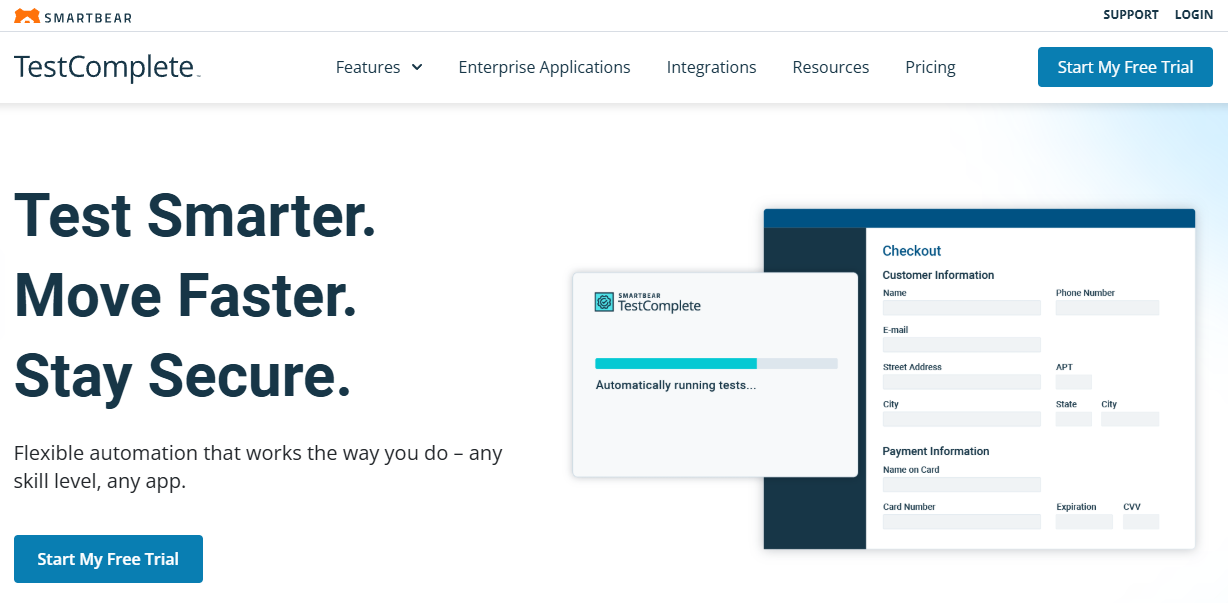
When teams need automated testing across desktop, web, and mobile applications, TestComplete offers one of the most comprehensive solutions available. Built by SmartBear, it combines code-based scripting with record-and-replay capabilities, making it accessible to both seasoned automation engineers and beginners. With AI-powered object recognition, parallel execution across 1,500+ test environments, and integrations with tools like Jenkins, Jira, and Selenium, TestComplete is designed to fit seamlessly into agile and CI/CD workflows.
Pros and cons of this tool:
✅ Supports mobile, web, and desktop GUI testing in a single platform
✅ Choice between scriptless record-and-replay or scripting (JavaScript, Python, VBScript, etc.)
✅ AI-augmented object recognition engine handles complex UIs (charts, PDFs, SAP, mainframe)
✅ Parallel testing and remote environment coverage increase speed and scale
✅ Strong integrations with CI/CD and BDD frameworks
❌ Higher cost compared to many open-source or lightweight frameworks
❌ Steeper setup for distributed test environments without prior experience
❌ Requires ongoing licensing and infrastructure investment
Pricing:
Base: Starts at ~$1,714 (fixed) or ~$3,419 (floating), includes object recognition engine, record/replay testing, automated reporting, with options for desktop, mobile, or web modules
Pro: ~$3,999 (fixed) or ~$6,499 (floating), includes desktop, mobile, and web testing, parallel testing engine (TestExecute), and Intelligent Quality add-on
Advanced: Custom pricing, adds AI-augmented visual testing, 2 parallels of cloud-based testing, and up to 25 hours of load testing for 500 virtual users
User ratings: 4.2 of 5.0 on G2, 4.0 of 5.0 on Capterra
5. Katalon
Rather than relying solely on either codeless tools or code-heavy frameworks, Katalon combines both approaches into a single AI-augmented testing platform. It supports web, mobile, desktop, and API testing, making it a versatile option for teams that need end-to-end coverage. Features like record-and-playback, script-based authoring, AI-powered self-healing, and advanced analytics make it one of the most comprehensive test automation tools available. With built-in integrations for Jira, Jenkins, and popular CI/CD pipelines, Katalon is designed for teams of all sizes aiming to deliver higher-quality applications faster.
Pros and cons of this tool:
✅ Low-code and full-code testing in one platform
✅ Supports web, mobile, desktop, and API test automation
✅ AI-powered features such as self-healing, SmartWait, and test flakiness detection
✅ Rich reporting, analytics, and integration with CI/CD pipelines
✅ Visual testing and journey mapping improve coverage of UI-driven apps
✅ Strong global adoption and community support across 160+ countries
❌ Advanced features locked behind paid tiers
❌ Heavier toolset than lightweight frameworks like Cypress, which may feel overwhelming for small teams
Pricing:
Free: Always-free version of Katalon Studio with community support and core features
Create: From $84/user/month (annual plan), adds advanced authoring, AI-powered testing, reporting, and integrations
Expand: From $168/user/month (annual plan), includes runtime engine and TestCloud for flexible execution environments
Scale: Custom pricing for enterprise-grade features such as private cloud, enhanced security, and dedicated support
User ratings: 4.4 of 5.0 on G2, 4.4 of 5.0 on Capterra
6. ACCELQ
Unlike many frameworks that demand coding skills, ACCELQ provides a cloud-based, AI-powered, no-code test automation platform. It unifies web, mobile, API, and database testing in a single environment and integrates automation directly with manual testing, allowing Agile teams to manage the full QA lifecycle. With natural language programming and AI-driven self-healing, ACCELQ reduces test maintenance costs and accelerates delivery. Recognized by Forrester as a leader in continuous automation testing platforms, it’s designed for organizations looking to scale automation quickly without heavy scripting overhead.
Pros and cons of this tool:
✅ No-code platform makes test automation accessible to non-programmers
✅ Supports web, mobile, API, packaged apps, and databases in one platform
✅ AI and ML-powered self-healing reduce maintenance and lower long-term costs
✅ Cloud-native architecture enables seamless scaling and collaboration
✅ Strong out-of-the-box support for modern app frameworks (Angular, Bootstrap, Material UI)
❌ Enterprise-level features may feel excessive for small teams with simple projects
❌ Pricing is not transparent and requires custom quotes
❌ Reliance on proprietary platform may increase vendor lock-in risk
Pricing:
ACCELQ offers multiple product tiers (Automate Web, Automate Mobile, Automate API, Automate Manual), but pricing is available only via custom quotes. Free trials are available for evaluation.
User ratings: 4.9 of 5.0 on G2, 4.9 of 5.0 on Capterra
7. Appium
For teams focused on mobile app automation, Appium remains one of the most widely adopted open-source frameworks. Built on a client-server model, Appium lets testers write scripts in multiple languages (Java, Python, JavaScript, and more) and send commands through the WebDriver protocol. The Appium server then translates these into platform-specific instructions for iOS (via XCUITest) or Android (via UIAutomator2). This architecture allows testers to automate native, hybrid, and mobile web applications without platform-specific code, making it highly versatile for cross-platform testing.
Pros and cons of this tool:
✅ Open-source and free, backed by a large global community
✅ Works with multiple programming languages and testing frameworks
✅ Cross-platform support for Android and iOS, both simulators and real devices
✅ Supports native, hybrid, and mobile web apps in one framework
✅ Flexible architecture integrates with CI/CD pipelines and cloud device farms
❌ Requires significant setup and environment configuration compared to no-code tools
❌ Test execution can be slower than device-native automation frameworks
❌ Debugging complex sessions may be challenging for less experienced teams
Pricing:
Appium is open-source and free to use. Costs are associated with infrastructure, such as setting up and maintaining device farms, emulators, or using third-party cloud testing providers.
User ratings: 4.4 of 5.0 on G2, 4.3 of 5.0 on Capterra
8. Tricentis Tosca
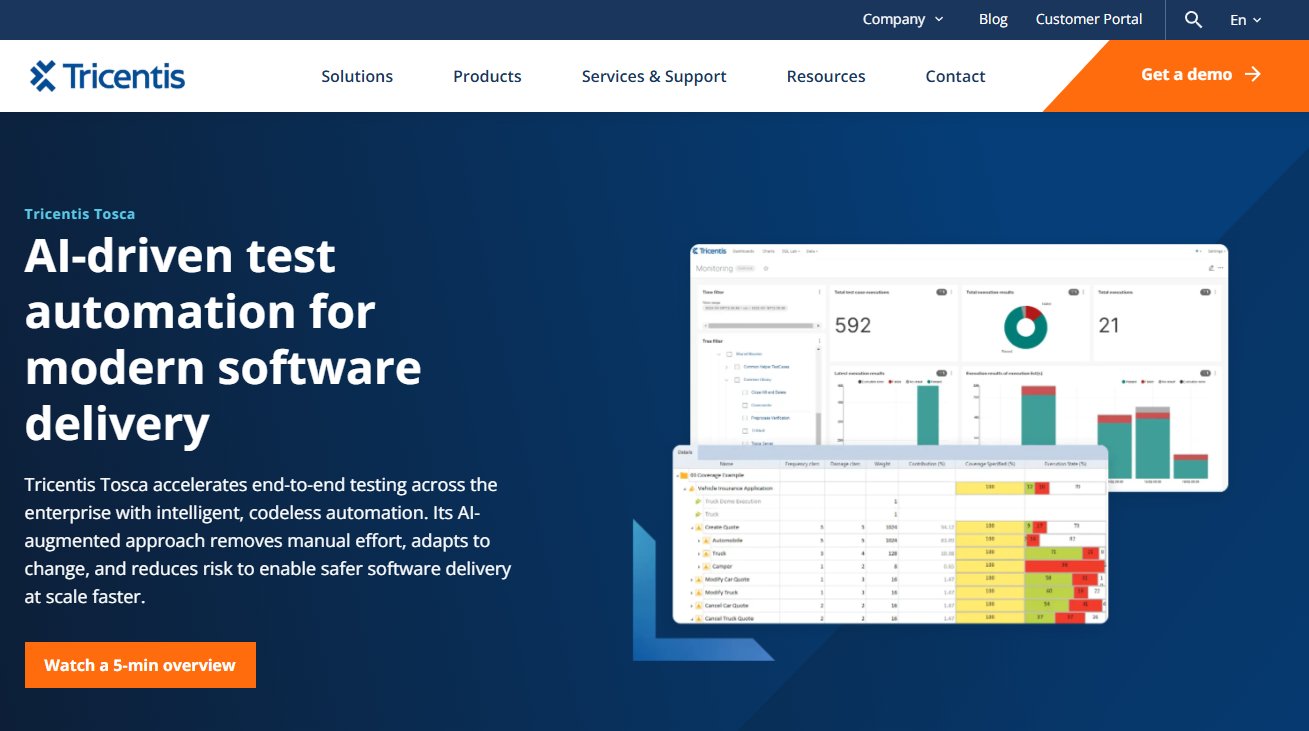
For large enterprises needing end-to-end automated software testing tools, Tricentis Tosca provides a model-based, codeless platform that spans UI, API, and data layers. With support for over 160 technologies and applications, Tosca enables teams to test across legacy systems, packaged apps, and modern digital platforms. Its AI-powered testing engine (Vision AI) enhances stability with self-healing and even supports testing mockups and Citrix-hosted apps. Designed for enterprises running complex DevOps pipelines, Tosca focuses on speed, risk coverage, and cost reduction by combining test case design, data management, and service virtualization in one platform.
Pros and cons of this tool:
✅ Codeless test automation approach accelerates adoption across business and QA teams
✅ Broad coverage with 160+ supported technologies (legacy, custom, mobile, web)
✅ Vision AI enables autonomous test automation with advanced self-healing
✅ Strong risk optimization and test data management features
✅ Flexible deployment options (on-premises, cloud, or hybrid)
✅ Proven enterprise scalability with reports of up to 90% automation rates
❌ Pricing is enterprise-level and only available by request
❌ Complexity of the platform can overwhelm smaller teams with basic needs
❌ Steep learning curve for model-based testing compared to lightweight tools
Pricing:
Tricentis Tosca offers enterprise pricing only, available on request..
User ratings: 4.3 of 5.0 on G2, 4.2 of 5.0 on Capterra
9. Parasoft
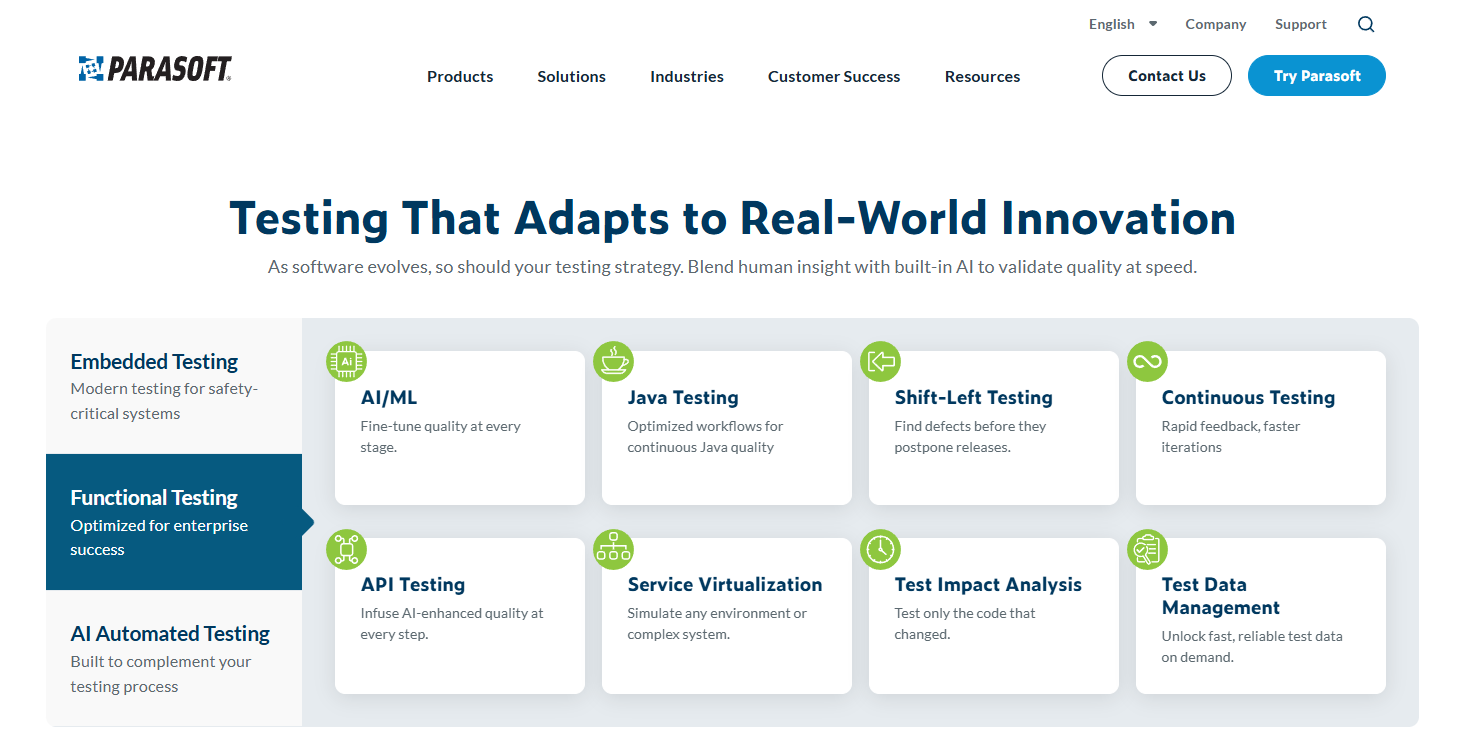
Parasoft offers one of the most comprehensive automated software testing tools suites in the industry, covering everything from static code analysis and unit testing to API, web UI, and service virtualization. With 35+ years of innovation and over 38 patents, Parasoft provides enterprises with an integrated platform that supports compliance standards, continuous testing practices, and safety-critical software development. Its products—such as SOAtest for API testing, Jtest for Java, dotTEST for .NET, and C/C++test for embedded systems—are enhanced by AI-powered testing features that reduce maintenance and accelerate delivery in CI/CD pipelines.
Pros and cons of this tool:
✅ Wide-ranging coverage across the SDLC, from unit testing to service virtualization
✅ Industry compliance support (ISO 26262, DO-178C, OWASP, AUTOSAR, and more)
✅ AI-powered testing improves efficiency and lowers long-term costs
✅ Deep support for embedded and safety-critical software testing
✅ Strong global presence with enterprise-level support and training
✅ Recognized leader in API functional automated testing (GigaOm, 2025)
❌ Complexity and breadth of tools may be overwhelming for small or mid-sized teams
❌ Pricing is enterprise-level and not transparent; requires direct engagement
❌ Learning curve for mastering the full ecosystem can be steep
Pricing:
Parasoft follows a custom pricing model, tailored to enterprise needs, industry compliance requirements, and product mix (e.g., SOAtest, Virtualize, Jtest, C/C++test). Free trials are available for evaluation, but cost transparency is limited.
User ratings: 4.7 of 5.0 on G2
10. Robot Framework
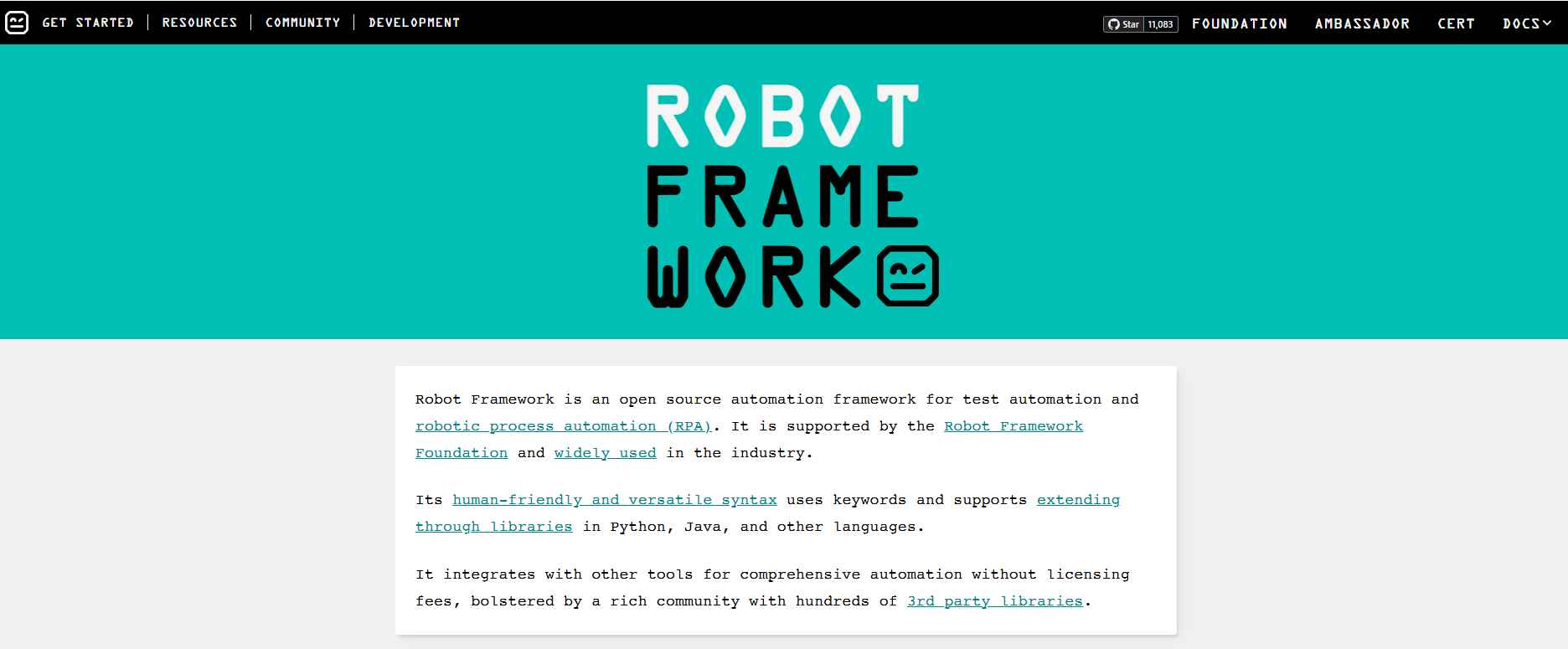
Robot Framework is an open-source automation framework built on Python, widely used for acceptance testing, acceptance test-driven development (ATDD), and robotic process automation (RPA). Its keyword-driven approach enables codeless test automation, where testers define actions in plain language keywords instead of complex scripts. Extensibility is one of its greatest strengths: Robot Framework integrates with libraries for Selenium, Appium, API testing, and databases, making it flexible for web, mobile, and backend validation. Supported by a strong community and active plugin ecosystem, it remains one of the most reliable open-source automated testing tools for teams who want flexibility without licensing costs.
Pros and cons of this tool:
✅ Open-source and free, making it cost-effective for organizations of all sizes
✅ Keyword-driven syntax lowers the barrier for non-developers
✅ Extensible with hundreds of libraries and integrations (Selenium, Appium, APIs, DBs)
✅ Supports acceptance testing, ATDD, and robotic process automation (RPA)
✅ Large and active community with ongoing contributions
❌ Requires Python knowledge for advanced customization
❌ Initial setup and configuration can be more complex than commercial platforms
❌ Lacks built-in reporting and analytics at the same level as enterprise tools (requires add-ons)
Pricing:
Robot Framework is completely open-source and free to use. Costs are limited to infrastructure and optional third-party support or integrations.
User ratings: No G2 or Capterra ratings.
11. TestNG
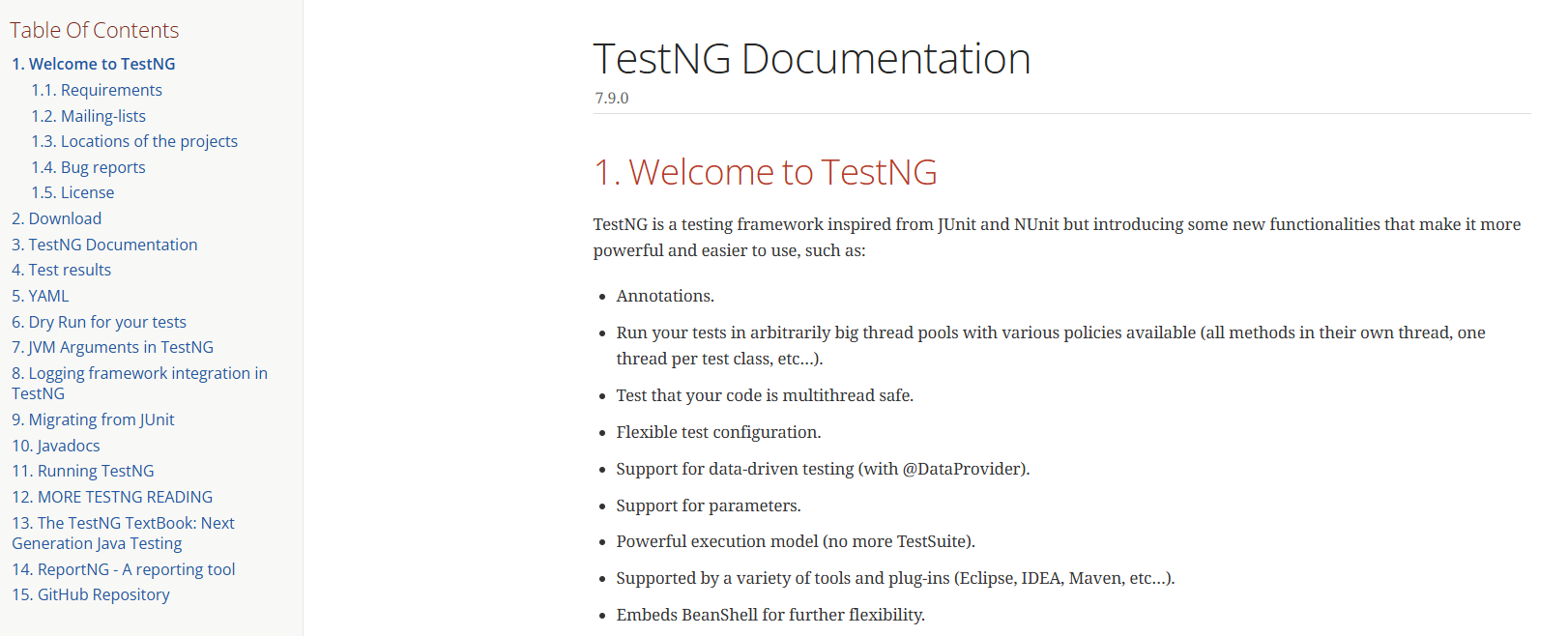
Supported by IDE plug-ins for Eclipse, IntelliJ, and VS Code, TestNG is widely adopted for enterprise-level automation and fits seamlessly into pipelines requiring continuous integration automated testing. Inspired by JUnit and NUnit, it adds more advanced functionality such as data-driven testing (@DataProvider), annotations, parallel execution, and dependency management. It’s designed to cover unit, integration, functional, and end-to-end testing, making it useful across the testing pyramid. Supported by IDE plug-ins for Eclipse, IntelliJ, and VS Code, TestNG is widely adopted for enterprise-level automated testing.
Pros and cons of this tool:
✅ Robust data-driven testing with built-in parameterization (@DataProvider)
✅ Supports parallel test execution and thread-safe testing
✅ Flexible test configuration via annotations and XML suites
✅ Broad integration with build tools and IDEs (Maven, Eclipse, IntelliJ)
✅ Covers multiple categories of tests: unit, integration, functional, end-to-end
❌ Limited to Java ecosystem, not a cross-language solution
❌ Requires configuration knowledge to take advantage of advanced features
❌ No native reporting dashboard (relies on third-party integrations or plugins)
Pricing:
TestNG is open-source and free to use. Costs are limited to infrastructure and optional integrations (e.g., reporting or CI/CD pipelines).
User ratings: No G2 or Capterra ratings
12. Leapwork
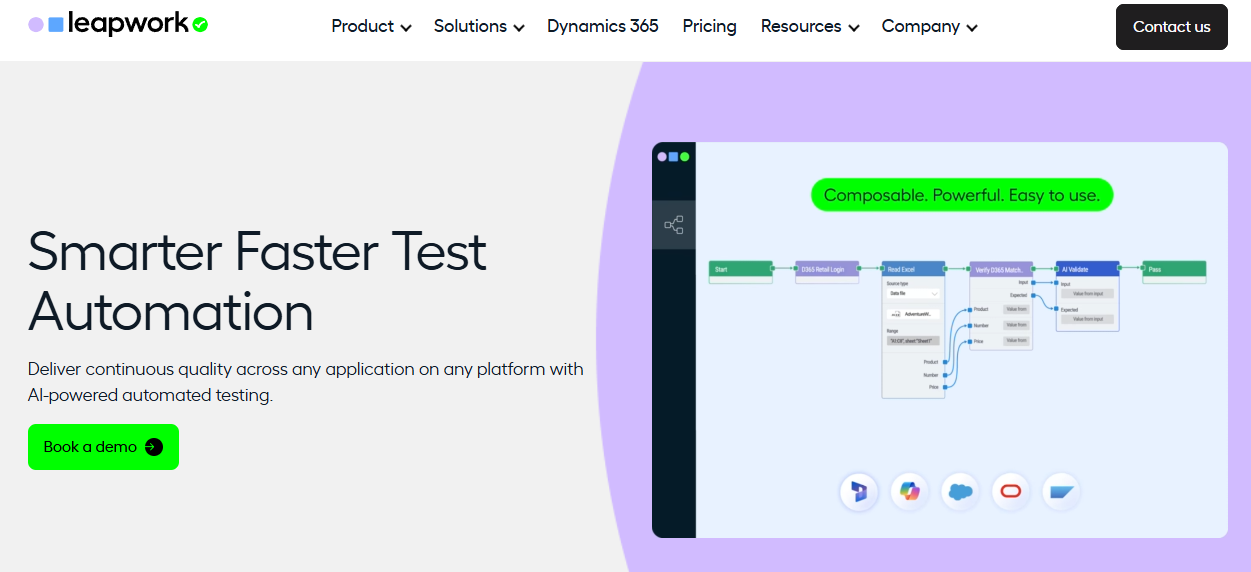
Leapwork is an AI-powered testing platform designed for enterprises that want a codeless test automation experience. Instead of writing code, testers and business users create automated tests using a visual workflow designer. Leapwork supports end-to-end testing across web, desktop, mobile, and API applications, making it possible to validate complex customer journeys without heavy scripting. By combining visual automation with generative AI, it enables faster test creation, smarter maintenance, and scalable automation across teams.
Pros and cons of this tool:
✅ Codeless test automation with an intuitive visual workflow editor
✅ AI-powered features accelerate test creation and self-healing
✅ Supports data-driven, cross-application, and end-to-end testing
✅ Enables collaboration between business users and technical testers
✅ Flexible deployment options: Leapwork Cloud or on-premises
❌ Enterprise-oriented platform, with pricing available only on request
❌ Can be overkill for small teams or lightweight projects
❌ Visual approach may limit flexibility compared to code-based frameworks
Pricing:
Leapwork provides pricing only by request. Plans are tailored to enterprise needs and may vary based on deployment (cloud or on-premises), number of users, and scale of test execution.
User ratings: 4.5 of 5.0 on G2, 4.3 of 5.0 on Capterra
Frequently Asked Questions (FAQs)
Which software tests should I automate?
Start with repetitive, high-value tests that need consistent execution. Smoke tests, regression tests, and cross-browser checks are prime candidates. Automated functional testing also works well for stable workflows that don’t change often. Performance and API testing are additional good fits. Tests requiring subjective human judgment—like usability or exploratory testing—are less effective to automate. Choosing wisely helps maximize ROI while supporting continuous integration automated testing in CI/CD pipelines.
How do I choose the right test automation tool?
When you need to choose a test automation tool, consider your team’s skills, application types (web, mobile, API, desktop), and budget. Evaluate whether codeless test automation or code-based frameworks best fit your needs. Look for CI/CD integrations, reporting, and maintainability features. AI-powered testing capabilities can reduce long-term maintenance. Finally, weigh vendor support, licensing, and scalability. Aligning tool strengths with your business goals ensures your automation strategy grows alongside your product.
What are some of the limitations of automated software testing?
Automated testing tools are powerful but not a silver bullet. They require upfront investment in setup, scripting, and infrastructure. Tests can become brittle if applications change frequently, leading to high maintenance costs without features like self-healing. Not all scenarios are automatable—usability, accessibility, and exploratory testing often need human input. Additionally, over-automation without a clear strategy may lead to wasted resources. Automation works best when combined with thoughtful manual QA practices.
What’s the difference between codeless test automation and traditional frameworks?
Traditional frameworks, like Selenium or Appium, require programming skills to build test scripts. Codeless test automation platforms allow testers to create tests with record-and-replay, drag-and-drop, or keyword-driven interfaces, lowering the barrier for non-technical users. While codeless tools speed up test creation, they may be less flexible for complex scenarios. Many teams adopt a hybrid approach: using codeless automation for regression or smoke tests, and traditional frameworks for more advanced or custom workflows.
What role does AI-powered testing play?
AI-powered testing enhances automation by reducing maintenance and increasing test stability. Features like self-healing locators, intelligent test case generation, flakiness analysis, and visual testing reduce human effort and improve reliability. AI can also recommend test cases based on user journeys, detect meaningful UI changes, and classify failures for faster triage. This makes autonomous test automation possible, helping teams accelerate continuous testing and keep pace with rapid release cycles in modern DevOps environments.
To build a sustainable strategy, consider partnering with someone who can provide QA testing services that combine automation expertise with business-driven priorities.
Ready to automate your testing? Learn more about DevSquad’s QA Squads.